
Google Sheets Import Data from a Website: IMPORTHTML
To import website data into Google Sheets, first identify how the website supplies it. A public HTML table differs from an account-based application screen. IMPORTHTML can start a suitable table import; it is not a browser capable of collecting everything visible on every website.
Test one source table
Put the full URL of an authorised source page in A1. Enter this formula in B1:
=IMPORTHTML(A1,"table",1)It requests the first HTML table on the page referenced by A1. Your spreadsheet locale may require semicolons instead of commas. Google documents IMPORTHTML. If the first table is not the product list, inspect the source structure rather than assuming another index will represent the right information.
Keep the output area empty so the table can expand. Compare the headers and several sample rows with the source. Are product code, stock and price in the expected columns? Does the price include a discount? Is the apparent stock field actually a delivery estimate? A successful formula result does not establish that the information has the business meaning you need.
Other import functions may suit other source structures. An authenticated account, restricted page or dynamically loaded application may need a different method. If the supplier offers an authorised export or data connection, examine that first. The method should follow the source’s access conditions and the information it actually supplies.
Define what refreshed means
An import formula should not be treated as a guaranteed minute-by-minute scheduled job. Google’s import function guidance covers refresh and usage behaviour. Seeing a value in a cell does not prove that the source was checked successfully this morning.
For a purchasing team, source identity and product matching matter as much as quantity. Two cable variants with similar names should not become one stock record. Compare a small sample manually, then document the matching rule before relying on an unattended process.
Keep the source link with the result where practical. If staff investigate a discrepancy, they need to know which supplier page supplied the value. Record freshness separately from the time somebody opened the spreadsheet; opening a report does not necessarily validate its source data.
Plan the failed update case
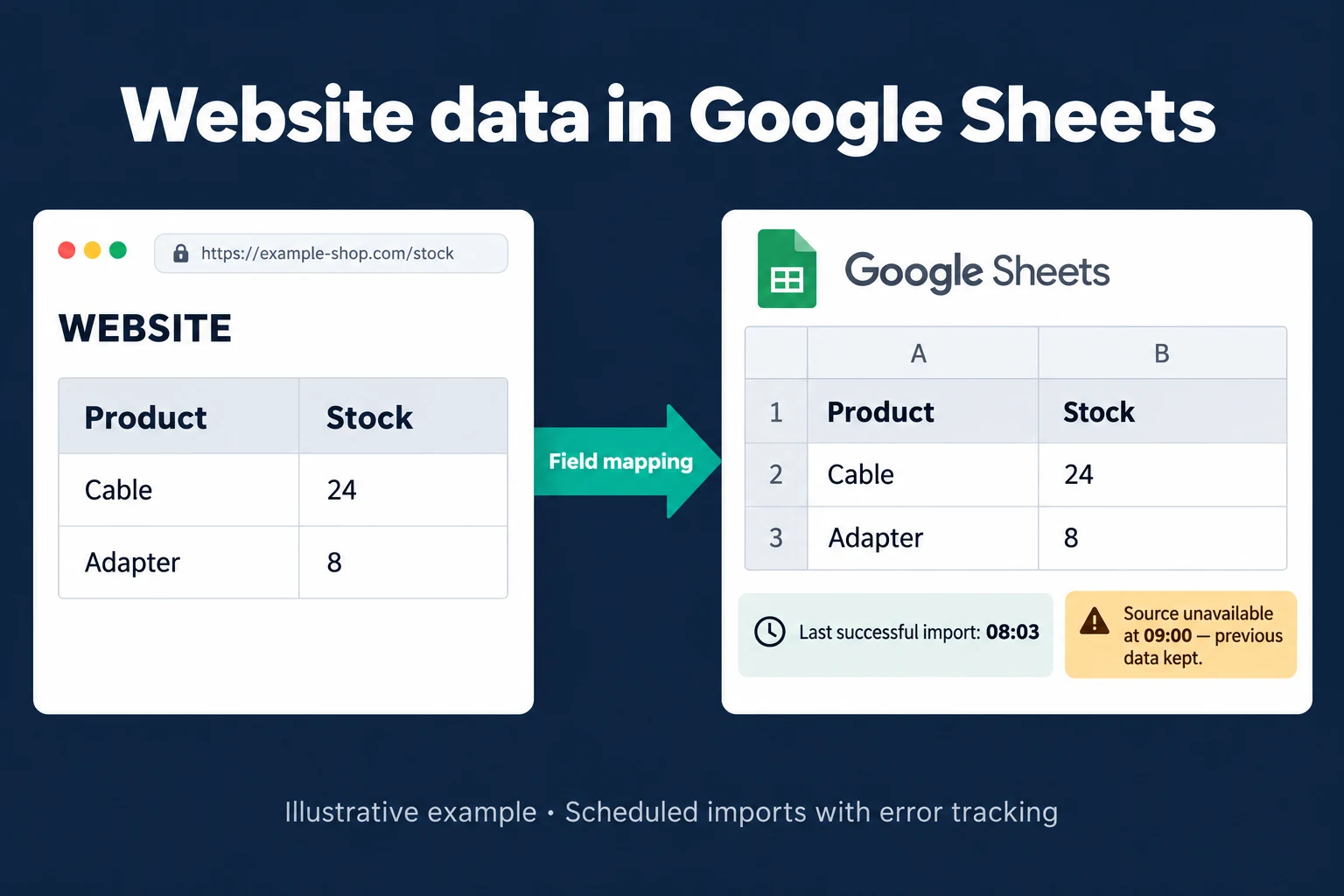
In an illustrative custom automation, Cable 24 and Adapter 8 were retrieved at 08:03. A 09:00 attempt cannot reach the source. The application can retain the successful values and show “Source unavailable; last success 08:03.” That retention and run history are designed application behaviour, not a tracking screen automatically provided by IMPORTHTML.
Keeping old values may help a comparison report, but may be unsuitable for promising available stock. I define when data becomes too old to use and how failed runs should be reported. If collection is not permitted, the source or method needs to change.
For the wider team process, see Excel and Sheets to a web app. Scheduled checks are covered by the daily API import application. A Sheets API import guide addresses JSON rather than HTML tables.
Frequently Asked Questions
Does IMPORTHTML update prices every minute?
Do not use it as an exact-minute guarantee. Check whether its behaviour fits your operational requirement.
Should old stock be used when the source fails?
That is a business rule. Show the last successful check before treating a retained value as current stock.