
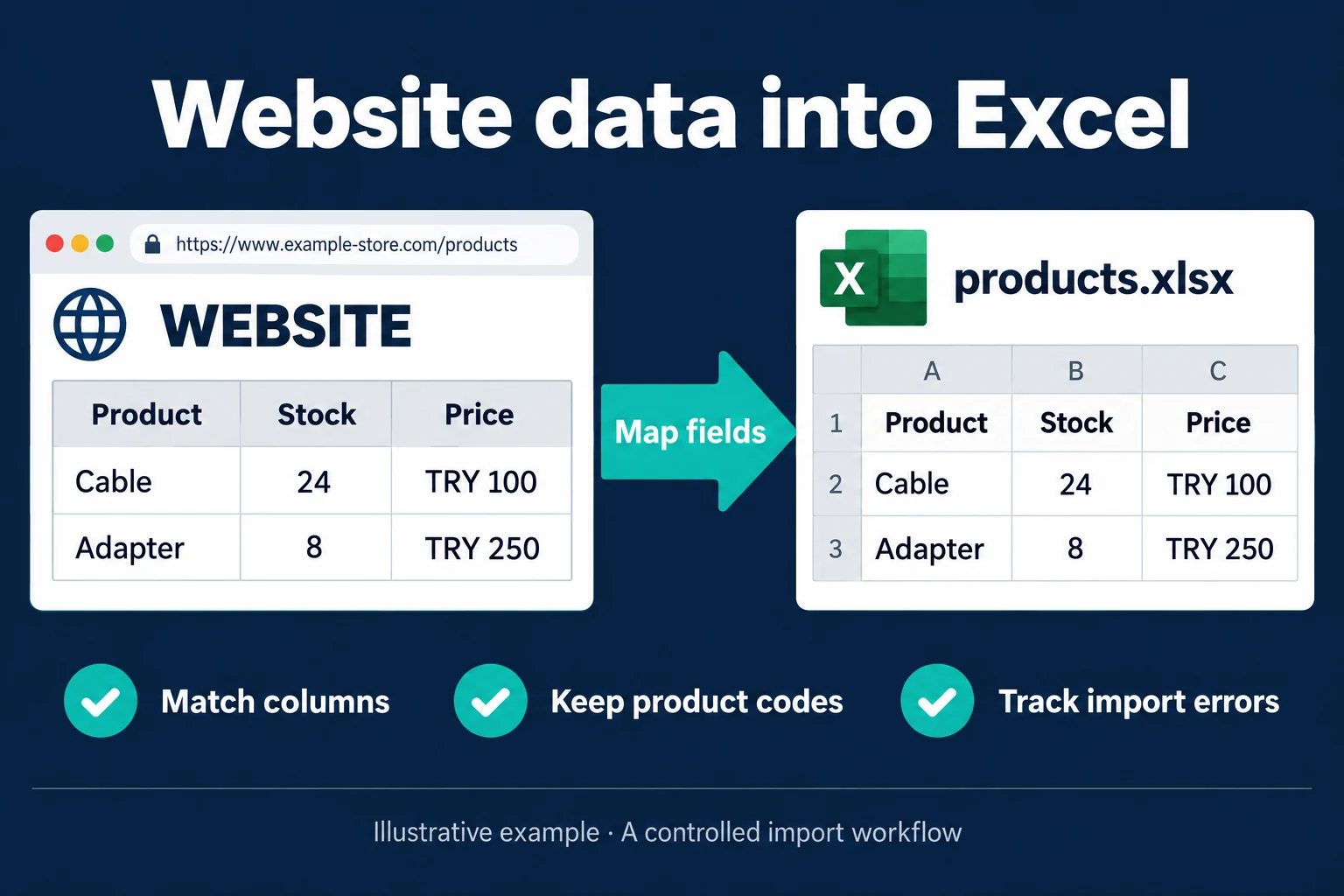
Import Website Data into Excel
Copying supplier stock and prices into Excel is also a matching problem. A price for a two-metre cable must not land against your one-metre product. I review the source, the target columns and the product identifiers before building the import.
The service suits purchasing staff preparing product lists, ecommerce teams checking supplier availability and people repeatedly copying published information into a report. For a few one-off rows, manual entry may cost less than a maintained connection.
Two products, distinct fields
The fictional example contains Cable: stock 24, price €100, and Adapter: stock 8, price €250. I map source product codes to your products and put quantity and price in separate columns. The source link and last successful check remain visible. These figures are illustrative, not a completed client result.
An empty stock field is not automatically zero. An unavailable price is not silently replaced with an old one and labelled current. Unmatched products go to review; model, variant and pack quantity help distinguish similar names.
Start with the source’s supported output
A provided CSV, Excel export or authorised API may be the simplest route. If data comes from a page, access conditions, authentication and the available fields determine scope. I do not promise every website can be collected with the same method.
Excel’s Web connector can use Power Query to import supported web data. A repeatable table from one source may need only that connection. Scheduled collection while a desktop file is closed requires a separately verified execution path; it is not guaranteed by a refresh checkbox.
When a separate screen helps
Several sources, a product-matching queue and different team permissions can justify a custom import screen. Users can see missing products, stale results and the last successful run; Excel remains an output format. An attempted run and a completed import are different statuses.
I start with a source URL, a sanitised sample workbook and your required update interval. A small trial checks valid matches, missing fields and repeat imports before the maintenance scope is agreed.
For another spreadsheet, see Sheets website imports and Sheets JSON/API imports. Excel sales reports cover turning collected records into a defined sales total.
Frequently Asked Questions
Can any website be imported?
No. The source’s access conditions, format and authentication must be checked first.
What if the website changes?
The connection may need maintenance. Missing or unexpected results should produce a useful warning rather than a false successful status.
Can it run every day?
If the source and execution environment support the agreed schedule, yes. The last successful result and its source date remain visible.
How do I work?
Work-hour packages
Tell me about your business and what you need on WhatsApp or by phone; we agree on a work block of somewhere between 5 and 40 hours and I start doing what is needed. What you get is not a calendar window — it is net working hours spent directly on your business. I can use 40 hours working three days straight, or deliberately spread it out and finish it over a year — whatever the work calls for. I do not spend my time estimating how long something will take, I spend it doing the work; every hour I spend leaves a lasting result in your business. We keep going for as long as you find it useful.
Why not monthly?
Is 40 hours a week?
On a fixed monthly fee both sides are watching the wrong thing: you watch a fixed cost, the other side watches how many more contracts like this they can line up. Working by the hour puts us both in front of the same thing — the real value of the work that got done. I know not having an upfront answer to "how much will this cost in total?" is the natural cost of this model. But instead of paying a fixed fee for months to a setup that is not producing results, you only pay for the qualified time spent on your work — and you see exactly where that time went, start to finish. That is why my clients keep coming back.