
Give AI the Address, Not the Route: Why Smart and Simple Models Give the Same Work
On YouTube
Give AI the address, not the route
If you explain a job to AI step by step, you never see what a smart model can do. It is like telling a taxi driver every turn: he can't use the shortcut he knows.
Full description
- For jobs that must come out the same every time, you draw the route and hand the job to a simple, fast model.
- For jobs whose method you want to change, you describe the destination: where you're going and what will show you've arrived. That goes to the smart model that can research.
- If you don't write what shows it arrived, the model stops halfway: my site got faster but the contact form broke. So you list three checks: opens instantly on a phone, forms work, search ranking holds.
- Neither is wrong; what matters is knowing which job goes to which model.
The examples come from my own work: a slow website and tracking competitor prices.
🤖 The voice and avatar in this video were generated with AI.
The pitfalls of writing a destination brief are for another video.
If you walk an AI through a job one step at a time, a smart model and a simple one will hand you the same work, and you never see what the smart one adds. The reason isn’t the models. It’s the instructions: you’re giving route directions instead of an address. I did exactly that. Here is when to draw the route, when to name the destination, and what to write so the model knows it has arrived, with two examples from my own work. For the groundwork, see What Is an AI Agent and AI Agent vs LLM; the full map is in the Agentic AI Guide.
Spell out every step and both models look alike
Tell a taxi driver every turn and you’ll never see the shortcut he knows. You picked the route, so his knowledge never comes into play; he just holds the wheel.
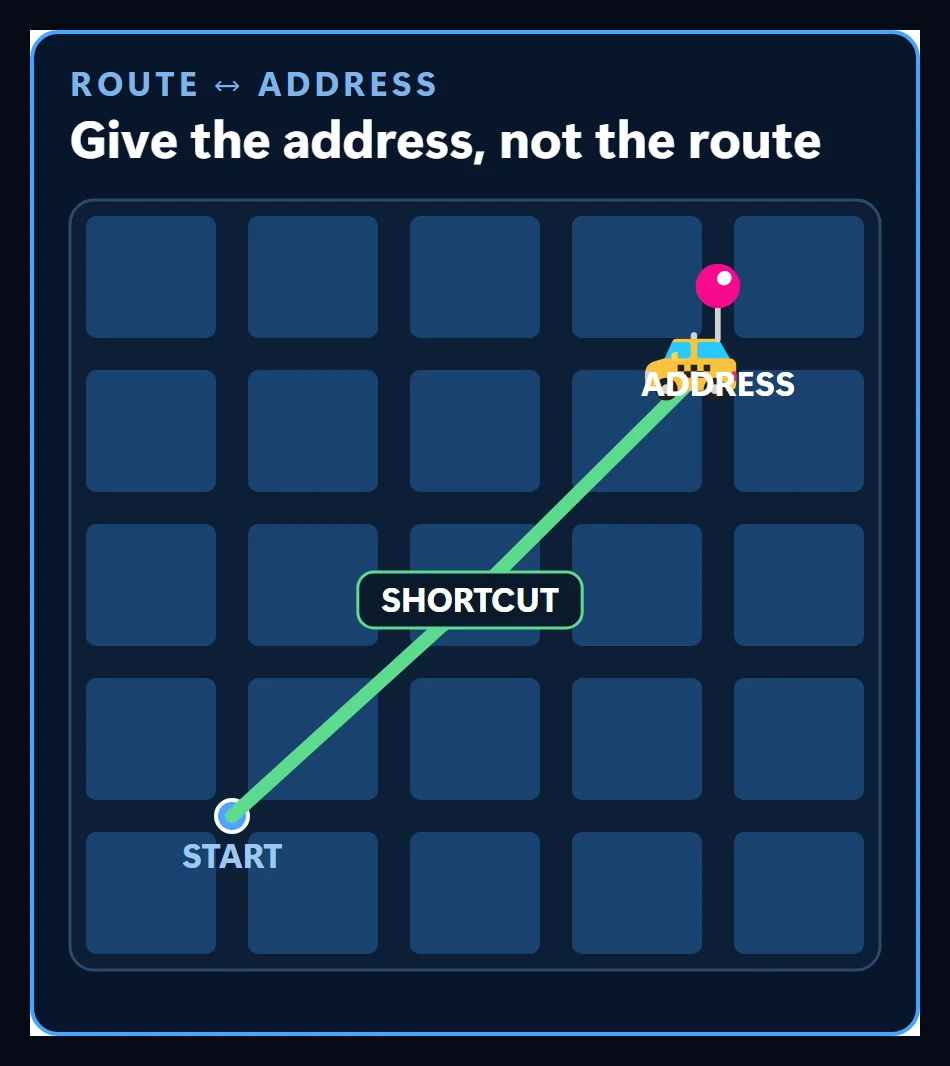
It works the same with AI. Give both models identical steps and both follow those steps. You only see the smart model’s edge when you name where you’re going and let it drive. The fear behind writing every step is a common one: “if I don’t spell out the route, it will end up in the wrong place.” I thought so too.
My slow site: asking about settings versus writing the goal
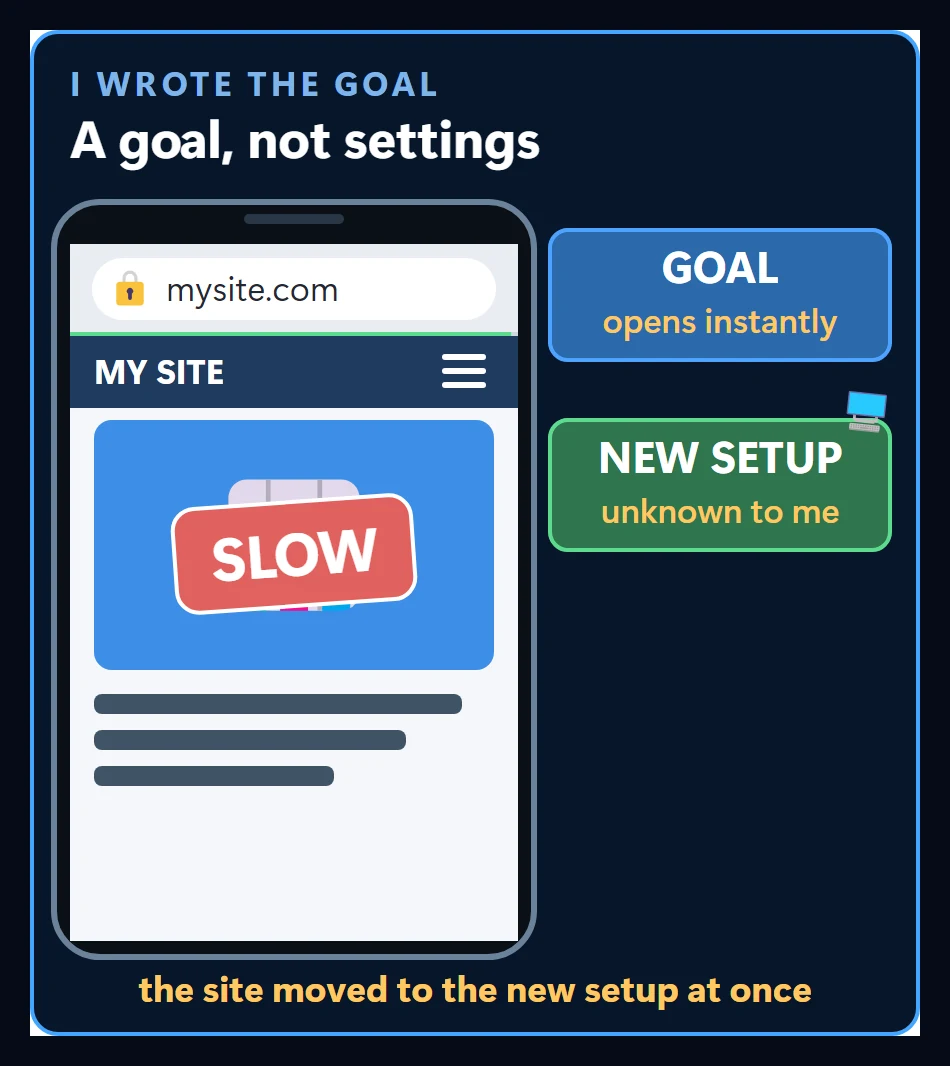
My site was slow, so I asked the AI about one setting at a time: turn this plugin on, turn that one off. Every answer was right, and the site was still slow. I assumed the fix was to keep asking until I hit the right setting.
Then I stopped asking about settings and wrote one thing: I wanted this page to open instantly on a phone. The answer wasn’t a plugin. It suggested a setup I had never heard of, and we moved the site right then.
You could call that a one-time coincidence, and fair enough. So here is the second case.
Competitor prices: it happened again
I kept asking, step by step, how to move some data around. When I finally wrote “I need my competitors’ current prices,” it solved the problem with programs I had never used.
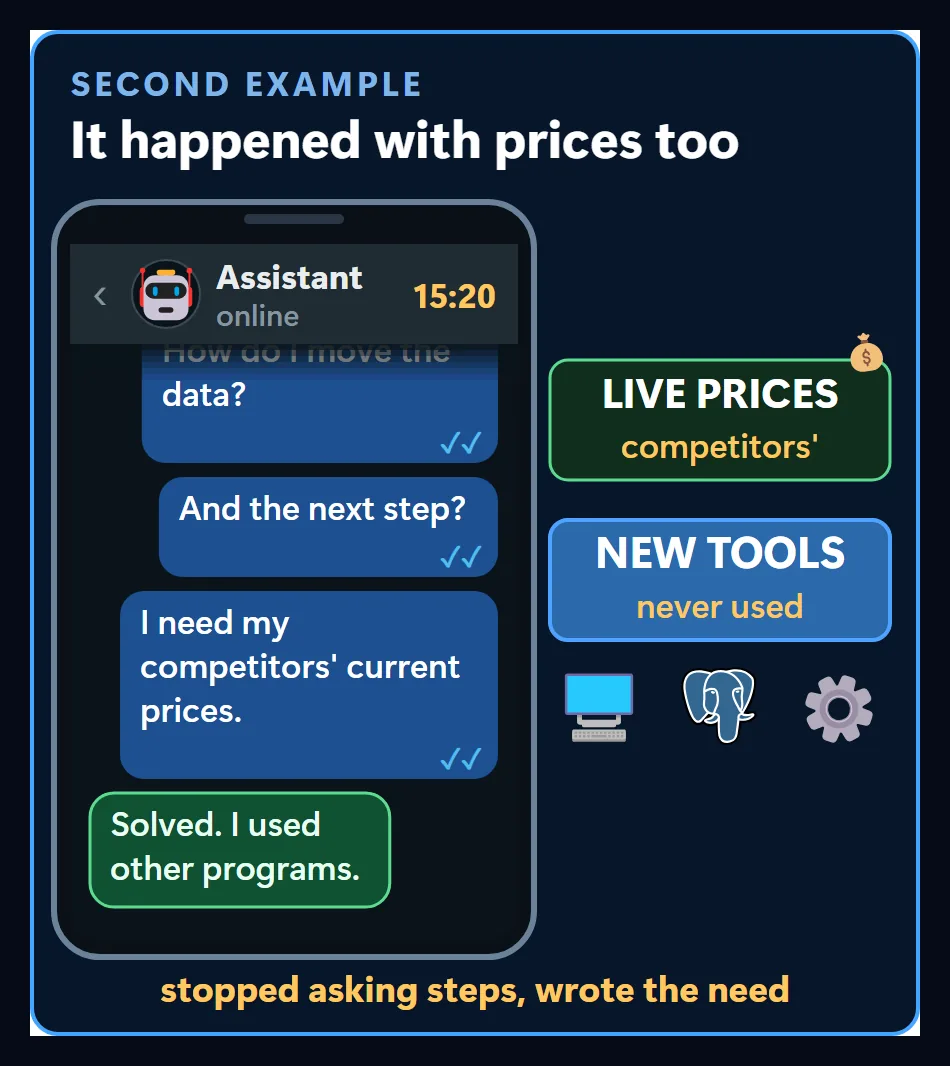
In both cases the turning point was the same. I stopped asking about steps and wrote the need.
When the route is the right call
Route directions aren’t wrong everywhere. Think of a report that has to come out identical every month. If you don’t write out the steps, a different table arrives each time, and that is a surprise you don’t want.
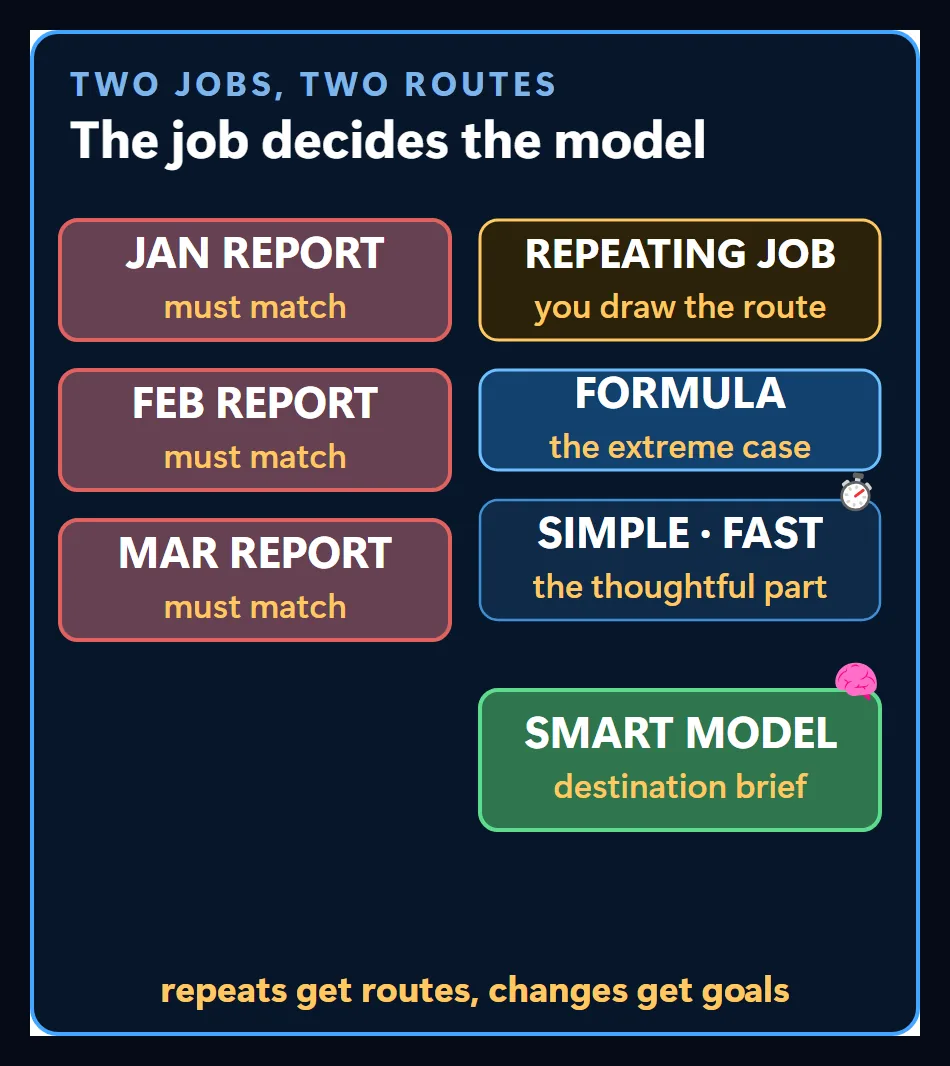
For jobs you can do with your eyes closed and want the same result every time, you draw the route. Pushed all the way, it becomes a formula. If a piece of it needs a little thought, that piece goes to a simple, fast model. The destination goes to the smart model that can research, because that is where you want its edge to show: jobs where you’d like the method itself to change.
A destination brief: the address, what shows arrival, and where to stop
An address alone isn’t enough. Someone who only types “make it fast” may see the site get faster while the contact form stops working. They gave the driver the address and never described the door.
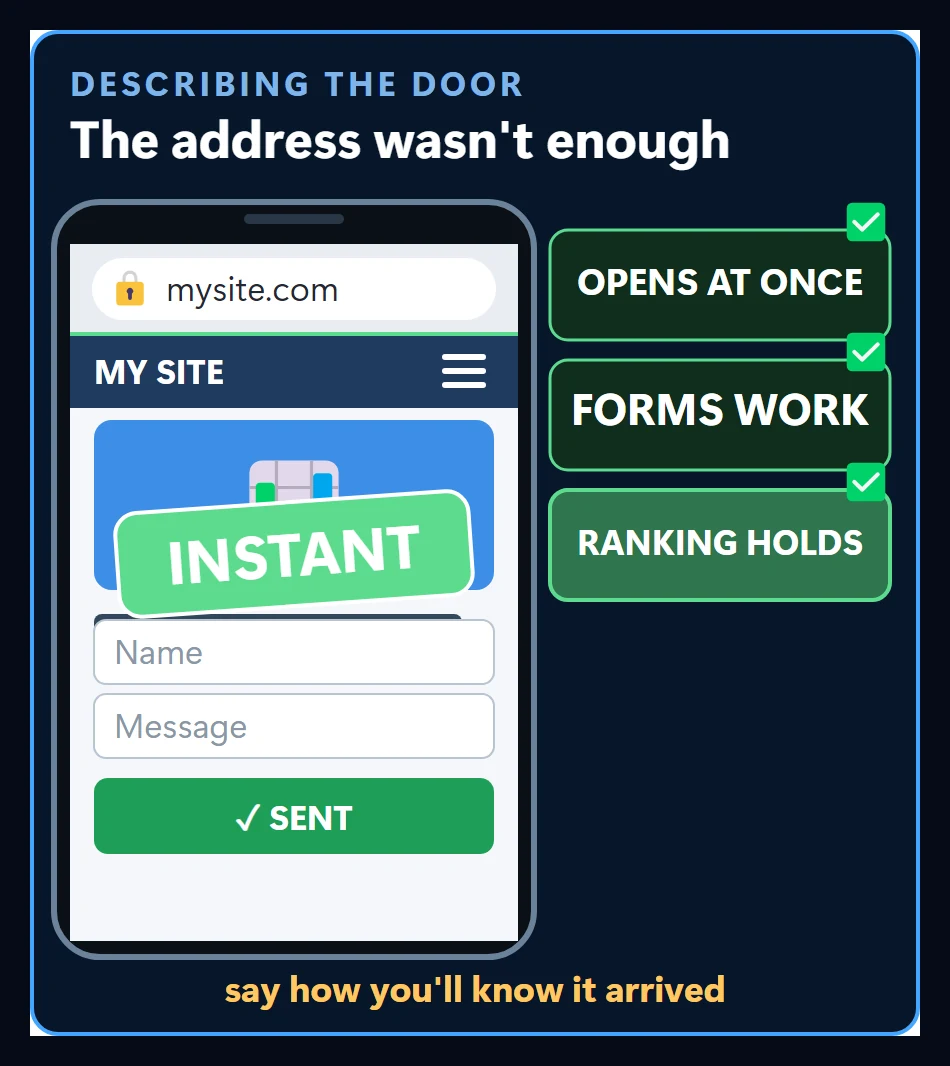
With AI, you also write what shows it has arrived. Mine said:
- the page opens instantly on a phone,
- forms work,
- the search ranking holds.
That brief also says where to stop. A taxi driver stops at the door; a model that doesn’t know where to stop keeps tinkering. When the form is fixed and the model still goes on adjusting other things for speed, that is exactly this. When those three things hold, the job is done.
It is harder to write than a list of steps, because you have to know what you want first. You can’t hand over a goal you don’t have.
Neither is wrong
So neither approach is the mistake. Repeating jobs get the route; jobs whose method you want to change get the destination. My monthly report goes to the fast model step by step, and my site’s problem goes to the smart model as a destination. What matters is knowing which job goes to which model. The traps of writing a destination brief are a topic for another video.
Follow for content about AI
More videos
 Customer Wrote at Night, Request Ready by Morning: A Guesthouse's WhatsApp Night Watch
 Stop Using Excel and Google Sheets as a Database: From Spreadsheet to Web App
 ADHD Didn't Change. The Tools Did: A Scattered Brain and an AI Agent
 Can AI Fix Its Own Mistakes? I Checked It Is Not I Fixed It
 OpenRouter and Hugging Face Aren't Models: Three Ways to Reach One
 How Do AI Agents Work? Same Model, Different Results
 AI Agents for AEC Firms: How the Five-Layer Setup Works