
AI Agents for AEC Firms: How the Five-Layer Setup Works
On YouTube
AI in building consultancy: the difference isn't the model
You're using the same model as your competitor. The difference is the setup you build around it.
Full description
Five layers a building and architecture consultancy needs before AI actually does the work:
1 — TOOLS (MCP): The agent opens the drawing file, reads quantities from the spreadsheet, checks the structural output and writes the result back in your own format. You don't click — it operates.
2 — SKILLS: How the firm does the work gets written down. The agent can write the skill itself; you read, correct and approve. The method belongs to the company, not a person — when a senior engineer leaves, their way of working stays with you.
3 — KNOWLEDGE: Hundreds of pages of specifications, regulations, standards, technical sheets and finished projects in one searchable memory. The agent doesn't invent the answer — it cites the clause in your own file.
4 — TEAM: An orchestrator splits the work — one reads site photos, one checks quantities, one goes through the regulation. They run in parallel and review each other.
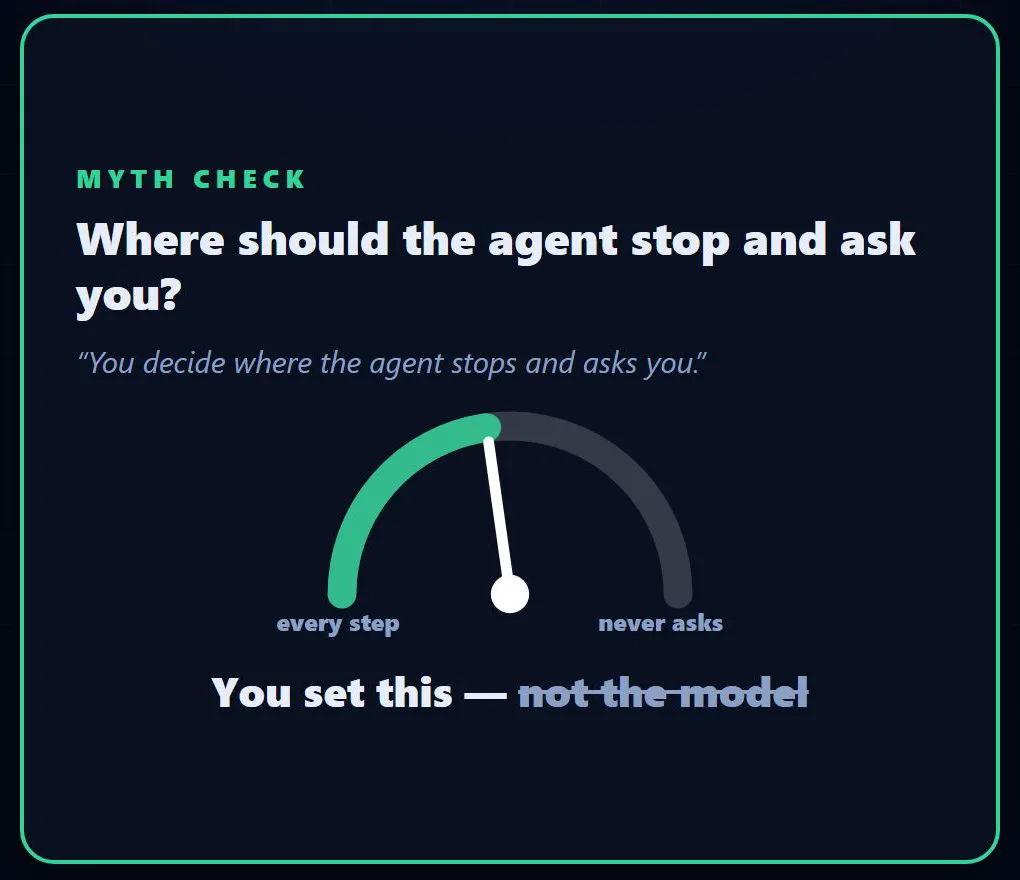
5 — HUMAN: You set where the agent stops and asks you. Before a proposal goes out, before a calculation is approved, before a signature. The agent flags it, you make the call — responsibility and signature don't move an inch.
Everyone has the same model. Whoever builds that setup wins.
AI agents for AEC (architecture, engineering and construction) firms look like this in practice: an agent reads one project folder, compares the tender quantities with the drawings and hands an engineer a list of mismatches, with no permission to send, approve or sign anything. I’d build the five layers below in a different order from their numbering: stop points first, a team of agents last. I haven’t run this setup inside an engineering firm; the order follows how I start any first automation, with a low-risk job first, and the examples aren’t client cases.
Layer 1: Tools (MCP) that read drawings, quantities and analysis output
A chat assistant connected to your files can read them; an agent setup is built to follow the approved procedure, draft in your firm’s format and stop where it has no permission. Permissions start in the tools layer: give the agent read access to the project folder and write access only to a drafts folder, never the master spreadsheet.
The connection can run through MCP, a standard that links the app running the agent to tools and data, or through a program’s own API. Text-layer PDFs, spreadsheets, CSV exports and analysis reports are the easy part. Native model files often need an export, the vendor’s API or a connector, so ask your software vendor about an API or MCP connector. Counts and measurements from a scanned drawing are approximate.
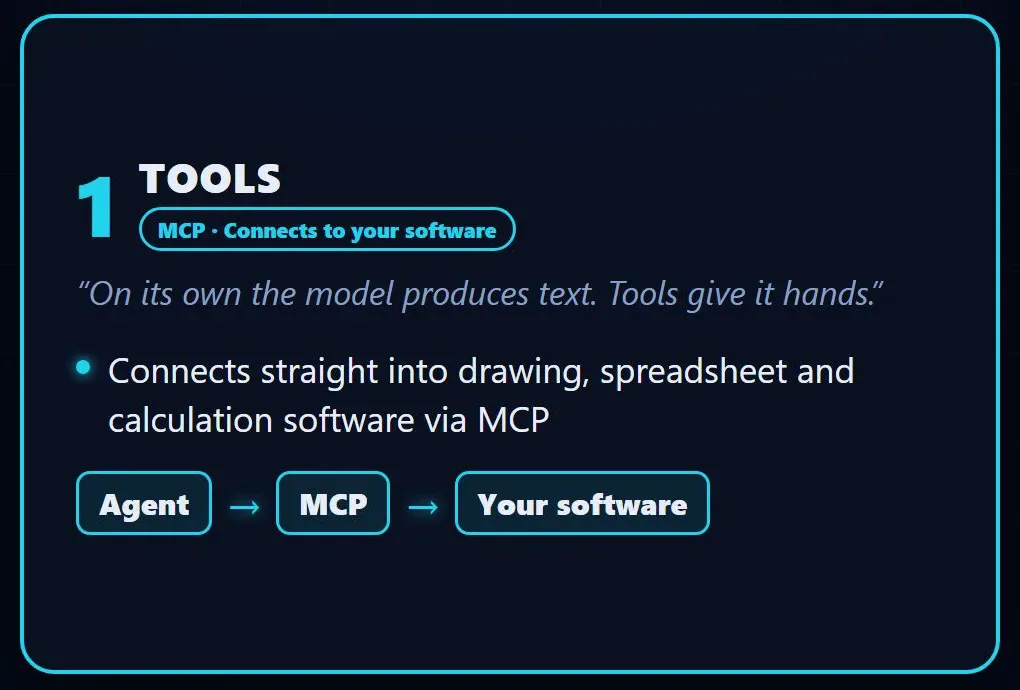
From those files the agent can check a take-off against the drawings and list the mismatches for an engineer. Checking structural output, as the video puts it, means something narrow: comparing the analysis report with your engineers’ checklist (required load cases, model revision, deflection limits) and listing the mismatches. This setup reads, compares and flags, and anything it writes is a draft for an engineer: it doesn’t design, run engineering calculations, approve or sign. The line from AI for Architecture Firms holds here too, because those steps carry the professional’s liability. Contractors’ paperwork is covered in AI for Construction Companies.
Layer 2: Skills that write your firm’s method down
A skill is, at its core, a text file (SKILL.md) that tells an AI agent how your firm does one job. After finishing a job alongside an engineer, the agent drafts the procedure it followed; the senior engineer whose method it is corrects it and signs it off, and only the approved version goes into the folder the agent loads skills from.
When a senior engineer leaves, the file keeps the order of the steps, the mandatory checks and the report format; the judgement for a building that doesn’t fit the procedure leaves with them. A condition survey skill could start like this:
- Confirm the drawing revision against the drawing register.
- List defects by element, each with a photo reference.
- Check each defect against the clause set for this building type.
- Never skip escape routes.
- Output: the firm’s report template, drafts folder only.
I cover the full file in How to Write SKILL.md.
Layer 3: A knowledge base that answers from the editions you mark in force
An agent can’t reliably tell which edition of a regulation is in force, so it answers from the editions you mark in its index. I’d load each document with its edition and effective date, mark old editions superseded instead of deleting them, because completed projects were designed under them, and set searches to default to editions in force. On a project approved under an earlier edition, that edition may still apply, so the engineer sets which edition the project searches.
The agent is set to answer only from what it retrieves, naming the document and clause; the technique is RAG. When a regulation changes, someone has to add the new text; the agent then answers from it and can list projects whose documents cite the superseded clause. That list may be incomplete: clause numbers can change between editions, and projects that don’t cite the clause won’t appear. The agent can also misread a clause or add something the clause doesn’t say, so each answer shows its source.
With the same index, the agent can compare a contractor’s submittal and technical data sheets with the specification, or draft an RFI reply citing the clause and drawing revision, for the engineer to review and send. Check your standards subscription terms before indexing licensed standards.
Layer 4: A multi-agent team that splits one job and cross-checks it
For a condition report on an existing building, I’d have an orchestrator agent hand the site photos, the drawings and quantities, and the regulation to three parallel agents, then cross their checks over.
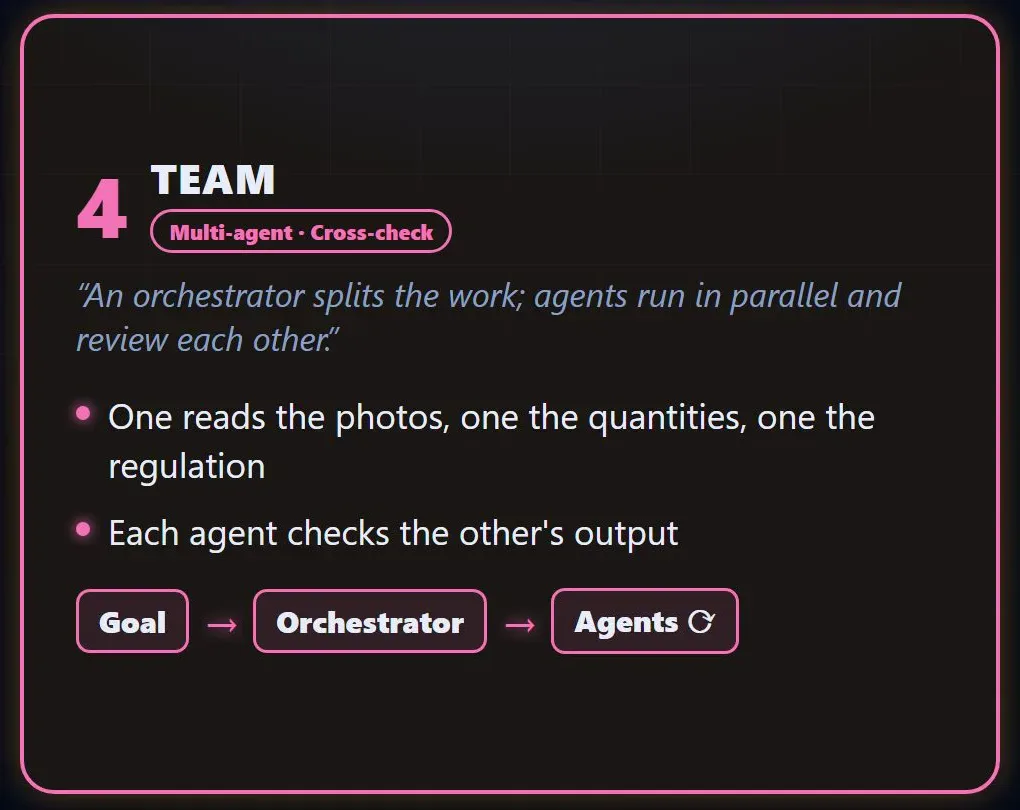
The photo agent flags possible defects in the site photos for the engineer to confirm, and the regulation agent flags clauses the engineer should check against that list. Covered-up work won’t show in photos; its evidence is in surviving construction records or in opening-up works the engineer orders, so the list flags “not in the photos” and “no document” separately. The quantity agent checks the quantities against the drawings; another agent that never saw its list can repeat the check, though both can misread the same sheet. In this setup the agents don’t message each other: each returns a file to the orchestrator, so each check leaves a record, and disagreements go on a discrepancy list for the engineer.
A team multiplies model calls, so I’d add one only after a single agent passes the trust test below on each part (What Is a Multi-Agent System).
Layer 5: Human approval, enforced by permissions
The agent should stop before anything leaves the firm or changes status: a proposal going out, calculations being signed off, a signature. That stop holds best when built into access, since an instruction like “ask before sending” can be skipped. Give the email connection draft rights and no send function, let only a named engineer’s account sign off calculations, and keep signing credentials away from the agent.
In Claude Code, for example, each tool, command pattern or MCP tool can be set to allow, ask or deny, and Claude Code enforces those rules, not the model. For the stops that matter, deny the tool itself: a rule on a command pattern can miss the same program run another way.
If the agent asks at every step, people start approving without reading; if it never asks, the engineer ends up signing off work they haven’t seen. My own working rule, kept in writing, sits between the two: reading is free, and a step that writes to a live system either follows a procedure written in advance or gets a backup first and waits for my approval (Is It Safe to Give an AI Agent Account Access?).
For each run, I’d keep a record with the project file: which documents the agent read, the list it produced, and who approved it and when. Before an AI-assisted check goes into work you deliver, talk to your professional indemnity insurer and check your client contract.
Which layer a small AEC firm should build first
For a small firm, I’d build the stop points first and pick one recurring, low-risk job to start: checking the tender quantities against the drawings. Nothing leaves the firm, and an engineer checks a list of mismatches. Read-only tools come next, then the documents that job needs, then the skill, and a team last.
The mistake I see most in first automation projects is the “if we’re doing this, let’s start with the hardest part” reflex, and it comes up in nearly every intro call; in an engineering firm, that would mean opening with Layer 4’s multi-agent condition report.
Before the first run, name drawings by revision and keep one current drawing register, or the agent can read a superseded sheet; the job’s documents need their editions marked too.
Then test the agent on a few completed tenders where you already know the mismatches, counting what it missed and what it flagged wrongly. In the first live weeks, the engineer should also spot-check items the agent didn’t flag, since missed items don’t reach the list. I haven’t measured the time savings the video mentions.
Frequently Asked Questions
Is our project and client data safe with an AI agent?
Project and client data face two risks with an AI agent: what it can reach inside your firm, and what happens at the model provider. Inside, give each job the narrowest access it needs, make the index follow your folder permissions and limit each job’s search to its own project, so one client’s documents don’t surface in another client’s answers. Before client files go in, ask the provider four questions: is the data used to train models, how long is it kept, where is it processed, and will they sign a data processing agreement? Then check your client appointments and NDAs for limits on third-party processing.
Do AEC firms need to buy an AI platform to use AI agents?
Not a dedicated platform, but a small AEC firm still needs access to a model and an agent tool that can use connectors. At their core, skills are text files, and the knowledge base starts from documents you already keep. Running cost depends on document volume in the index, agent calls per job and the engineer’s review time. If you buy a product, check that sending can be switched off per connection.
Who keeps the skills, knowledge base and connections up to date?
Each layer needs a named owner. The engineer whose method a skill describes approves changes to it, and whoever already tracks regulations adds new editions to the index. Connections belong to whoever manages your IT, in-house or outsourced. Set them to fail with a visible error rather than return partial data, and read back what’s written through them: Google Tag Manager’s API, for example, can return a success response while quietly dropping some fields.
Follow for content about AI
More videos
 Motion Design with Just Claude Opus: 32 Experiments and Prompts
 Can You Run AI Locally on a 16 GB Graphics Card?
 Customer Wrote at Night, Request Ready by Morning
 Give AI the Address, Not the Route: Which Job Goes to Which Model
 Stop Using Excel and Google Sheets as a Database: To a Web App
 ADHD Didn't Change. The Tools Did: A Scattered Brain and Agents
 Can AI Fix Its Own Mistakes? I Checked It Is Not I Fixed It
 OpenRouter and Hugging Face Aren't Models: Three Ways In
 How Do AI Agents Work? Same Model, Different Results