
Stop Using Excel and Google Sheets as a Database: From Spreadsheet to Web App
On YouTube
Stop using Excel and Google Sheets as a database
Stop using Excel and Google Sheets as a database. A spreadsheet wasn't built to keep the records of a business where many people work at once.
Full description
With AI, you can rent a VPS and turn the Excel sheets you already use into any app you want. Web apps where everyone in your company logs in with their own password, your old data stays secure, and even incoming emails create records automatically: owning something this surprisingly professional is now really easy.
A spreadsheet has three limits in a multi-user business:
- No row locking: two people editing at once overwrite each other.
- No trail: you can't trace who changed which cell.
- No roles: the customer list and revenue sit in the open; the intern and the accountant see the same sheet.
🤖 The voices and avatar in this video are AI-generated.
I'll show the app for this in upcoming videos.
Excel and Google Sheets are great for calculation, but they are not a database for a business where many people work at once. With no row locking, entries overwrite each other; nobody can trace who changed which cell; and with no roles, the intern and the accountant look at the same sheet. The only alternative used to be custom software that took months and cost a fortune. Now, with AI, you can rent a VPS and turn the Excel sheets you already use into any web app you want. I explain the difference between a spreadsheet and a database, both tools’ limits in numbers and the steps of the move in can you use Google Sheets or Excel as a database?. I describe one ready route in Turning Excel into a Web App with AI; for what an agent is, see What Is an AI Agent.
A spreadsheet has a natural limit
Until now, running a company on spreadsheets was a very reasonable choice. Custom software took months and cost a fortune, and off-the-shelf packages never quite fit the way you work. A cash book, POS reconciliations, an appointment calendar — all of it fit in a sheet.
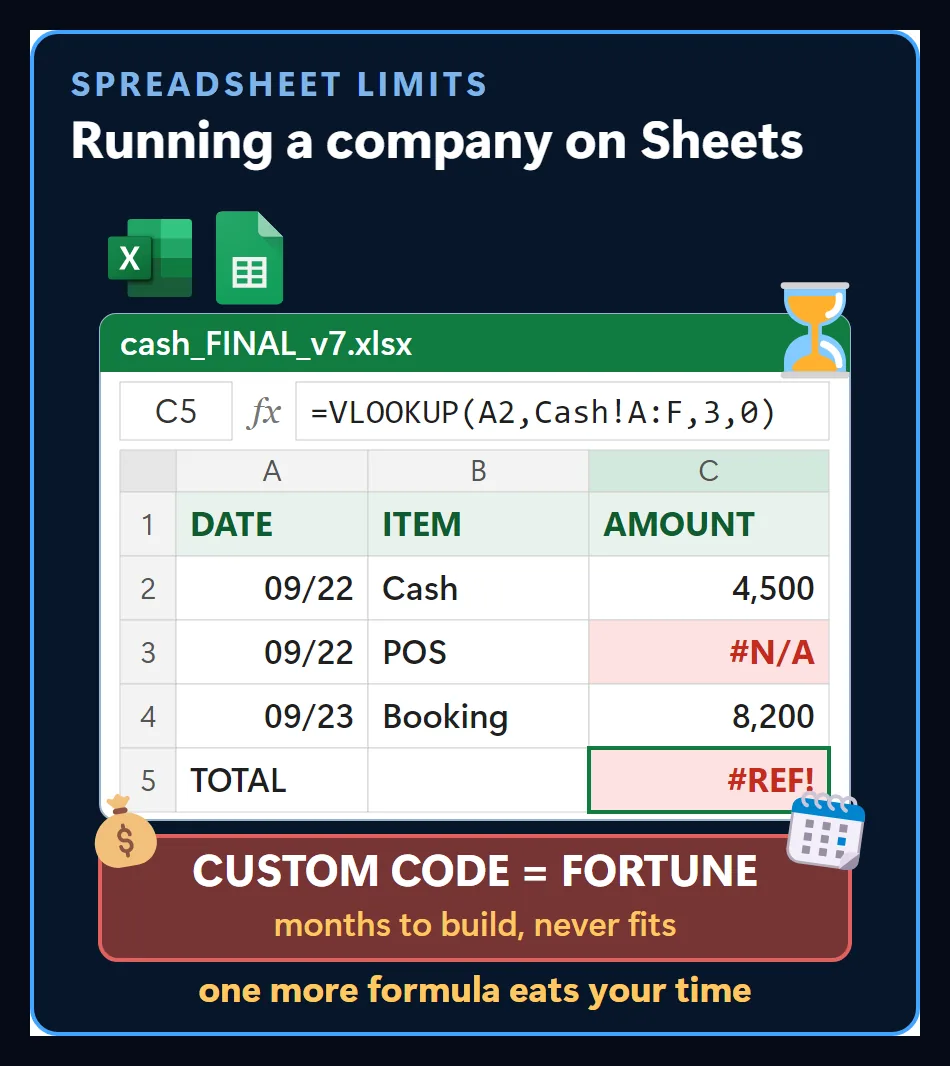
The problem isn’t the formula itself. As the work grows, every jam needs a new formula, and every formula brings a new error. Insisting on one more formula quietly eats your time.
When people work at once, entries get overwritten
A spreadsheet can’t work like an operational database. When several people edit at the same time, there is no row locking, so entries overwrite each other.
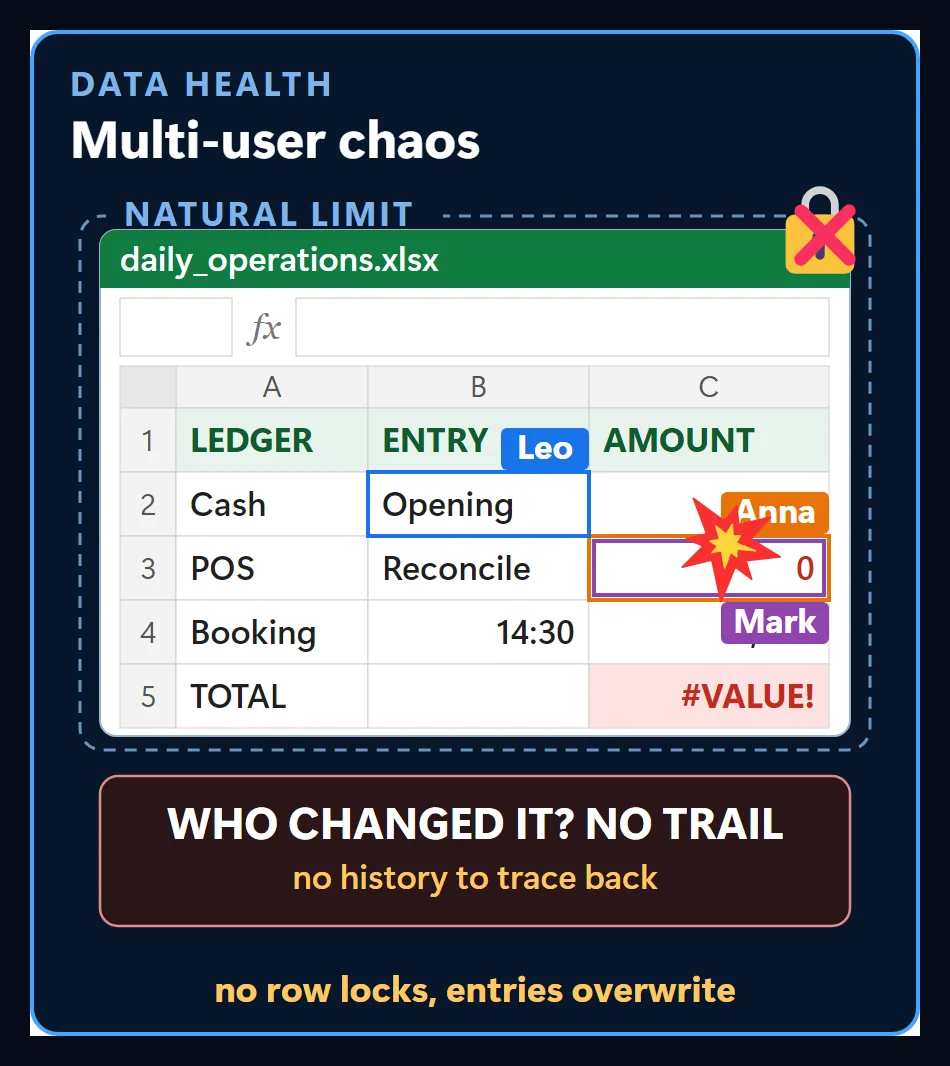
Worse, you can’t trace who changed which cell. In cash movements or customer records, a single wrong delete can wipe out the whole day’s closing figures, and nobody can tell where it started.
Everyone sees all the data
Spreadsheets have no real roles. The customer list and company revenue sit in the open, so the intern and the accountant see the same sheet.
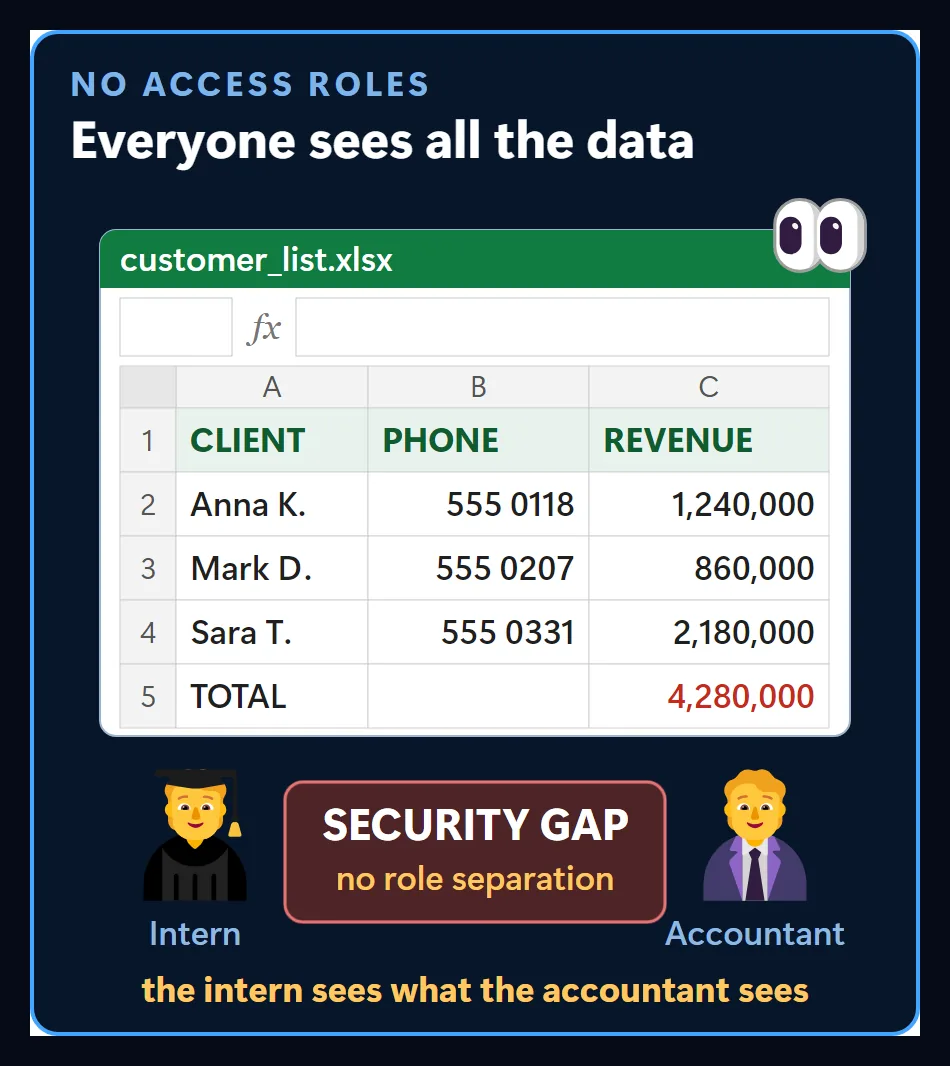
That is a serious security gap. I cover ways to set cell-level permissions separately in the Excel Cell Permissions Panel.
Custom software, no fear
Owning the kind of custom management software that used to take months is now far easier than you think. You rent a small virtual server and, with AI, build a solid database and a management panel made for your business on top of it.
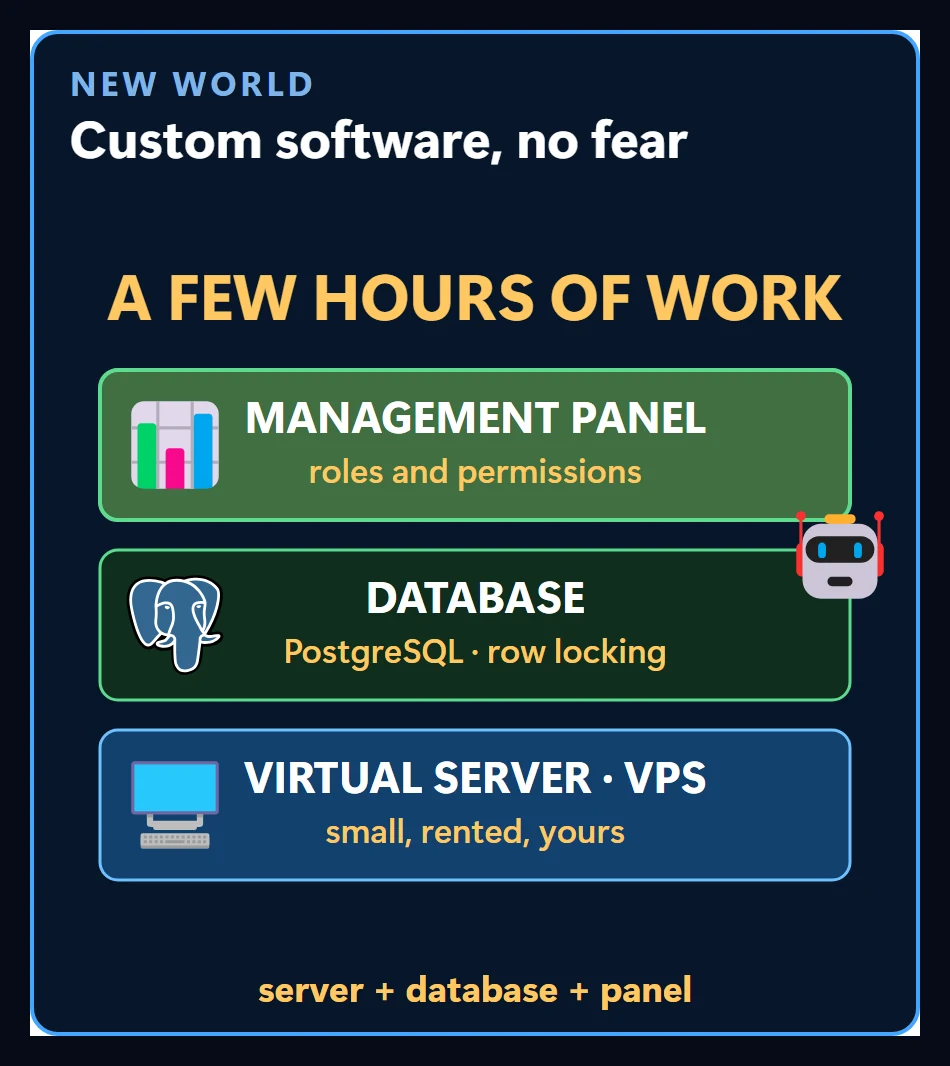
With AI, you can rent a VPS and turn the Excel sheets you already use into any app you want. Web apps where everyone in your company logs in with their own password, your old data stays secure, and even incoming emails create records automatically — owning something this surprisingly professional is now really easy.
One center for the whole operation
Whoever untangles the spreadsheet mess with a system they built themselves ends up as the king of operations. Instead of wrestling with complex formulas or temporary scripts ready to explode, you connect the company’s whole operation to one reliable center.
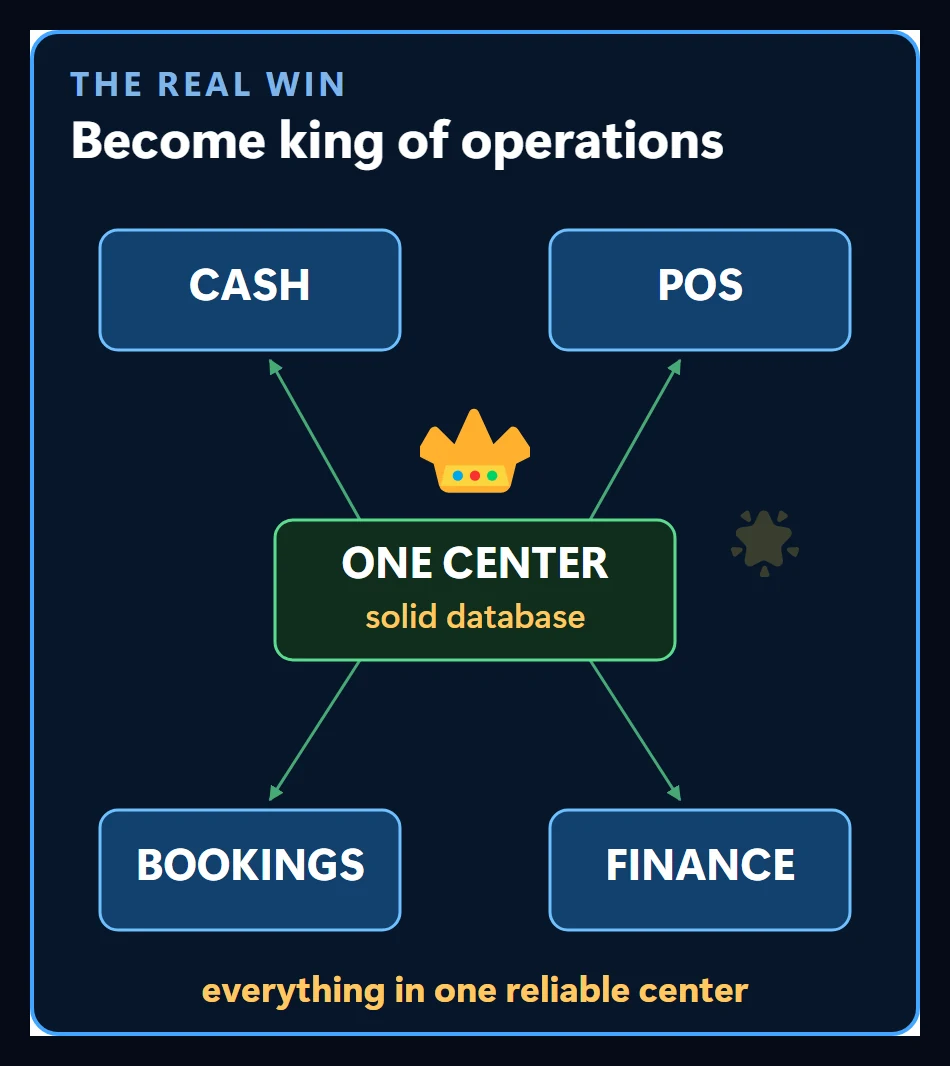
Cash, POS, bookings and finance read the same record. Everyone inside can finally breathe easy, because nobody asks “which file is the latest version” anymore.
The free-tools trap
The internet is full of videos claiming you can build a whole system without spending a cent, just by chaining five free tools together. Those methods keep something running for three days.
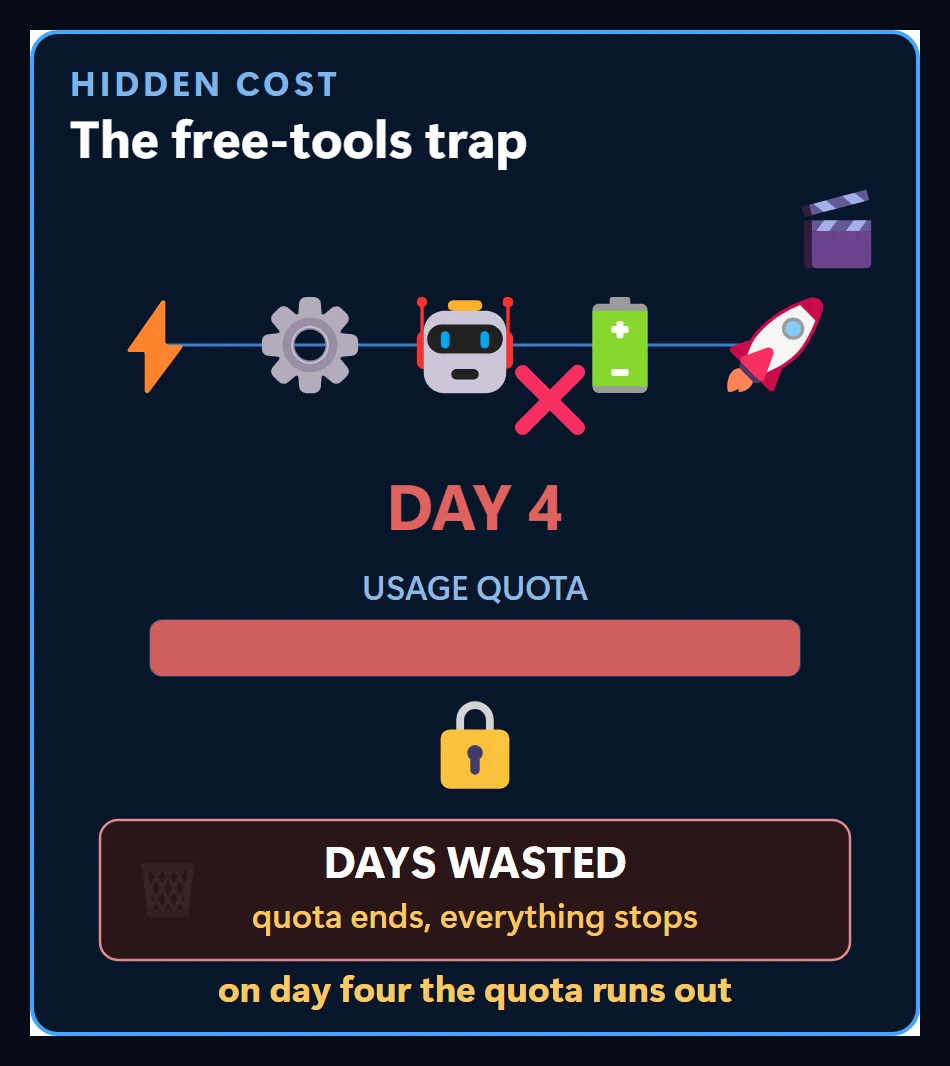
On day four the quota runs out, the integration breaks and the system locks up; every day you spent goes straight in the bin. The solution that looks free is the one that costs the most time.
The real value: time you don’t lose
Free is tempting, but you end up spinning inside something that won’t pay off in the long run. Building it solid and permanent the first time saves you time that’s worth more than any expense.
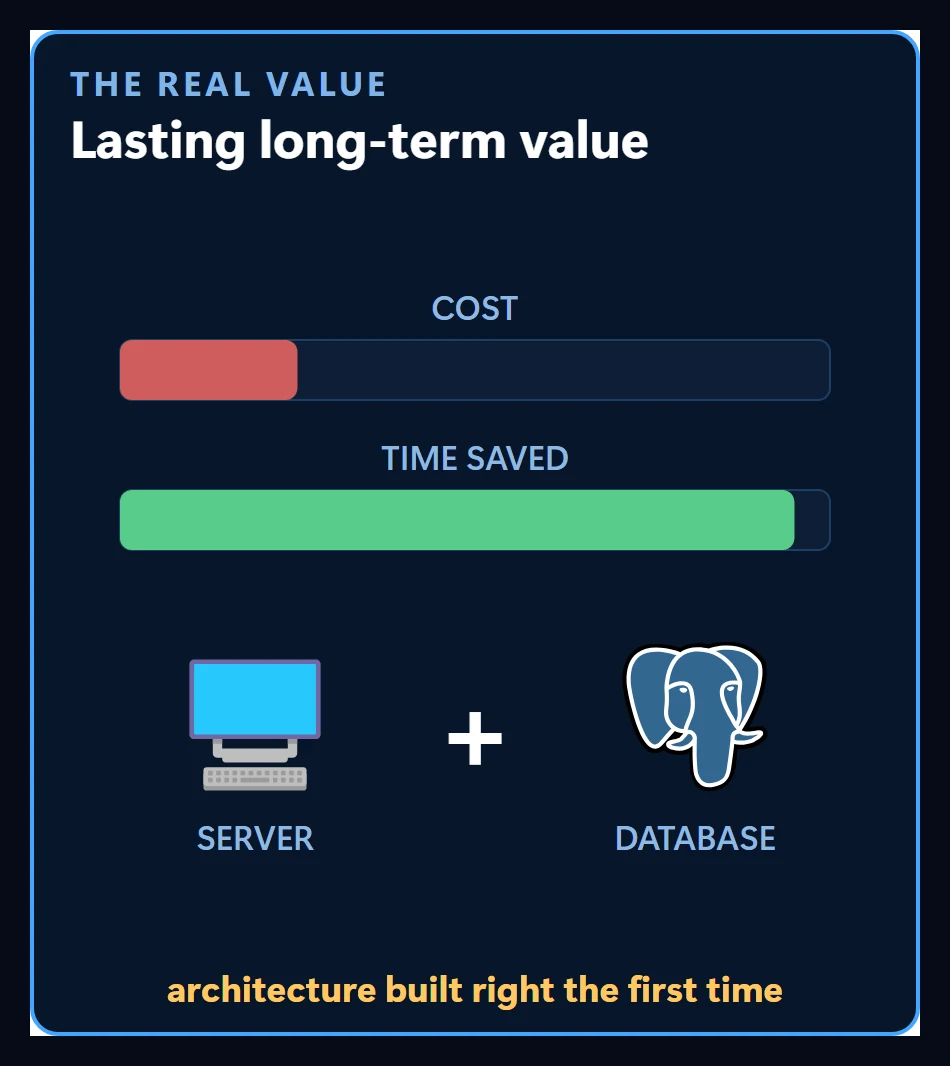
All you need is a simple server with a solid database behind it. If you want live reports as well, Google Sheets Automation may help.
The first step
Where should someone who wants their own system start? It didn’t fit in a three-minute video, so I’ll walk through it step by step across a few videos.
I’ll show the app for this in upcoming videos. If you’d like me to move your spreadsheet into an app your team uses together on a server, here’s how that works: turn Excel or Google Sheets into a multi-user web app.
Follow for content about AI
More videos
 Customer Wrote at Night, Request Ready by Morning: A Guesthouse's WhatsApp Night Watch
 Give AI the Address, Not the Route: Why Smart and Simple Models Give the Same Work
 ADHD Didn't Change. The Tools Did: A Scattered Brain and an AI Agent
 Can AI Fix Its Own Mistakes? I Checked It Is Not I Fixed It
 OpenRouter and Hugging Face Aren't Models: Three Ways to Reach One
 How Do AI Agents Work? Same Model, Different Results
 AI Agents for AEC Firms: How the Five-Layer Setup Works