
OpenRouter and Hugging Face Aren't Models: Three Ways to Reach One
On YouTube
OpenRouter and Hugging Face aren't models: three ways to reach one
OpenRouter and Hugging Face are not AI models. They are ways you reach models. This short separates the three ways, then asks a different question: where does the model run?
Full description
- Chat app — a set menu, the easiest way in
- OpenRouter — one account reaches models from many companies
- Hugging Face — a much wider model library, where you pick the model yourself
Where it runs is a separate decision. In the cloud, your messages go to that service's servers; run what you picked on your own machine and the conversation stays with you.
OpenRouter and Hugging Face are not AI models; they are ways you reach models. You reach a model in three ways: through a ready-made chat app, through OpenRouter, which connects you to many providers with one account, or through Hugging Face, where you pick and download the model yourself. Where the model runs is a separate decision: in the cloud your messages go to that service’s servers, while on your own machine the conversation stays with you. I cover the line between a model and the setup around it in What Is an AI Agent and AI Agent vs LLM; the whole topic sits in the Agentic AI Guide.
The model is one thing, where you reach it is another
This is the part that gets mixed up most. A kitchen analogy separates them: the model is the cook who actually makes the dish. The app is the restaurant — it takes the order, sets the table and hands you the bill. OpenRouter and Hugging Face are not cooks: one is a single door into many restaurants, the other is a market where you can take a copy of the cook home.
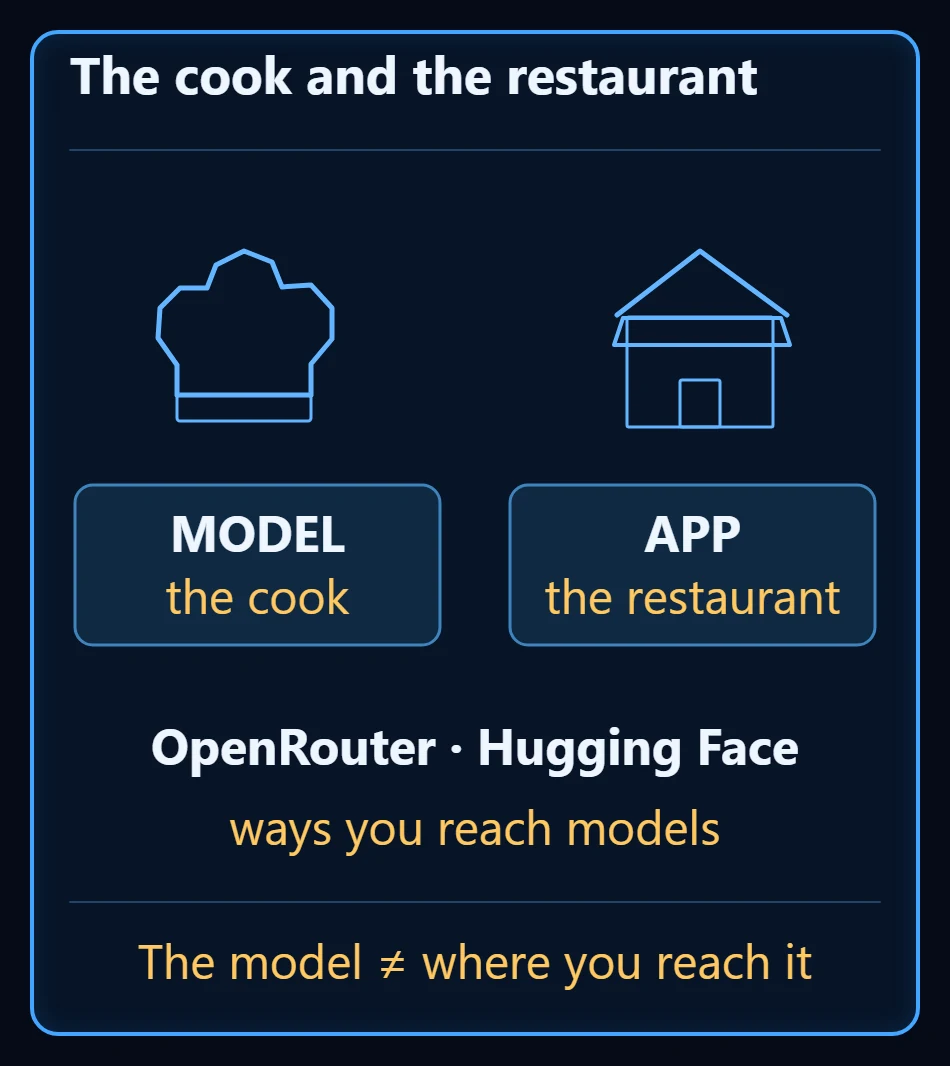
Without this split, “which AI do you use?” is only half a question. The full question is two: which model, and how do you reach it.
The chat app: the easiest way in
The chat app you already use every day is a set menu. You sign up, you type, an answer comes back. Nothing to install, nothing to choose.
That is also the price: the model and the tools are whatever the app picked. The app decides which model runs, whether it can read a file, whether it can search the web. If it runs in the cloud, your messages go to that company’s servers.
OpenRouter: one account, models from many companies
OpenRouter is not a model, it is an intermediary. One account reaches models from many companies; no subscription is required, and on paid models you pay as you go.
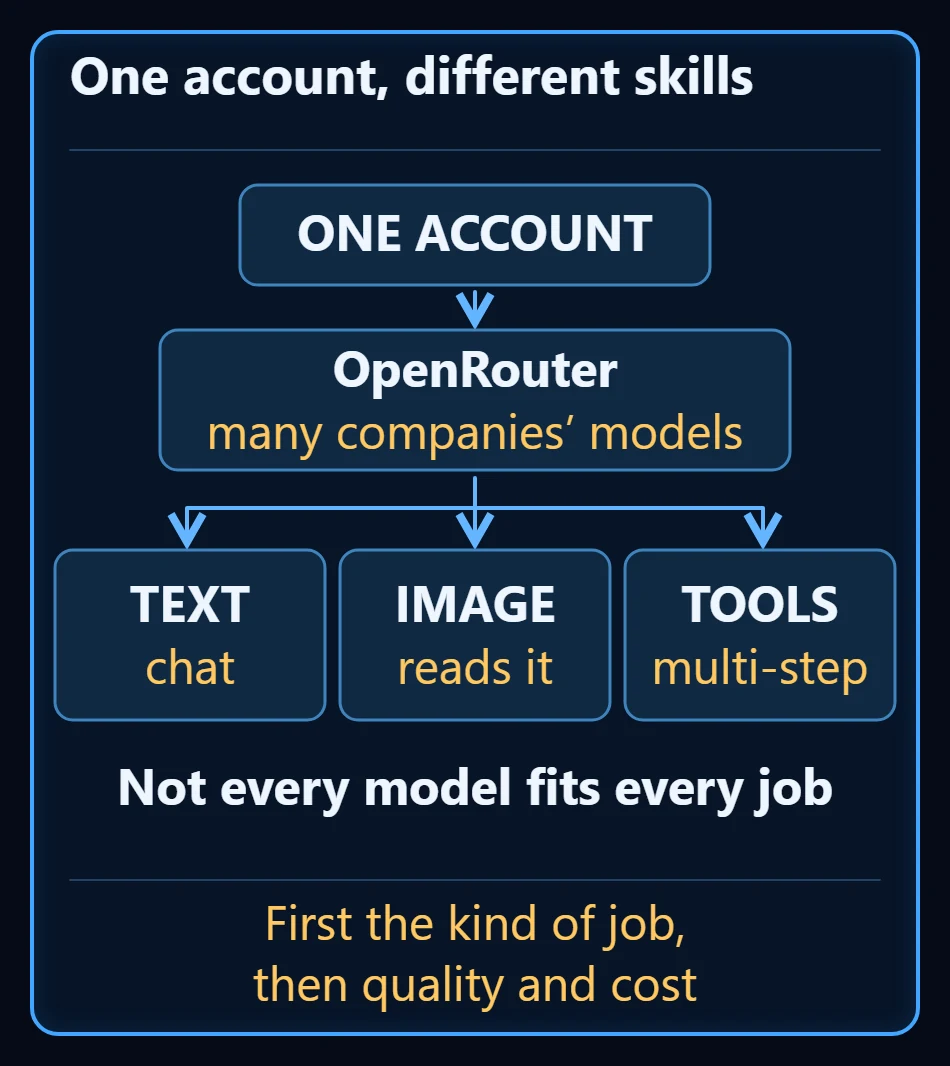
The real benefit is not price, it is comparison. Not every model fits every job: some read images, some use tools for multi-step work. Each model’s page says which — so you choose by reading, not by guessing.
Where the fee goes, where your data goes
Using an intermediary raises two questions at once. OpenRouter says it does not add to a model’s list price in standard use, but it does charge when you top up your balance. So the cost has two layers: the model’s fee, and the intermediary’s service fee.
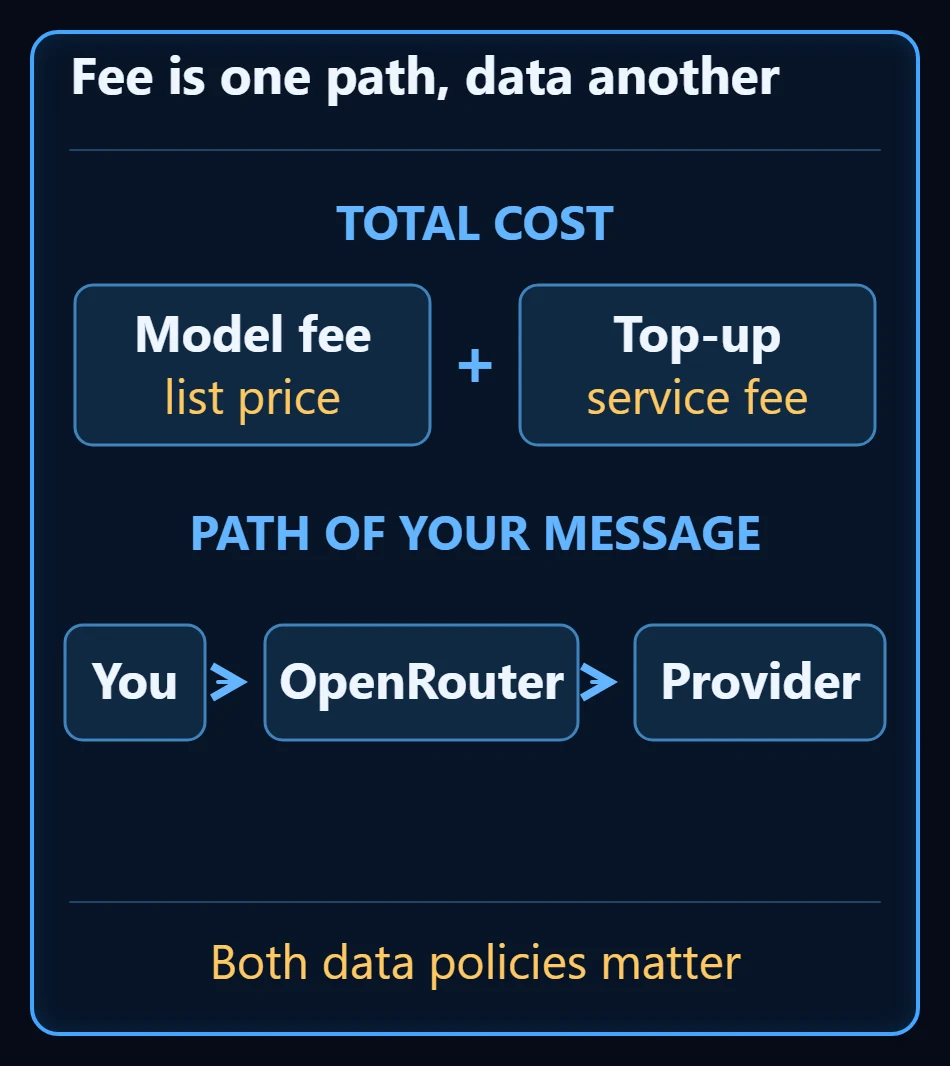
The data side matters more: your message travels through OpenRouter to the provider that actually runs the model. Both parties’ data policies apply to you, not just the intermediary’s.
Hugging Face: you pick the model yourself
Hugging Face is a much wider model library and development platform. In kitchen terms, it is the market where you can take a copy of the cook home. You download model files, and some models you can run in the browser or in the cloud.
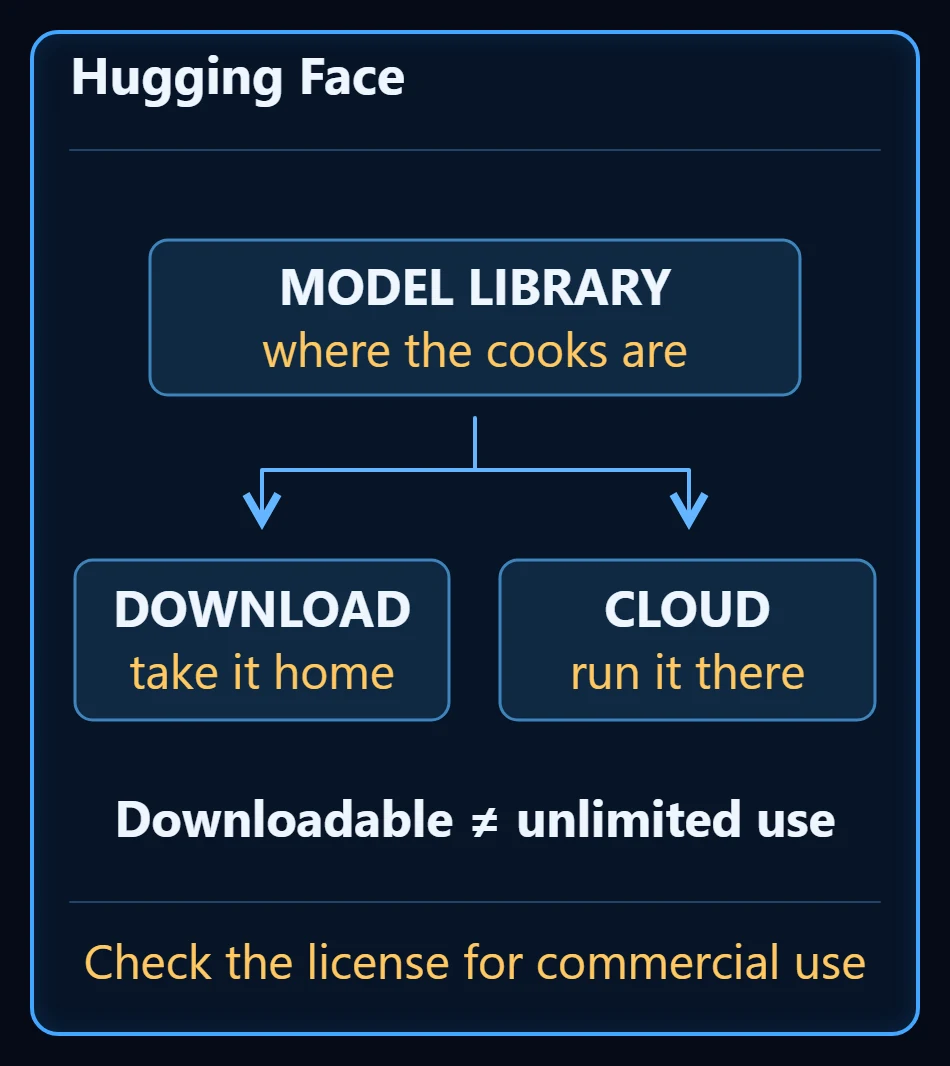
The most-skipped part here is the license. Downloadable never means unlimited rights. Some models restrict commercial use. If it is going into your business, read the license first — the cook you took home comes with terms too.
Where the model runs: a separate decision
Note the structure: running locally is not a fourth “way” — it is the question of where the model you picked actually runs. You download from Hugging Face, then run it on your own machine.
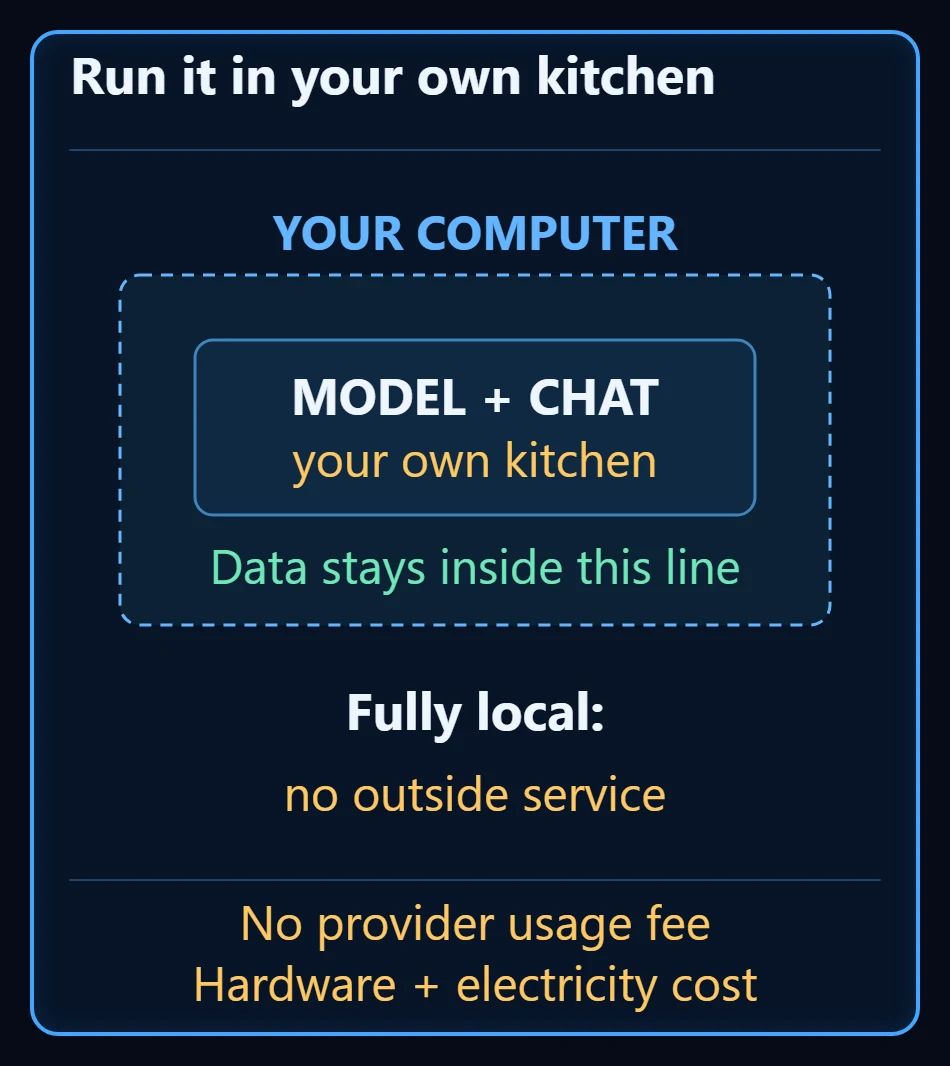
Fully local, with no outside service in the loop, your conversation stays on your machine. For work that must not leave the building — client data, contracts — this is the strongest option. You pay no usage fee to the model provider; in exchange, hardware and electricity are on you.
Is my computer good enough?
Start with small models. The memory you need depends on the model; a graphics card speeds things up, and lower-precision versions use less memory.
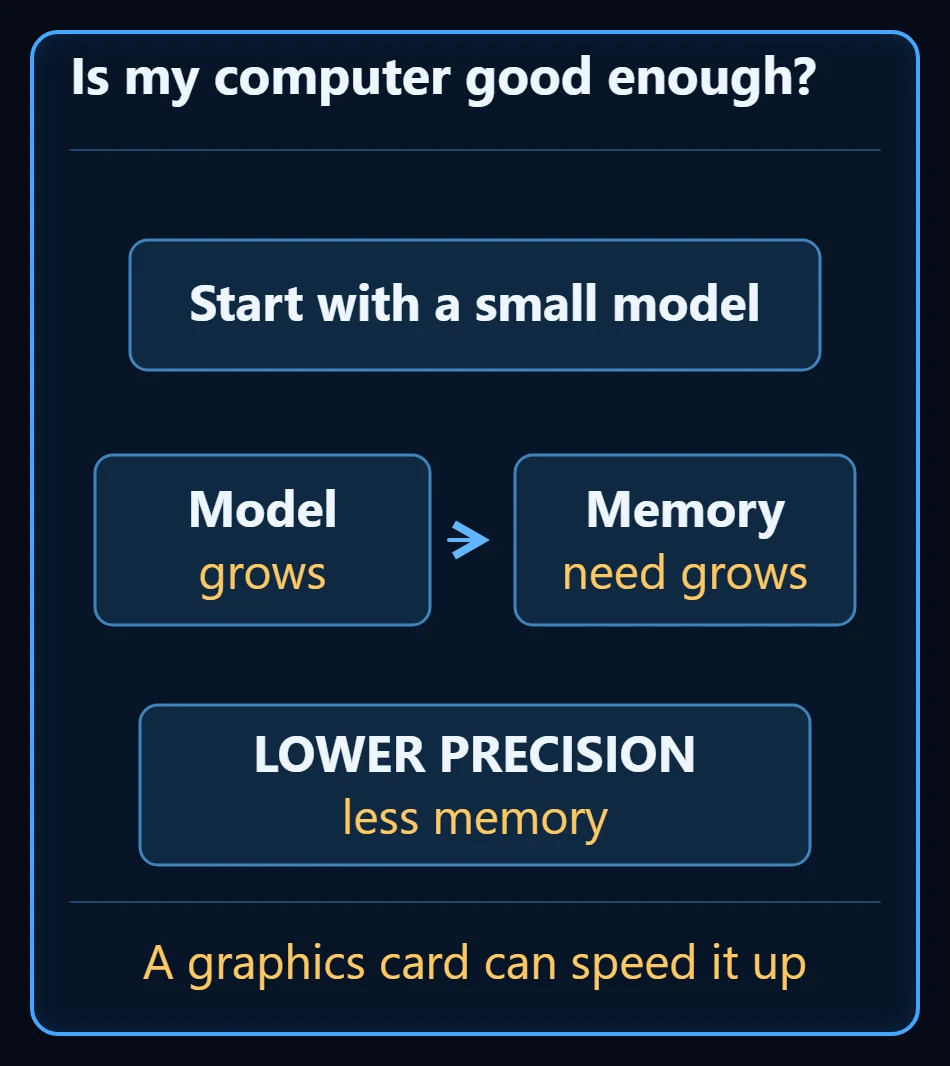
The practical order: check whether a small model already does the job. If it does, there is nothing to scale up.
What “uncensored” really means
Models described as uncensored usually have reduced refusal behavior. This is not a separate kind of platform; it is a property of the model, produced by extra training or by changing the weights.
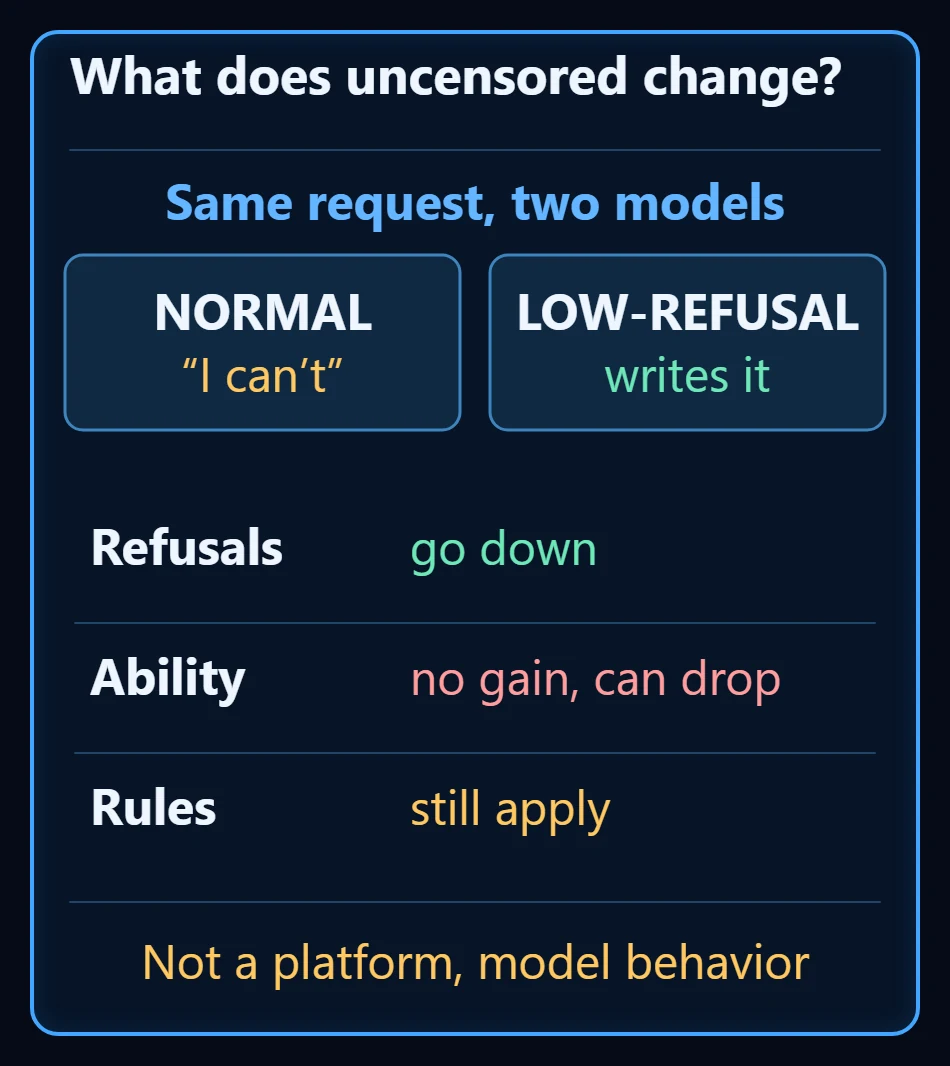
The common misreading: refusing less is not being more capable. Some abilities can get weaker. It can cut pointless refusals in work like fiction, but the rules of the service you use still apply.
Opening files and searching the web is a separate matter: it depends on your app, the connected tools and the model’s tool support. OpenRouter shows tool support per model; on most of the uncensored models we checked, it was off.
How to choose a model
Three measures are enough:
- The kind of job — text, images, or multi-step work with tools?
- Its quality on that job — not a general “best model”, but its result on that kind of work.
- Its cost per job — per finished job, not per message.
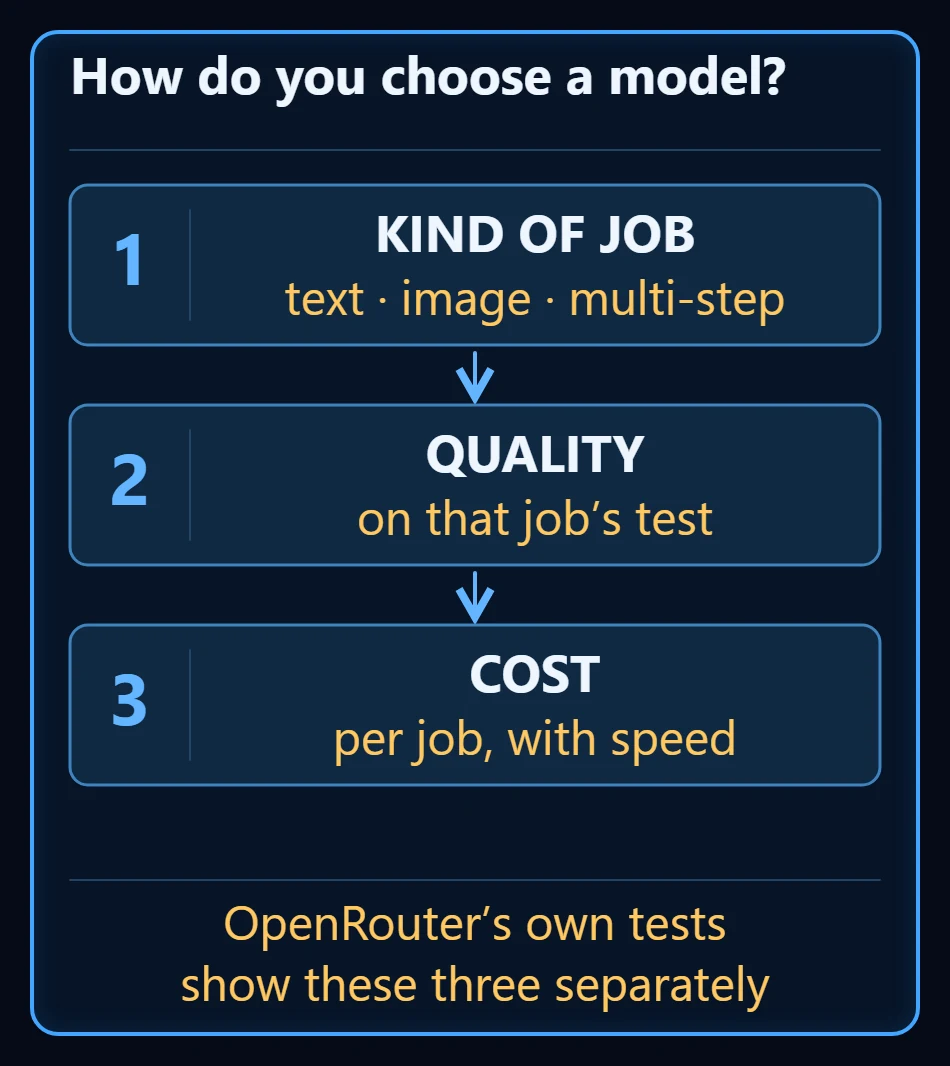
OpenRouter’s own benchmarks show these three by category, alongside speed — so you do not have to build the comparison from scratch.
Which way should you go
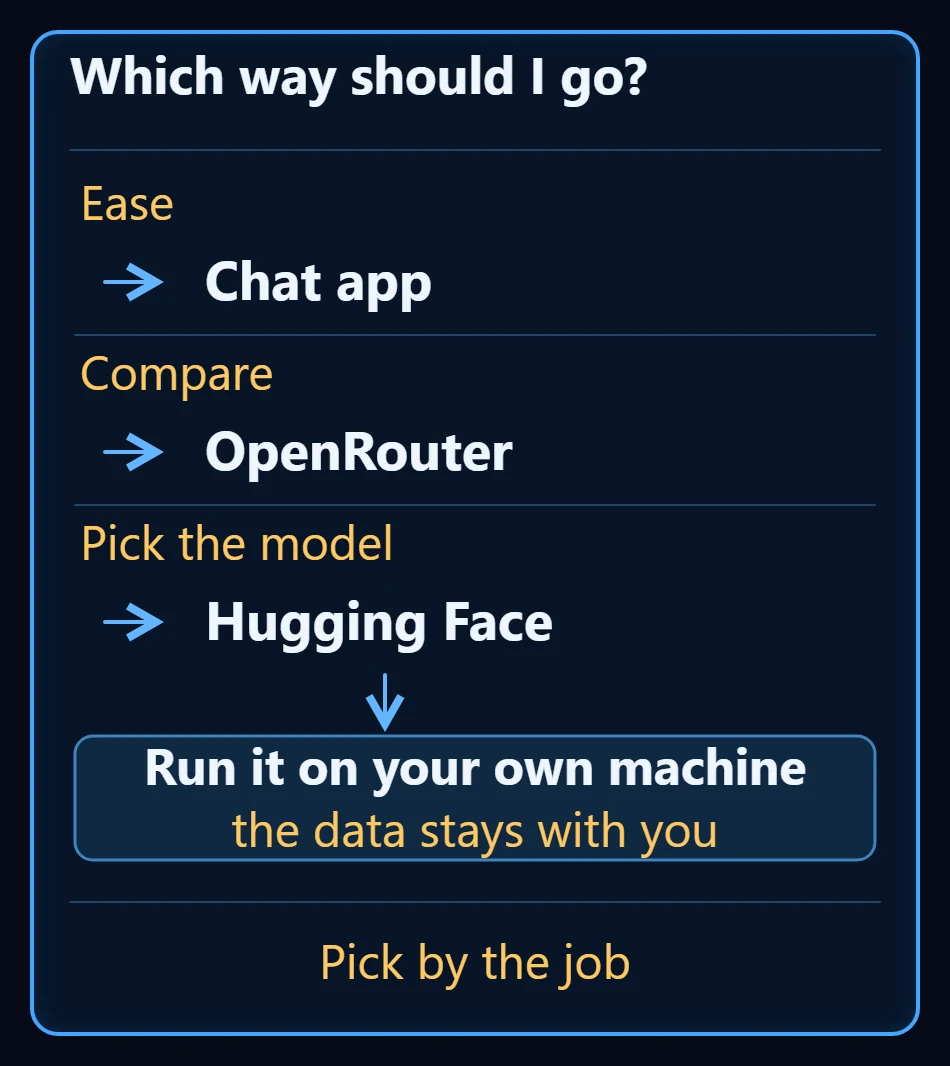
- For ease, the chat app.
- To compare, OpenRouter.
- To pick the model yourself, Hugging Face.
Run what you picked on your own machine and the data stays with you. There is no single best way — it follows the job you are doing.
Frequently Asked Questions
Is OpenRouter an AI model?
No. OpenRouter is an intermediary: one account reaches models from many companies. It does not run the model itself, it passes your request to the provider that does.
What is the difference between Hugging Face and OpenRouter?
OpenRouter gives you one account for running models, billed as you go, on the provider’s servers. Hugging Face is a much wider model library: you download the model files and run them yourself, or try some of them in the browser or in the cloud.
Can I use a model I downloaded from Hugging Face in my business?
It depends on the license. Downloadable does not mean unlimited rights; some models restrict commercial use. If it is going into commercial work, read the model’s license first.
What do I gain by running AI on my own machine?
Fully local, with no outside service in the loop, your conversation stays on your device — the strongest option for work that must not leave the building, such as client data or contracts. You pay no usage fee to the model provider; in exchange, hardware and electricity are on you.
Are uncensored models more capable?
No. Models described as uncensored usually have reduced refusal behavior. Refusing less is not being more capable; some abilities can get weaker, and the rules of the service you use still apply.
Is my computer good enough to run an AI model?
You can start with small models. The memory you need depends on the model; a graphics card speeds it up and lower-precision versions use less memory. The practical way is to check whether a small model already does the job.
Follow for content about AI
More videos
 Customer Wrote at Night, Request Ready by Morning: A Guesthouse's WhatsApp Night Watch
 Give AI the Address, Not the Route: Why Smart and Simple Models Give the Same Work
 Stop Using Excel and Google Sheets as a Database: From Spreadsheet to Web App
 ADHD Didn't Change. The Tools Did: A Scattered Brain and an AI Agent
 Can AI Fix Its Own Mistakes? I Checked It Is Not I Fixed It
 How Do AI Agents Work? Same Model, Different Results
 AI Agents for AEC Firms: How the Five-Layer Setup Works