
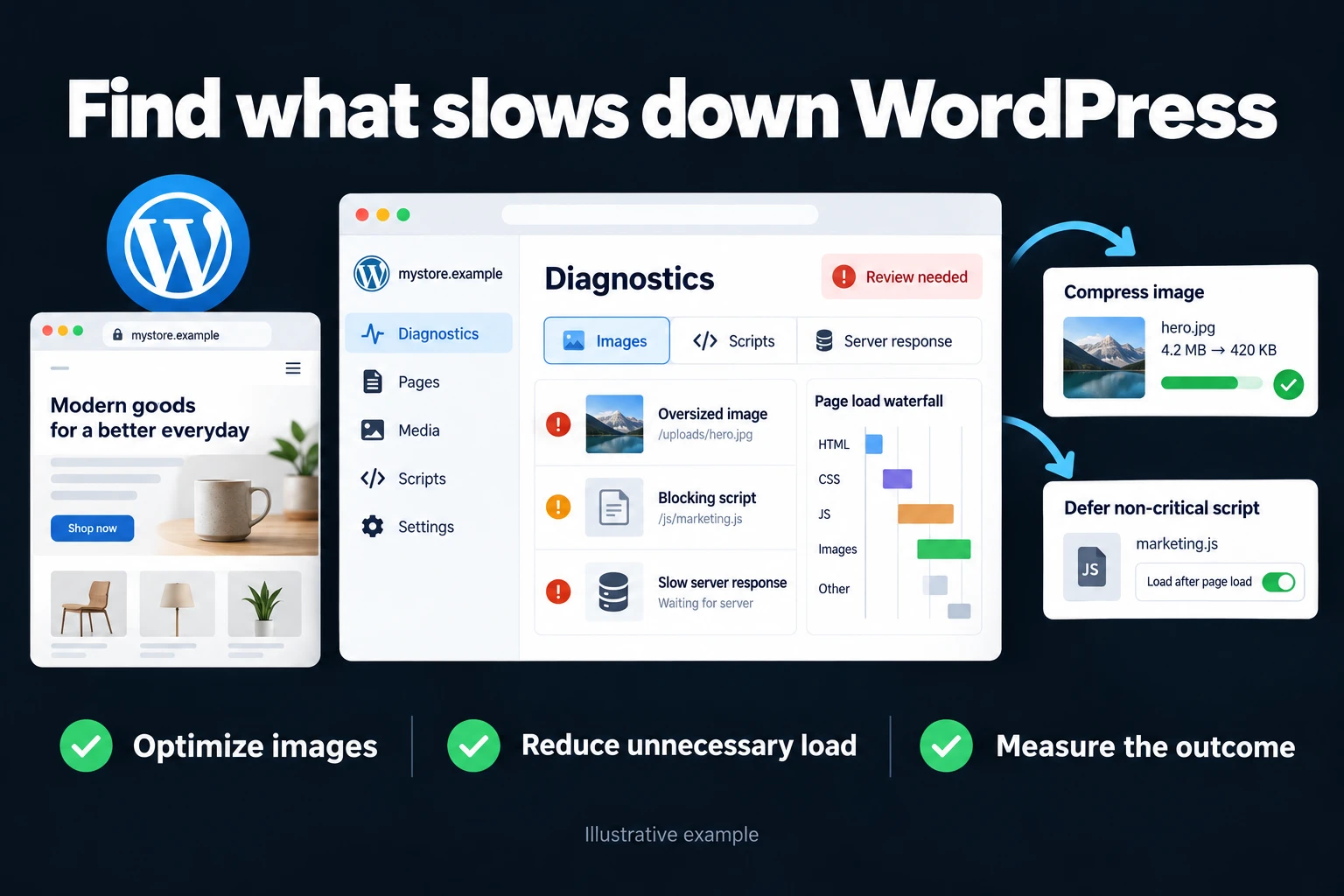
WordPress Speed Optimization
When a WordPress site is slow, the cause is usually not a missing caching plugin. It is a server that answers late, a bloated database, a heavy plugin or theme, oversized images, or third-party scripts. You measure which one it is, fix that, and add caching once the root causes are fixed: it hides slowness without removing it, and it muddies your measurements.
A slow site loses twice: visitors leave before the page opens, and Google may hold a slow experience back. If you run ads, the money for the click is wasted when the page doesn’t load.
The section on laboratory and field data below explains which result can establish an improvement.
Measure the slowness first
Enter your site into PageSpeed Insights and read two parts separately: field data from real users, and the lab score, which is a simulation. Field data is what matters for rankings; I explain why the score alone misleads in My PageSpeed score is low, does it matter?.
According to Google’s web.dev, the “good” Core Web Vitals thresholds, at the 75th percentile of visits, are (web.dev, October 2026):
- LCP (main content appears): 2.5 seconds or less
- INP (response to a click): 200 milliseconds or less
- CLS (layout shift): 0.1 or less
What “Reduce initial server response time” means
If PageSpeed shows this warning, the browser waited a long time for the first byte of the page. That is TTFB. web.dev calls 0.8 seconds or less good and anything over 1.8 seconds poor; it gives 0.8 as a rough guide and notes that TTFB is not a Core Web Vitals metric (web.dev). Lighthouse’s older audit fails when the main document takes more than 600 ms (Chrome docs).
What shortens it, in order:
- Server and PHP version. WordPress’s own requirements page, as of October 2026, recommends PHP 8.3 or higher and MariaDB 10.11 or MySQL 8.0 or higher; PHP 7.4 and MySQL 5.5.5 may still run but are end-of-life and a security risk (WordPress.org). Check your PHP version in the hosting panel. Take a backup before upgrading, since an old plugin or theme can break on a newer version.
- The database. Years of post revisions, plugin logs and transient records slow every query. The example below is exactly this.
- Plugins and theme. A heavy plugin that runs on every page load delays the first response.
- Page caching. Serving ready-made HTML takes work off the server. But if the items above are the problem, caching only partly covers it, and the problem shows again on the first visit when the cache is empty.
- A CDN. Serves static files from near the visitor. It helps with network latency; it doesn’t fix a slow database.
Which plugin is slowing the site?
There is no reliable list of “plugins that slow your site.” The same plugin can be a problem on one site and unnoticeable on another. To find out, the free Query Monitor plugin shows queries and their times per plugin; temporarily disabling a plugin and measuring again is another method. Don’t delete a plugin on a guess, and note what you remove and why so something equally heavy doesn’t take its place.
Separate a laboratory score from real-user experience
PageSpeed Insights can show a controlled laboratory run and field data collected from real Chrome users. The lab helps reproduce a problem; field data describes a rolling real-world experience. A green lab score alone does not establish good Core Web Vitals in the field.
As checked in October 2026, Google’s good thresholds are LCP at or below 2.5 seconds, INP at or below 200 milliseconds and CLS at or below 0.1. Assessment uses the 75th percentile rather than the average. Poor thresholds begin above 4 seconds, 500 milliseconds and 0.25 respectively.
Search Console groups similar URLs. A group’s weakest metric can determine its status, and insufficient traffic can leave no field result. For a low-traffic site, use repeatable lab measurements and label that limitation.
Field data uses a rolling 28-day window, so a fix does not immediately replace all older visits. Record the immediate lab comparison and plan a later field review. Repeat lab runs under comparable conditions and report a representative result instead of selecting the best score.
For WordPress, inspect what the browser actually loads. Keep the main visible image out of inappropriate lazy loading and defer suitable below-the-fold images. A fast origin server can still deliver a slow page when images, JavaScript or third-party tags delay rendering or interaction.
Sources checked in October 2026: PageSpeed Insights · Core Web Vitals · Search Console Core Web Vitals.
A concrete example: my own site
In July 2026 I looked at my own site. The database was 1,078 MB, an absurd number for a site with 11 pages and 6 posts. I found two sources: 3,713 page revisions that WordPress had kept (each carrying a full copy of the page’s Elementor data; the problem was not Elementor itself but revisions piling up without a limit), and a security plugin’s 178,577-line audit log.
I cleaned both out, optimized the tables and capped the revision count. Result: the database dropped to 54.7 MB, and the first response time went from 0.32 seconds to 0.08 seconds, without installing a plugin or touching the design.
If you want to cap revisions yourself, per the WordPress documentation one line in wp-config.php is enough: define( 'WP_POST_REVISIONS', 3 ); (keeps at most 3 revisions per page). Back up the file before editing; if the limit seems ignored, moving the line to just below the opening comment block can help (WordPress docs).
Do it yourself, or hire me?
Three things you can do yourself: measure with PageSpeed, check the PHP version in your hosting panel, and resize and compress the images you upload. These often move the result.
If the first response time is still long, the database is large, or you aren’t sure what will break when you turn something off, the risk starts with intervening unmeasured. At that point you can hand it to me.
Making it stick
Speed optimization isn’t a one-time job: a new plugin gets installed, images get uploaded, the database bloats again. When I finish, I don’t just make it fast; I also set limits that slow the next slide. If you want regular upkeep afterwards, see WordPress maintenance and support.
At delivery I give you written before/after measurements, what was changed and why, and what to watch from here on.
How do we start? First we talk about what you want and what is realistic. If it works for you, I send the scope and price in writing, then we start. You can reach me through the contact page.
Frequently Asked Questions
Which caching plugin is best?
Before choosing one, check whether caching solves your slowness at all. If it does, a well-configured free plugin beats a badly configured paid one. I don’t give a ranked pick, because your server software (LiteSpeed, for example) and your site’s structure change the choice.
If my site gets faster, will my rankings go up?
Speed alone doesn’t raise rankings; it is one of many signals Google weighs. The clearer return is fewer visitors leaving and less ad money wasted on pages that don’t open.
Will I need to delete my plugins?
Some, probably, but I measure the load of each first. If two plugins do the same job or one has sat unused for years, we review them together. The decision is yours.
Can changes be made while my site is running, is there risk?
I take a file and database backup before every change, make changes one at a time and check the site after each step. I don’t make bulk changes, so if a problem comes up it’s clear which change caused it. A rollback path is ready at every step.
My server is fast. Why is the site still slow?
Server response is only one part of the experience. Images, JavaScript and third-party tags can delay rendering or interaction; review repeatable lab tests alongside field data.
How do I work?
Work-hour packages
Tell me about your business and what you need on WhatsApp or by phone; we agree on a work block of somewhere between 5 and 40 hours and I start doing what is needed. What you get is not a calendar window — it is net working hours spent directly on your business. I can use 40 hours working three days straight, or deliberately spread it out and finish it over a year — whatever the work calls for. I do not spend my time estimating how long something will take, I spend it doing the work; every hour I spend leaves a lasting result in your business. We keep going for as long as you find it useful.
Why not monthly?
Is 40 hours a week?
On a fixed monthly fee both sides are watching the wrong thing: you watch a fixed cost, the other side watches how many more contracts like this they can line up. Working by the hour puts us both in front of the same thing — the real value of the work that got done. I know not having an upfront answer to "how much will this cost in total?" is the natural cost of this model. But instead of paying a fixed fee for months to a setup that is not producing results, you only pay for the qualified time spent on your work — and you see exactly where that time went, start to finish. That is why my clients keep coming back.