
Can You Run AI Locally on a 16 GB Graphics Card?
On YouTube
Can You Run AI Locally on a 16 GB Graphics Card?
With a 16 GB NVIDIA graphics card you can run AI on your own computer without sending anything to the internet. In this video I walk through what we have installed on ours.
Full description
- Why NVIDIA: speed isn't the only reason, the real advantage is CUDA
- Qwen is smarter, Gemma is faster and can look at images; uncensored doesn't mean more accurate
- Tokens and context in plain words: a model reads text in small pieces, context is its desk
- The dictation app I built with Whisper large v3: my voice never leaves the computer
- Other local audio models: VoxCPM2, Chatterbox, ZipEnhancer, ERes2Net
🤖 The voice and avatar in this video were generated with AI.
If you have a 16 GB NVIDIA graphics card, you can run AI on your own computer without sending anything to the internet. Our machine has an RTX 5060 Ti; the video shows what is installed on it in a couple of minutes, and here I go a little deeper. For the wider picture, see the Agentic AI Guide.
Is a 16 GB card enough?
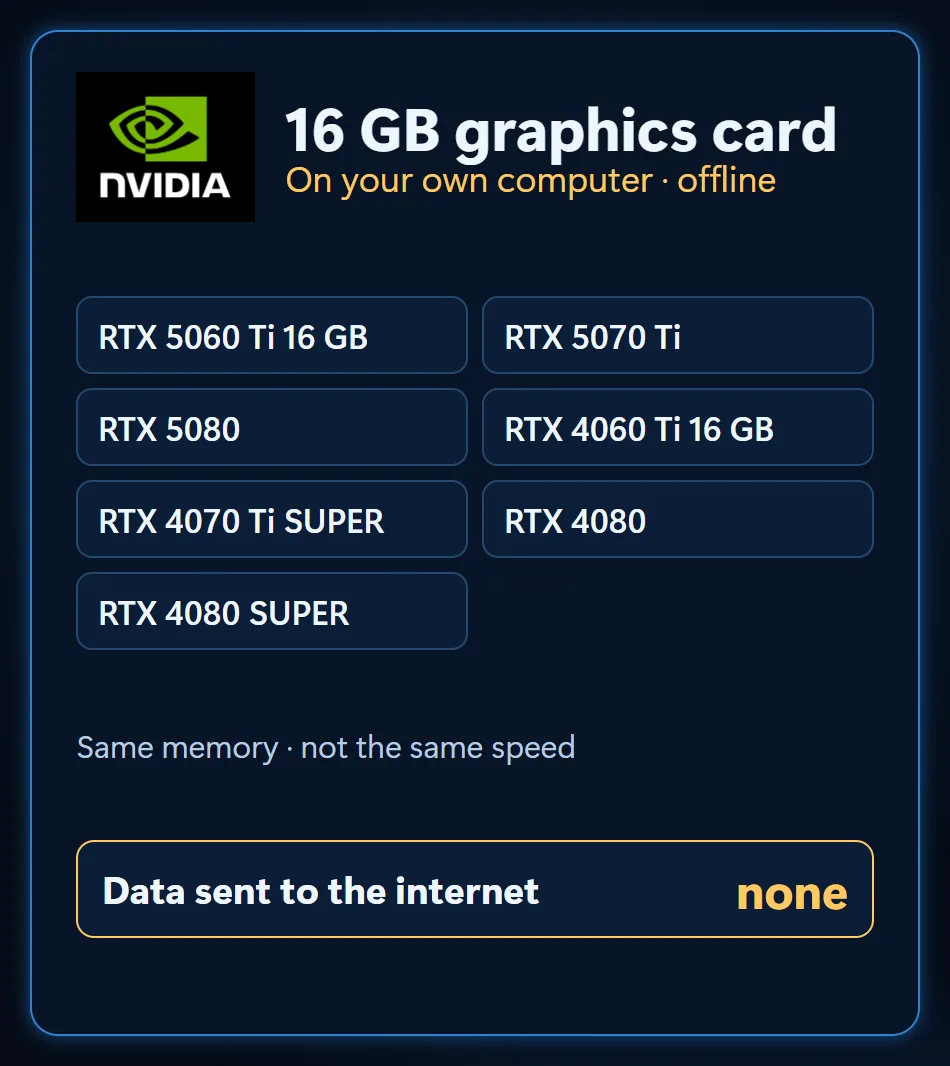
It is, just not for everything at once. A few NVIDIA cards with 16 GB of memory: RTX 5060 Ti 16 GB, RTX 5070 Ti, RTX 5080, RTX 4060 Ti 16 GB, RTX 4070 Ti SUPER, RTX 4080 and RTX 4080 SUPER. Same memory, not the same speed. That memory is enough for a chat model, a dictation model or a voice model, one at a time.
Why NVIDIA? The real difference is CUDA
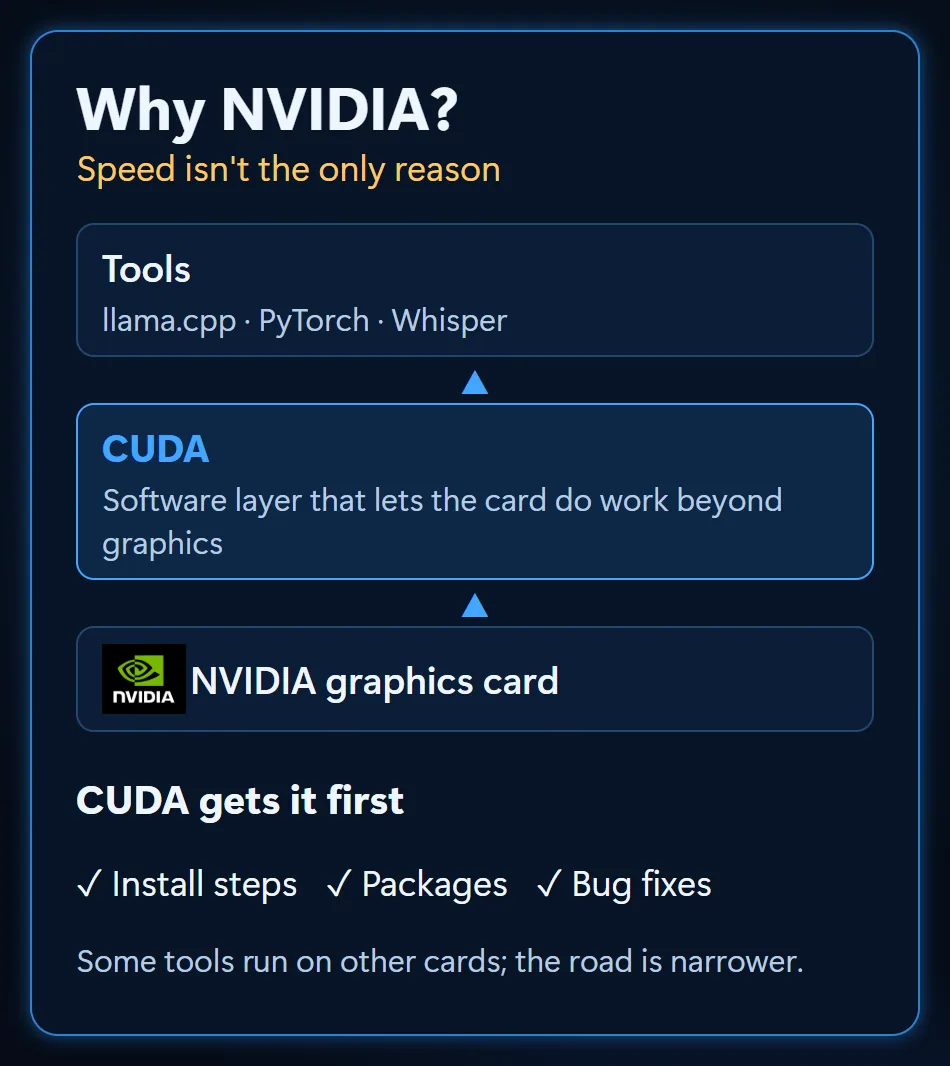
Speed isn’t the only reason. The real advantage is CUDA: the software layer NVIDIA built so a graphics card can do work beyond graphics. Most local AI tools target it first; install steps, ready-made packages and bug fixes show up there first. Some tools run on other cards too, but the road isn’t as clear. On our setup both the chat engine and the audio models run on CUDA.
Qwen or Gemma?
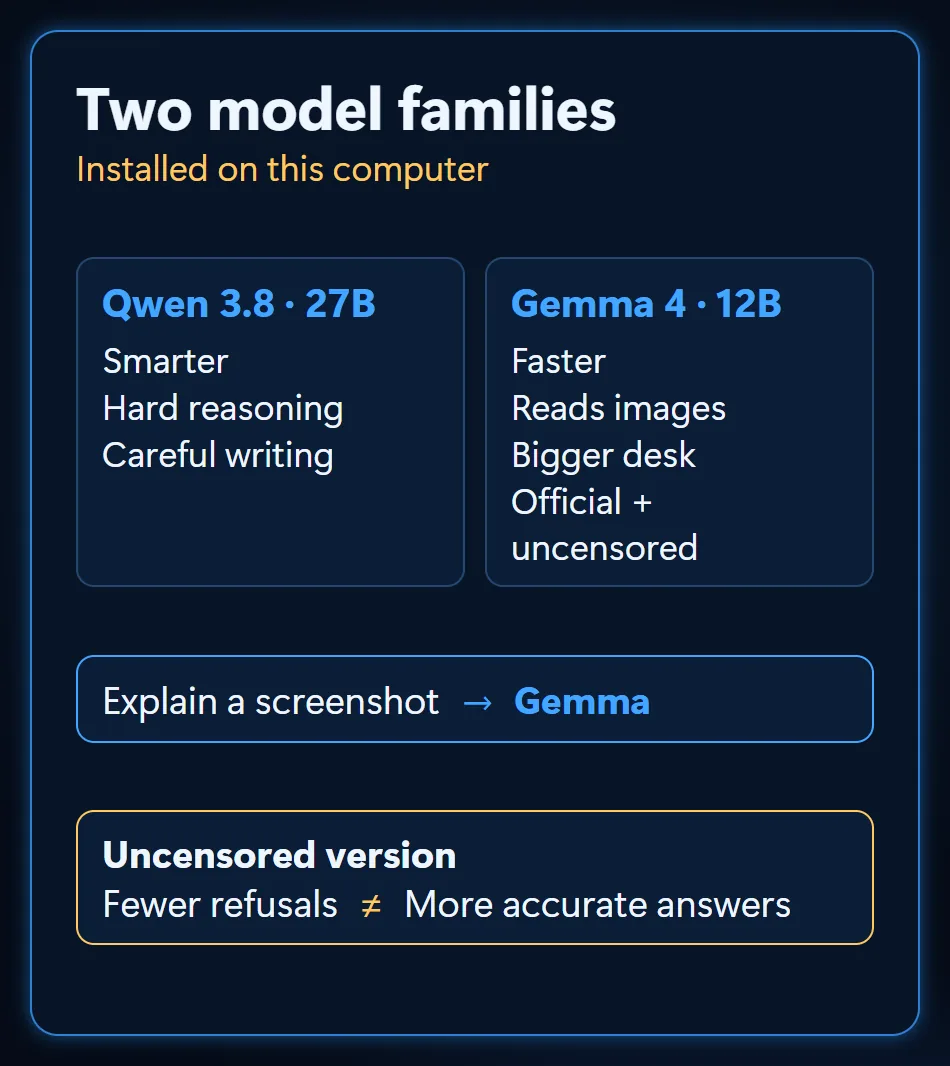
Two model families are installed on the card. Qwen is smarter; I pick it for hard reasoning and careful writing. Gemma is faster and can also look at images; if you want a screenshot explained, you pick Gemma.
There are uncensored versions too. They aren’t smarter; they just turn down fewer requests. That doesn’t mean the answer is more accurate.
Tokens and context, in plain words
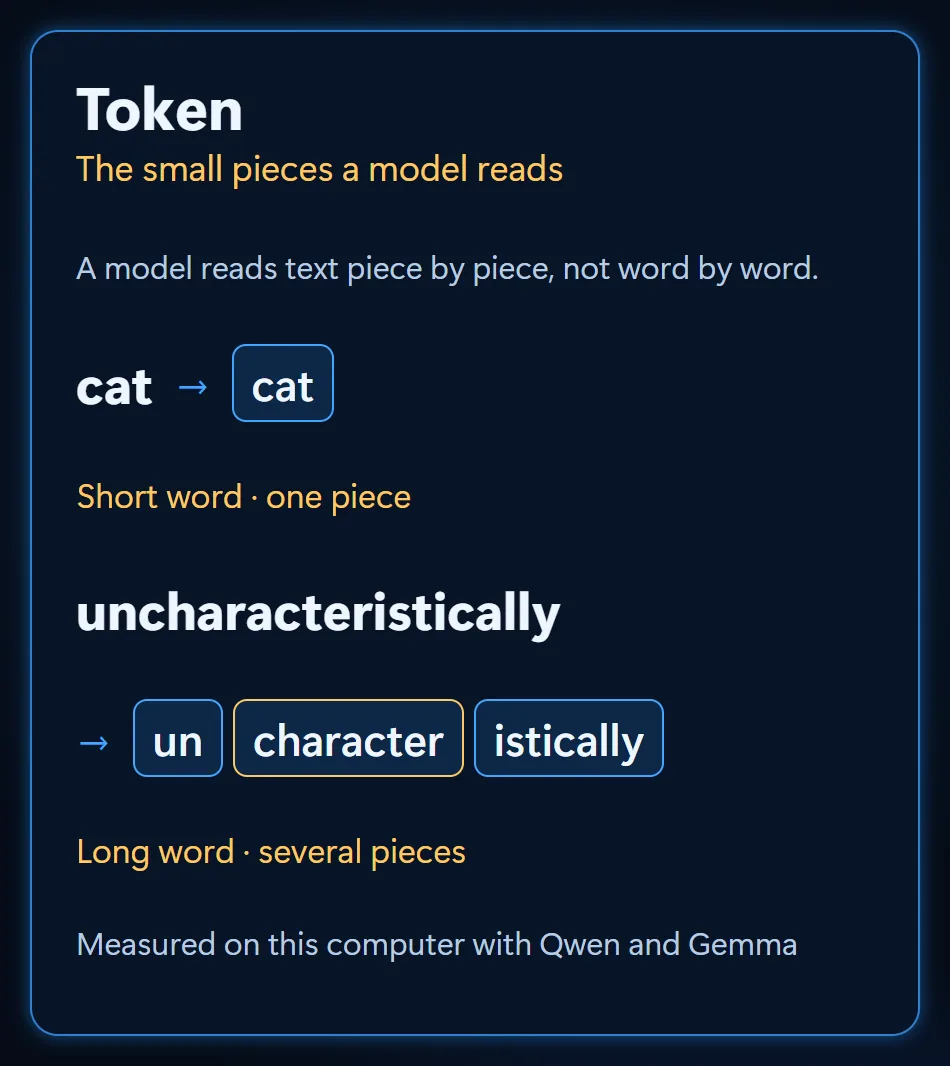
A model doesn’t read text word by word; it reads it in small pieces, and those pieces are called tokens. A short word can be a single piece, a long word several. I measured it on this computer with Qwen and Gemma: “cat” is one piece, “uncharacteristically” is three (un, character, istically).
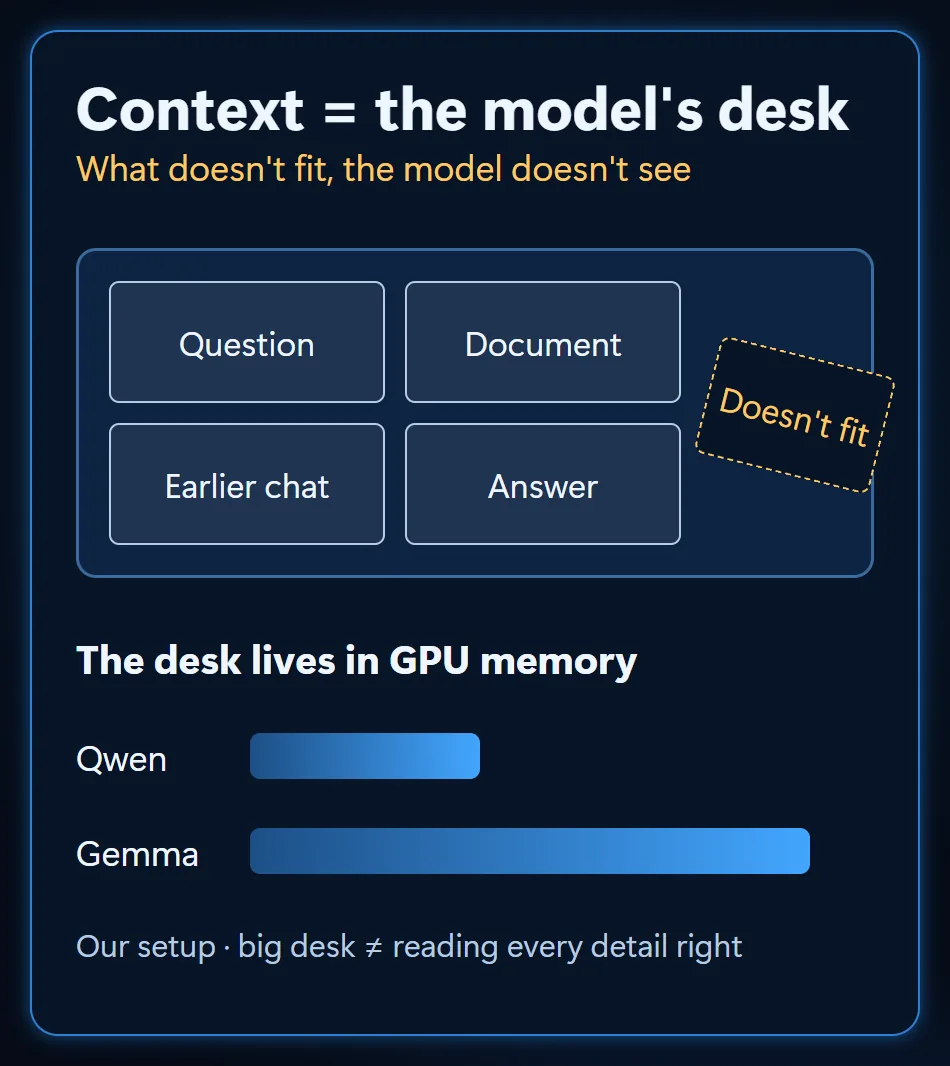
Context is the model’s desk. Your question, your document, the earlier conversation and the answer it writes all sit on one desk. What doesn’t fit, the model doesn’t see. The desk itself lives in the graphics card’s memory: on our setup Qwen almost fills the card, so its desk is smaller than Gemma’s. And a big desk doesn’t guarantee it reads every detail correctly.
Not only language models: dictation with Whisper
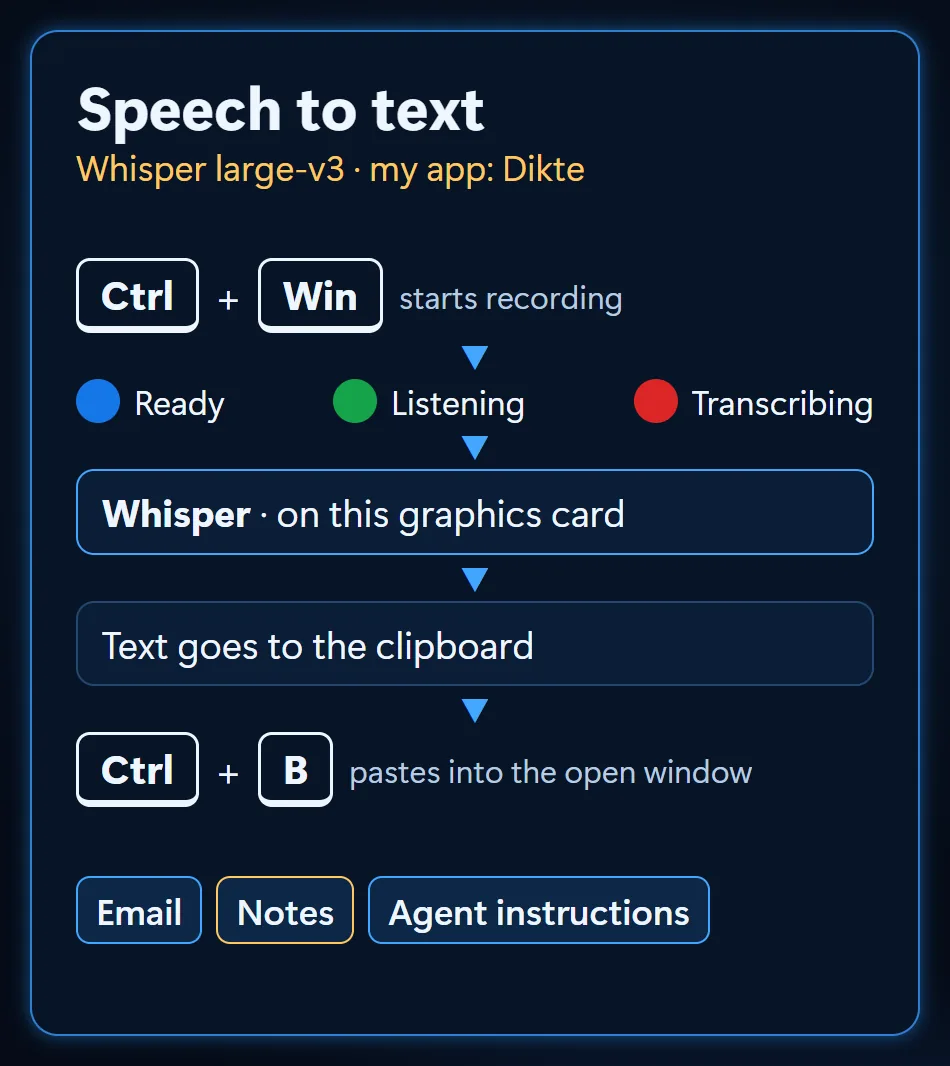
A 16 GB card isn’t only for chat models. My favorite local AI is Whisper large v3, which turns speech into text. I built a small Windows app around it: I press two keys and talk, Whisper transcribes on the same graphics card, and a shortcut pastes the text into the open window. Emails, notes, instructions for AI agents; I run my computer by voice.
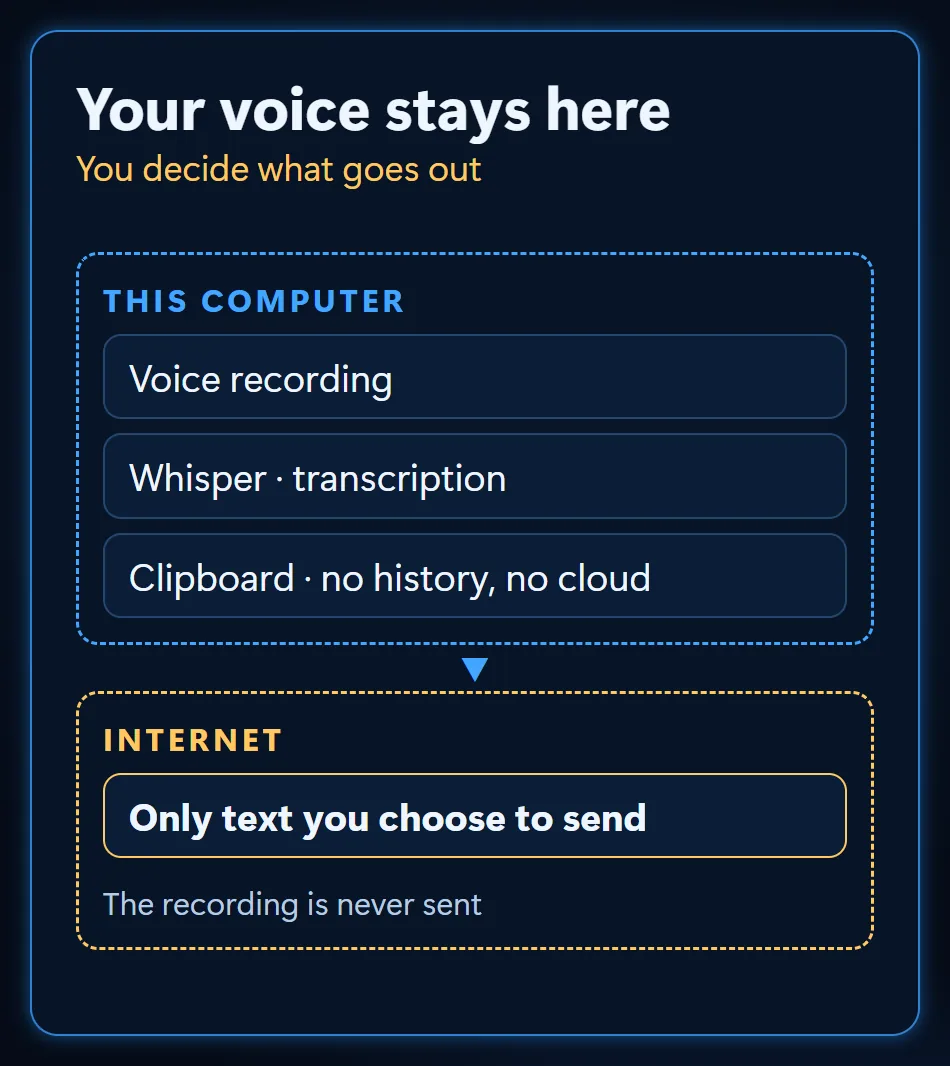
Most importantly: my voice never leaves the computer. The recording and the transcription stay on this machine; the text placed on the clipboard isn’t saved to Windows clipboard history or the cloud clipboard either. Only the text I choose to send goes out.
Other local audio models
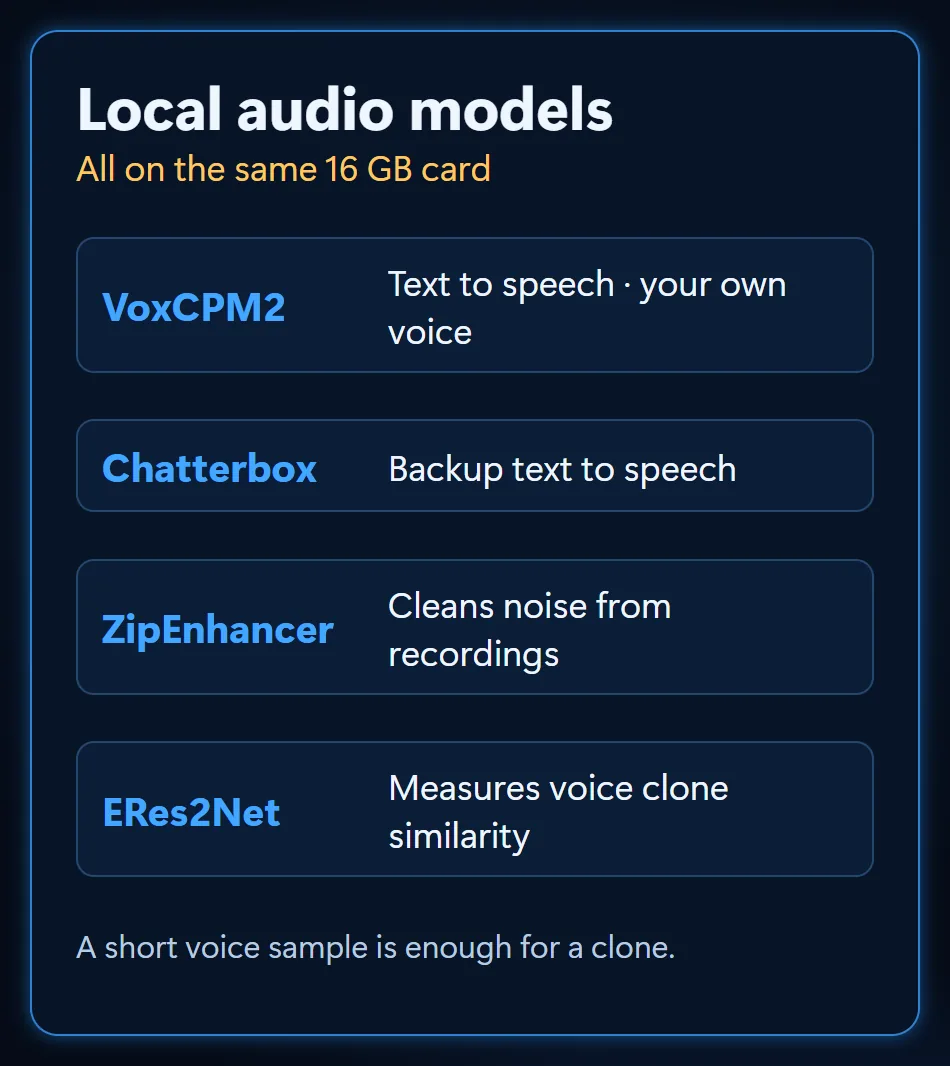
More audio models run on the same card. VoxCPM2 reads text aloud; give it a short voice sample and it can read in your own voice. Chatterbox is our backup voice model. ZipEnhancer cleans the noise out of a recording, and ERes2Net measures how close a cloned voice is to the real one.
Pick the job first, then the model
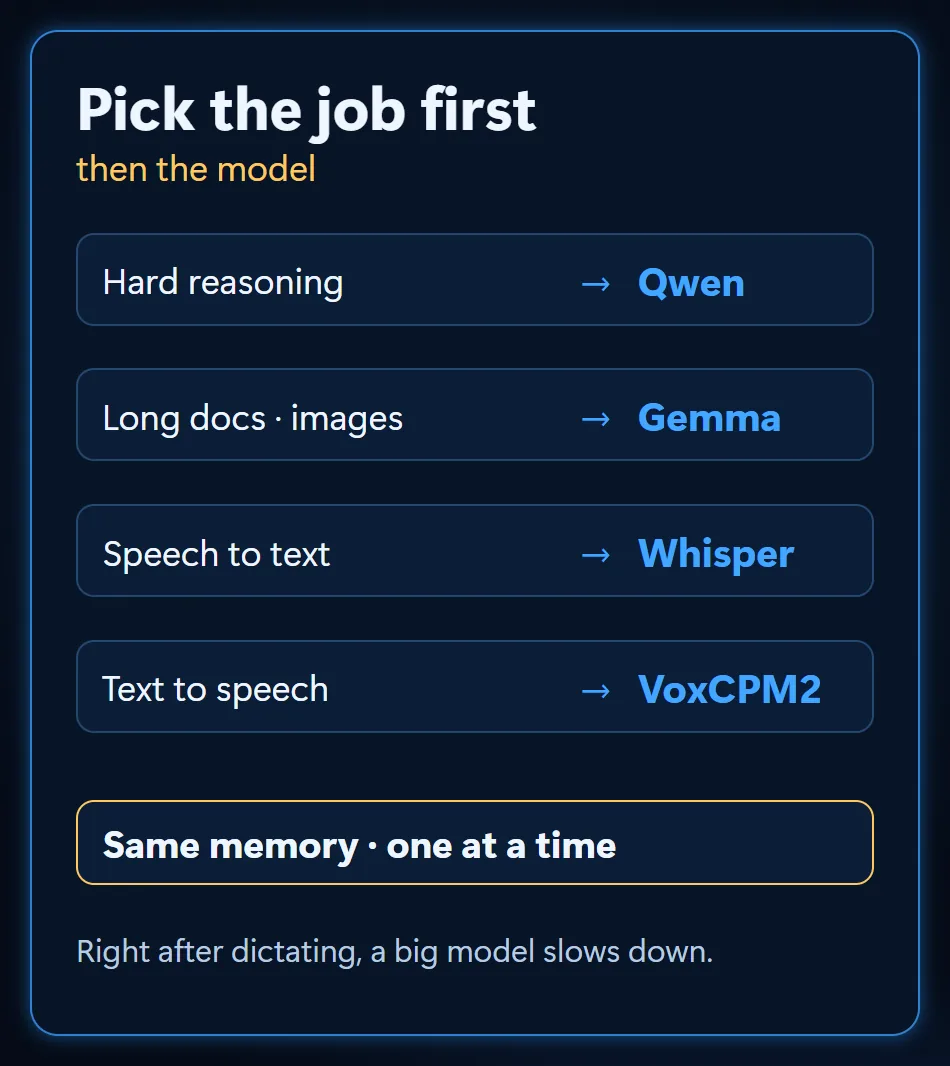
All of these models share the same memory. Load a big chat model right after dictating and it slows down; using them one at a time is easier. Hard reasoning: Qwen. Long documents and images: Gemma. Speech to text: Whisper. Text to speech: VoxCPM2.
If you want to learn local AI setups together, follow the channel.
Frequently Asked Questions
Is a 16 GB graphics card enough for local AI?
Enough, but not for everything at once. The same memory serves a chat model, a dictation model or a voice model in turn; load them all together and things slow down.
Why do you recommend an NVIDIA card?
Speed isn’t the only reason. The real difference is CUDA: most local AI tools are prepared for it first, so setup steps and error fixes show up there first. Tools for other cards exist, but the path is less clear.
Qwen or Gemma?
Qwen is smarter, so I pick it for hard reasoning and careful writing. Gemma is faster and can look at images. Uncensored versions aren’t smarter; they simply refuse fewer requests, which doesn’t make the answers more accurate.
Does my voice leave the computer when I dictate?
No. Whisper large v3 turns speech into text on the same graphics card, so the recording and the transcription stay on the computer. Only the text I choose to send goes out.
Follow for content about AI
More videos
 Motion Design with Just Claude Opus: 32 Experiments and Prompts
 Customer Wrote at Night, Request Ready by Morning
 Give AI the Address, Not the Route: Which Job Goes to Which Model
 Stop Using Excel and Google Sheets as a Database: To a Web App
 ADHD Didn't Change. The Tools Did: A Scattered Brain and Agents
 Can AI Fix Its Own Mistakes? I Checked It Is Not I Fixed It
 OpenRouter and Hugging Face Aren't Models: Three Ways In
 How Do AI Agents Work? Same Model, Different Results
 AI Agents for AEC Firms: How the Five-Layer Setup Works