
Want a Custom GPT Built? Here's What You're Probably Looking For
I don’t recommend having a new custom GPT built today. According to OpenAI’s help page (as of October 2026), custom GPTs retire on 11 December 2026 and are to be migrated to plugins. Personal ChatGPT accounts, including Free, Go, Plus and Pro, also can’t create new GPTs; that is only possible in Business, Enterprise and Edu workspaces when an admin allows it (OpenAI, creating GPTs). Even that is temporary: OpenAI announces that creating new GPTs in Enterprise workspaces ends on 26 October 2026 (planned date) (OpenAI FAQ). A GPT built today would need to be moved two months from now.
But someone asking for a “custom GPT” usually wants an outcome, not the GPT itself: an assistant that knows your documents, a bot that answers customers, or a weekly task that runs on its own. Find your situation below; for each one I’ve listed the right tool today and the detailed guide.
Is this what you’re looking for?
| What you want | The right tool today | Where to start |
|---|---|---|
| An assistant my team uses that knows our company information | Claude Projects or ChatGPT’s business plans | Company assistant with Claude Projects |
| A system that answers from hundreds of documents and shows the source | Document-based search (RAG) setup | AI that answers from your documents |
| A bot that answers customer questions on my website | A chatbot added to your site | AI chatbot for your website |
| Replies to messages coming in on WhatsApp | WhatsApp Business app or API | How to connect AI to WhatsApp |
| Replies to Instagram DMs | Meta’s own tools or the Instagram API | AI for Instagram DMs |
| A weekly task that runs on its own (email replies, a report) | Automation or an AI agent | Email reply system · monthly report flow |
| I want to build it myself | A Claude Project, step by step | Guide to building your own assistant |
If you’re not sure which one you need, ask: who will read the answer? If it’s your team, a company assistant is enough. If it’s your customer, the answer goes out in your name, so first settle what a wrong answer costs, who checks it and which channel it runs on. If you’re wondering about budget, I break down the cost items in what it actually costs to build a chatbot.
An internal assistant: what replaces the GPT?
This was the most common use of a custom GPT: standing instructions, a few reference files, and your team’s questions answered by the same rules. Claude Projects does the same job today: you write instructions for the project, add documents such as a price list or brand guide, and your team asks its questions there. If you want to stay in ChatGPT, creating GPTs in a Business or Enterprise workspace is currently possible with admin permission, but according to OpenAI’s FAQ (as of October 2026) new GPT creation in Enterprise workspaces ends on 26 October 2026 (planned), and no separate date is given for other plans. The retirement date (11 December 2026) applies to those GPTs too, so building on plugins or Claude Projects from the start makes more sense than a new GPT.
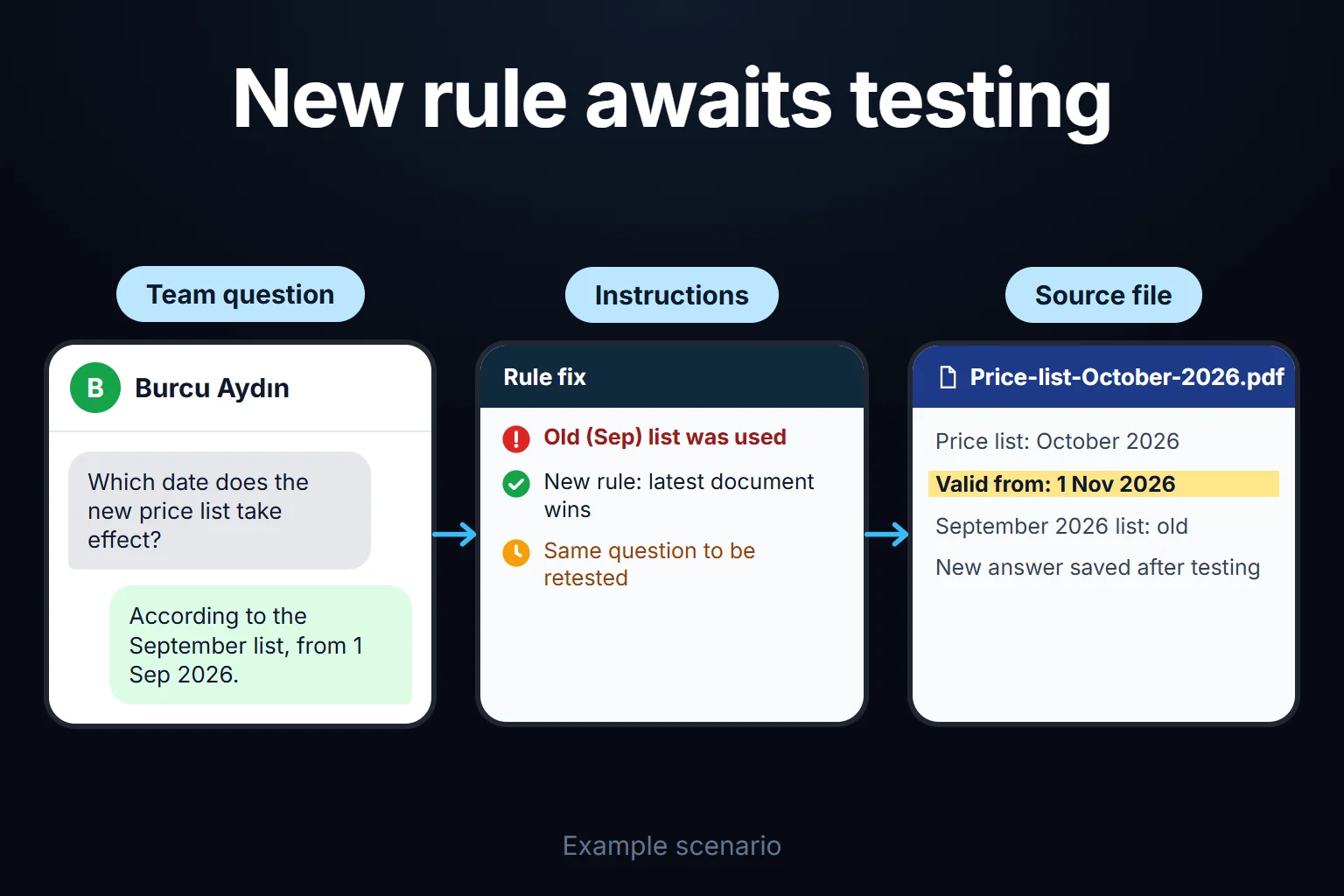
The mistake I see most often during setup is trying to write the perfect instructions on the first try. You need to test the assistant with the questions your team will actually ask, see the wrong answers and fix the instructions accordingly. Skip that loop and a few weeks later the complaint becomes “the assistant gives wrong answers”.
If you already have a custom GPT
- It doesn’t disappear right away. According to OpenAI, existing GPTs stay usable until the retirement date. For some Enterprise workspaces with an approved deferral, the date is 11 February 2027 (source).
- Migration goes to plugins. OpenAI offers a path to migrate GPTs to plugins. After a GPT is migrated, the original stays usable until retirement but becomes read-only, so make any essential edits before migrating.
- Save your instructions and files now. Whatever tool you move to, the real value is in the instruction text and reference documents. Copying them into a file turns the next setup into a few hours of work.
If your account received its own notice, the dates and options there apply.
You can hire me for this
I can set up an assistant for your team or move your existing GPT to a new tool. I write the instructions, organize the documents, test with your team’s real questions and hand it over with a short usage note. It’s usually remote, hourly-billed work that takes a few hours to 2 days; the complexity of the task and the number of documents set the time.
A customer-facing bot (website, WhatsApp, Instagram) is a separate job, covered on the pages in the table above. You can write to me via the contact page.
Frequently Asked Questions
Does it still make sense to have a custom GPT built?
It isn’t possible on a personal ChatGPT account, and in a business workspace you’d be buying something that needs to be moved in two months. For the same need, Claude Projects or the project and plugin features in ChatGPT’s business plans are a longer-lasting choice today.
Is a Claude Project the same as a custom GPT?
The logic is the same: standing instructions and standing reference files. The difference is the tool and its sharing terms. The tool you already use and your team’s habits decide which one fits.
Is my data safe?
It depends on the tool’s terms. On business plans, content isn’t used for model training by default (OpenAI, Claude, as of October 2026); on individual plans it’s a setting. If sensitive data such as customer information is involved, we decide before setup which information the assistant gets.
My team isn’t technical. Can they use it?
Yes. After setup, all your team has to do is type questions. I include a short usage note at handover, because when nobody says “ask it like this”, most teams never use the tool.