
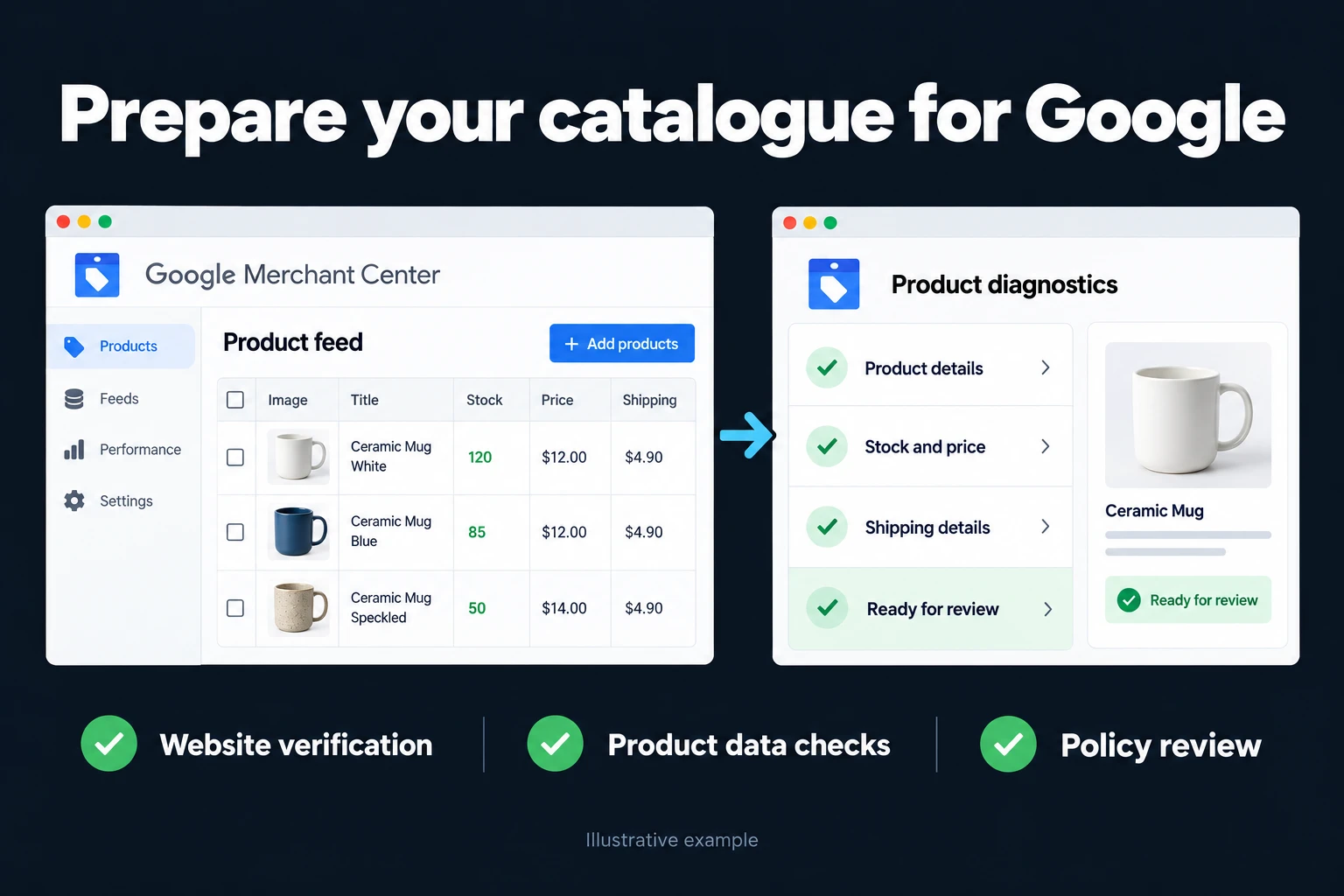
Google Merchant Center Setup | Getting Approved from Scratch
Merchant Center is the prerequisite for Shopping ads: without a verified account and a connected product feed, not a single Shopping ad can go live. A small setup mistake can get products disapproved and drag the approval process out. This page covers what I do during setup, what I watch for, and the most common mistakes.
Who is this for?
Online stores that sell from their own site and want to show products through Shopping ads or Performance Max. It fits both stores that have never opened an account and stores whose account is open but whose products were disapproved; in the second case I read the disapproval reasons first rather than rebuilding from scratch.
Setup steps
| Step | What happens | Why it matters |
|---|---|---|
| 1. Account and business info | Merchant Center account is created; business name, address and contact details are entered | If they don’t match the site, approval stalls |
| 2. Website verification and claim | Ownership is verified with one of the methods Merchant Center offers (e.g. an HTML tag or file, Google Tag Manager, Google Analytics) | Products aren’t served for an unverified site |
| 3. Shipping and returns | Delivery regions, times, costs and return terms are entered | They must match the policy pages on your site |
| 4. Product feed | Product data is connected via a plugin, scheduled fetch or Google Sheets | Data quality drives both approval and performance |
| 5. Product review | Errors in the diagnostics screen are cleared one by one | A disapproved product never appears in ads |
| 6. Google Ads link | Merchant Center is linked to the Google Ads account | Campaigns can’t see products until it is linked |
Which verification method is fastest depends on your site; if Tag Manager is already installed, that is usually the shortest route.
Required feed fields
According to Google’s product data specification, every product always needs a unique ID, title, description, landing page link, main image link, availability and price. Brand is required for new products (except books, movies and music recordings); a GTIN should be provided when one exists, and an MPN is needed if it doesn’t. Apparel also asks for color, size, age group and gender. See Google’s product data specification for details.
Common mistakes
- The price on the site doesn’t match the price in the feed: the product is disapproved.
- Return and contact information is hard to find on the site, or missing.
- Leaving the GTIN empty on products that have one.
- Not giving variants a shared item group ID.
- Launching a campaign before conversion tracking exists: ads run, but you can’t tell which sale came from where. I set up measurement before the campaign; see e-commerce conversion tracking.
The first days after approval
Opening the account isn’t the end of the job. In the first days I watch the diagnostics screen: are there new warnings or disapprovals, does the product count match the feed, do the shipping and returns settings still match the text on the site. Then I link the account to Google Ads and open a first campaign with a small budget; the goal isn’t to scale at once but to see which products get impressions and clicks and fix the feed accordingly. I also check that the feed carries price and stock changes; a product served with an old price risks disapproval and misleads the customer.
How do we start? First I review your site’s infrastructure and product catalog; then I list what’s missing in order and we move to setup. You can reach me from the contact page. Google’s Get started with Merchant Center page is also useful for general help.
Frequently Asked Questions
How long does setup take?
Site verification is usually done within a few hours; product approval can take a few days depending on feed quality.
Is it different if I use Shopify or WooCommerce?
The platform makes feed creation easier, but Google’s approval criteria stay the same; see the platform-specific notes for Shopify and WooCommerce.
My account or products were rejected. Do I need to start over?
Usually not. The reason in the diagnostics screen says which field is missing or wrong; in most cases fixing it and requesting a new review is enough.
What should I do after setup?
Link the Merchant Center account to Google Ads and move on to Shopping ads or a Performance Max campaign; to keep the feed in good shape, see product feed optimization.
How do I work?
Work-hour packages
Tell me about your business and what you need on WhatsApp or by phone; we agree on a work block of somewhere between 5 and 40 hours and I start doing what is needed. What you get is not a calendar window — it is net working hours spent directly on your business. I can use 40 hours working three days straight, or deliberately spread it out and finish it over a year — whatever the work calls for. I do not spend my time estimating how long something will take, I spend it doing the work; every hour I spend leaves a lasting result in your business. We keep going for as long as you find it useful.
Why not monthly?
Is 40 hours a week?
On a fixed monthly fee both sides are watching the wrong thing: you watch a fixed cost, the other side watches how many more contracts like this they can line up. Working by the hour puts us both in front of the same thing — the real value of the work that got done. I know not having an upfront answer to "how much will this cost in total?" is the natural cost of this model. But instead of paying a fixed fee for months to a setup that is not producing results, you only pay for the qualified time spent on your work — and you see exactly where that time went, start to finish. That is why my clients keep coming back.