
My Site Was Hacked, What Should I Do?
Pages you never created, unrelated posts in search results, visitors redirected elsewhere, or a browser warning outright — if any of these is happening, your site has most likely been compromised. What you do first determines how this ends.
The most common mistake: deleting immediately
The first instinct is to delete the malicious files and move on. Two problems with that. First, if you clean up without finding the back door the attacker left, the site breaks again within days. Second, deleting destroys the evidence of how they got in — so the same hole stays open.
The order
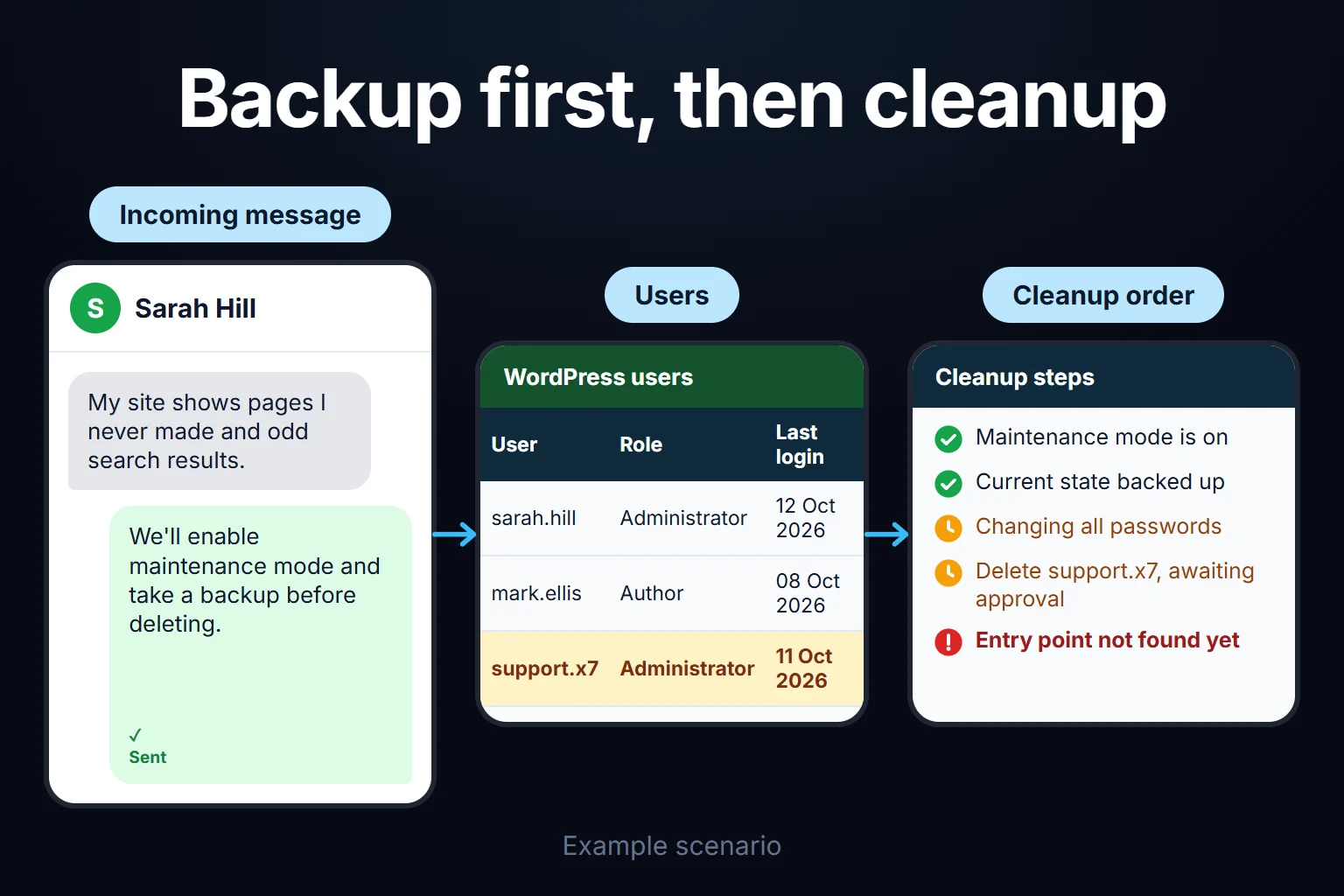
1. Put the site into maintenance mode. To protect visitors and stop the spread. Showing a maintenance page is better than taking the site down entirely; it also sends search engines the right signal.
2. Back up the current state. Even broken. This backup isn’t for restoring — it’s for investigation. It’s the only way to compare what changed.
3. Change every password. WordPress admins, the database, FTP/SSH, the hosting panel and email. Changing only the WordPress password usually isn’t enough, because entry was often through another layer.
4. Delete users you don’t recognise. An extra administrator account is typically the first thing attackers leave behind.
5. Restore a clean backup — if you have one. If you have a backup from before the attack, this is the fastest and safest route. If you don’t, this is where the real cost of the incident begins.
6. Replace core files. WordPress’s own files and the plugins are replaced with clean versions. Customised theme files and the uploads folder have to be inspected individually.
7. Find the entry point. An outdated plugin, a weak password, or stolen FTP credentials. The job isn’t finished until this is found.
8. Tell Google it’s clean. If Search Console shows a security issue, you have to submit a review request after cleaning. Browser warnings don’t clear on their own.
Stopping it happening again
Once the cleanup is done the real work starts: regular updates, automated backups kept off the server, removing plugins you don’t use, and protecting admin login with two-factor authentication. All of that sits inside WordPress maintenance and support.
If this is happening right now, write rather than wait — what’s done in the first hours changes the outcome. Get in touch.
Frequently Asked Questions
Will my hosting company clean it?
Some offer paid cleanup, others simply suspend the account. Suspension isn’t cleanup — the hole stays open, so the problem returns when the site comes back.
Is installing a security plugin enough?
Scanning after installation is useful, but a plugin alone isn’t reliable for post-infection cleanup. If its own files have been modified it can’t even report accurately.
My site dropped out of Google, will it come back?
Usually yes. Warnings clear once the site is cleaned and a review request is submitted. The longer it stayed compromised, the longer recovery takes — though your site not showing on Google can have other causes too.
I have no backup, what now?
It takes longer but isn’t hopeless. Files are replaced with clean versions and the database is inspected manually. This is the scenario where a few hours of work becomes days.
How do I work?
Work-hour packages
Tell me about your business and what you need on WhatsApp or by phone; we agree on a work block of somewhere between 5 and 40 hours and I start doing what is needed. What you get is not a calendar window — it is net working hours spent directly on your business. I can use 40 hours working three days straight, or deliberately spread it out and finish it over a year — whatever the work calls for. I do not spend my time estimating how long something will take, I spend it doing the work; every hour I spend leaves a lasting result in your business. We keep going for as long as you find it useful.
Why not monthly?
Is 40 hours a week?
On a fixed monthly fee both sides are watching the wrong thing: you watch a fixed cost, the other side watches how many more contracts like this they can line up. Working by the hour puts us both in front of the same thing — the real value of the work that got done. I know not having an upfront answer to "how much will this cost in total?" is the natural cost of this model. But instead of paying a fixed fee for months to a setup that is not producing results, you only pay for the qualified time spent on your work — and you see exactly where that time went, start to finish. That is why my clients keep coming back.