
Claude Cowork or Claude Code?
Anthropic has three ways of using Claude, and the names get mixed up: Claude (chat), Cowork (an agent that does office work with your files) and Claude Code (a software development agent). All three use the same Claude models; the difference is what they do and who they’re built for. Short answer: if you ask questions, get text written or generate ideas, use Claude chat; if you have file work like reports, decks, spreadsheets or folder tidying, use Cowork; if you edit the code of your site or software, use Claude Code.
One update: according to Anthropic’s help page, “Claude Cowork is now just Claude”; chat and Cowork are merging into one message box, and Claude decides whether a request is a quick answer or a task. The change is rolling out gradually to Pro and Max plans (as of October 2026), so you may or may not still see a separate “Cowork” option. The differences below hold whichever interface you see.
The difference between the three
| Claude (chat) | Cowork | Claude Code | |
|---|---|---|---|
| What it does | Answers questions, writes text, analyzes | Carries out a goal you give it in multiple steps, using the files and tools you allow | Reads a codebase, edits files, runs commands, commits to git and opens pull requests |
| Built for | Everyone | Non-developer knowledge workers | Software development |
| Typical output | A reply, a draft | Spreadsheets, decks, reports, tidied folders | Code, commits, pull requests |
| Where it runs | App, web | Desktop (macOS, Windows), web, mobile | Terminal, VS Code, JetBrains, the Code tab in the desktop app, web |
| Plan | A free plan exists | Paid plans only | Not on the free plan; included in paid plans |
Sources: Anthropic’s Cowork product page, the Cowork help article, the Claude Code documentation and the pricing page (as of October 2026). The pricing page also says Cowork is rolling out gradually to Pro and Max.
Does Claude Code only run in a terminal
No. The terminal is the most complete surface, but you can also use the same Claude Code from the Code tab in the desktop app and from the browser; according to the documentation the desktop app includes Claude Code, with no command-line install needed. The tool is still built around codebases, commits and tests, so if you don’t code, Cowork will feel more natural.
What Cowork does, and what it’s good for in marketing
You give Cowork a goal and it plans and carries it out across the folders and tools you’ve allowed. The examples Anthropic leads with on its product page are close to a marketing or finance team’s weekly routine: a weekly marketing readout from Amplitude and Drive data, reconciling regional exports and budget files into one spreadsheet, a first-pass contract review against a playbook, and going through a quarter of call notes for deal status and recurring objections. You can schedule tasks to run daily, weekly or monthly.
One change to know about: according to Anthropic, from October 6, 2026 new Cowork tasks on Pro and Max plans run in the cloud, and the “only on your computer” option was removed. So work continues when you close your laptop; but access to local files, the browser or computer use still depends on the desktop app being open (source).
Permissions and safety
Because Cowork reaches your files, the permission model matters. The help article describes three modes:
- Manual: Claude asks before each action.
- Auto: Claude keeps working without stopping, reviews each action for safety and blocks what it judges unsafe. Anthropic says this mode uses more of your usage limit than the others.
- Skip: Claude doesn’t ask, and nothing checks its actions automatically.
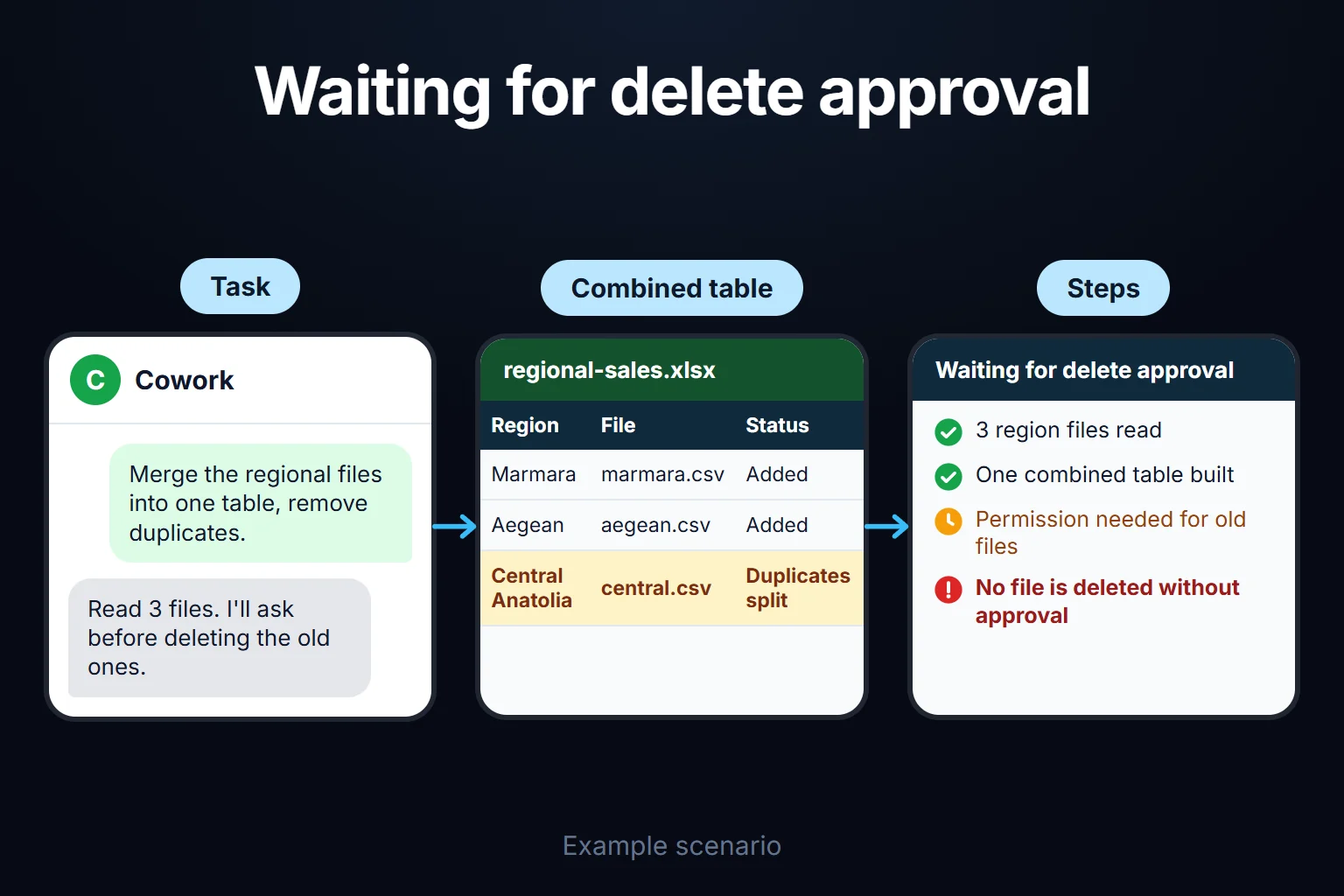
Claude only reaches the folders you connect. It asks for your explicit permission before permanently deleting files. If you handle client data, start in manual. On cloud tasks Claude fetches copies of only the files it needs, and deleting a session deletes those copies too; a deleted task disappears from your history immediately and is removed from Anthropic’s backend storage within 30 days. For contracts, client lists and similar sensitive files, read your plan’s data policy before you start.
How to choose
- Claude chat: questions, writing, ideas, one-off analysis.
- Cowork: repeating work or work that combines several sources, where the result is a file (reports, decks, spreadsheets, folder cleanup).
- Claude Code: your site’s code, GitHub, getting scripts written, automation.
I use Claude Code for site development and automation scripts. I described my own stack in a separate piece.
Frequently Asked Questions
Does Cowork cost money?
Yes. Cowork isn’t on the free plan; it’s on Pro, Max, Team and Enterprise (on Enterprise, some surfaces need an admin to enable them). It isn’t a separate subscription, it comes with the plan. Multi-step tasks use more of your allowance than a quick question; you can see how much in Settings > Usage. Current plan prices are on Anthropic’s pricing page.
Do I need to know how to code to use Cowork?
No. You describe the task in plain language, Claude shows its approach, and you approve it and let it run.
Does my data go to Anthropic’s servers?
On tasks that run in the cloud, yes: according to Anthropic’s documentation, Claude’s work runs on Anthropic’s servers in an isolated environment. Local access (files, browser, computer use) goes through the desktop app. For sensitive data, read your plan’s data policy.
Does my chat memory carry over into Cowork?
According to Anthropic, cloud sessions start from what Claude already remembers from your chats. If you want memory off for one task, turn off Memory in the ”+” menu before your first message; it can’t be changed afterwards. Projects group related tasks into separate workspaces.
Is there a ChatGPT equivalent?
There are tools with similar aims, but not an exact match. I covered the comparison on the Claude or ChatGPT page.