
What Is Base44? What to Expect From Your First App
Base44 is an AI tool that turns a plain-sentence description into a working web app with its own interface, database and user login. You don’t write code; you describe what you want, then fix the result by talking to it. In June 2025 Wix acquired Base44 and said it would keep running it as a separate product (Wix announcement). Below is what you’ll run into with your first app, why the first draft is rarely complete, and where the work needs human oversight, from my own experience.
This article is part of the AI Automation Guide series. For the concept itself, see What Is Vibe Coding; here I go straight into Base44.
What does Base44 do differently?
There are similar tools: Lovable, Bolt, Replit Agent. I use Base44 on my service because interface, database, login and hosting come on one platform. What comes out isn’t a design mockup but a working app: a user who signs up, data that gets saved, a form that sends email are real from day one. That brings both speed and risk; if there’s a bug, it touches real users.
Is it free, and how much does it cost?
As of October 2026, per Base44’s pricing page:
| Plan | Per month (annual billing) | Message credits per month |
|---|---|---|
| Free | $0 | 25 |
| Starter | $16 | 100 |
| Builder | $40 | 250 |
The free plan allows up to 5 apps. Every revision request uses message credits; the free plan is enough to try a first draft and a few rounds of fixes, but keeping a real app live will most likely mean moving to a paid plan. For the higher plans (Pro, Elite) and credit usage, see the pricing page; the rates can change.
Can I take the code and move it elsewhere?
Partly. Base44 can sync your app two-way with a GitHub repository, but Base44’s docs say that needs the Builder plan or higher. The docs don’t state clearly what comes with the sync; whether live data lands in the repository isn’t specified. If portability matters to you, try pulling the repository and running it elsewhere on a small test before you commit.
Your first app, step by step
- Describe the idea in plain sentences: what it does, who uses it, what information it keeps. No technical terms needed.
- The first draft arrives in minutes: a working interface, a database schema, the basic functions.
- Revision rounds: “make this field optional”, “sort the list newest first”.
- Test with real data: edge cases the first draft hides show up here.
- Publish: Base44 hosts it; connecting your own domain appears on the paid plans and isn’t listed for the free plan on the pricing page.
For a simple app, this loop takes a few hours in my experience. With several user roles, payments or connections to outside systems, both time and round count grow.
Example: an appointment tracker
“Customers fill in a form and pick a date and time, I approve and an email goes to the customer, I see all appointments in a calendar view.” That description gives you a customer form, an approval screen and a calendar view in minutes.
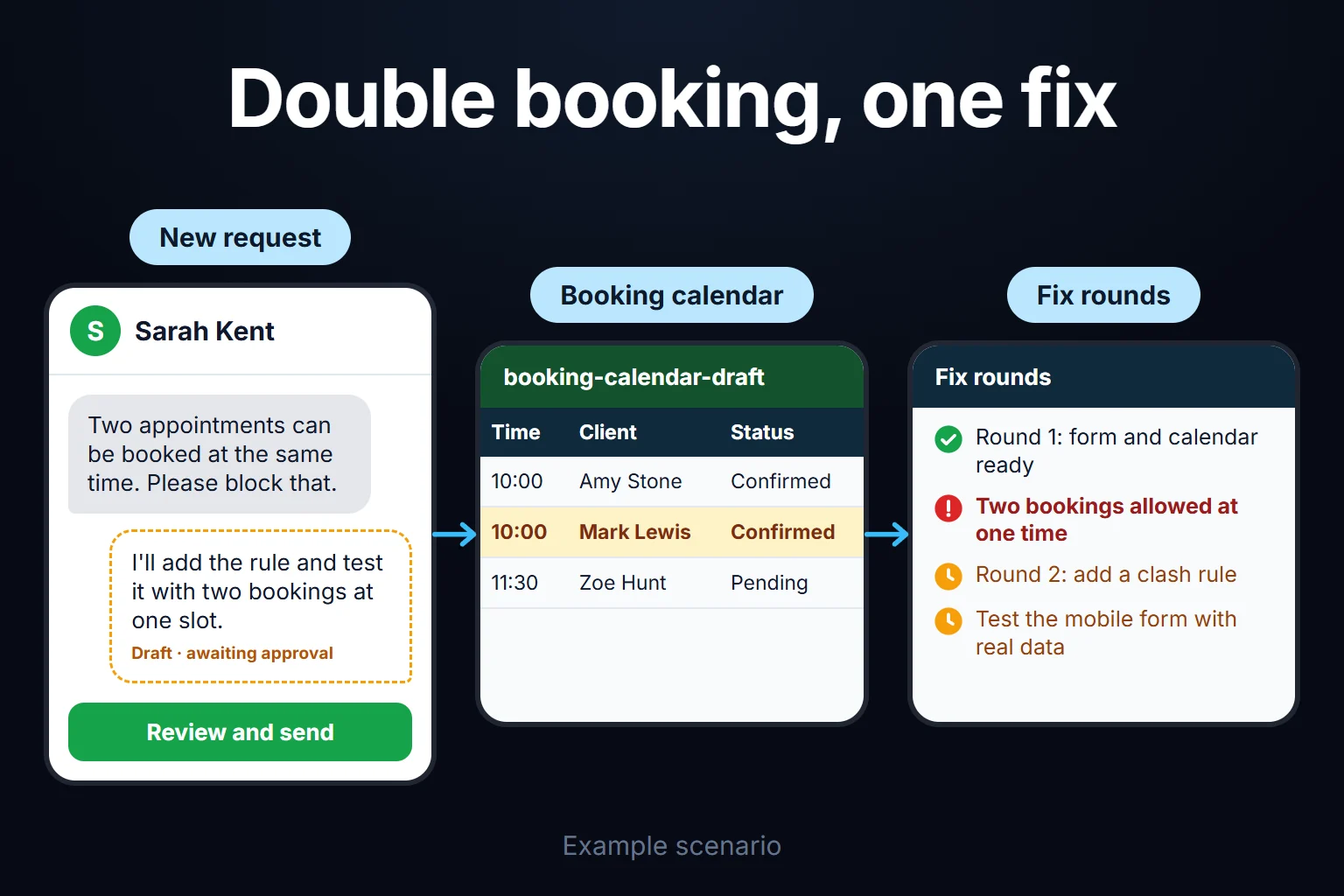
What the first draft usually misses: blocking two appointments at the same time, removing a cancelled appointment from the calendar, making the form look right on mobile. Each is one revision round: say “no second appointment at the same time” and it turns that into a rule. Stock tracking, a simple CRM or an application form, any “collect data, list it, update its status” job, goes through the same loop.
Why the first draft isn’t perfect, and how many rounds to expect
Not everything you describe is understood with the same clarity; Base44 fills some assumptions in itself. My observation, not a measured statistic: an app with one form, one list and one user type usually takes 2-4 rounds; with several roles and conditional logic, 6-10.
Where a developer needs to step in:
- Role-based permissions. “Admins see this, customers don’t” gets harder to set up as it layers.
- Third-party integrations. Payments, accounting software or a custom API usually need hands-on work.
- Sensitive data. If you hold payment or health information, a security review before launch is a must.
- Scale. As users grow, query efficiency needs human oversight.
For very high-traffic apps, heavy real-time processing or very custom infrastructure, Base44 alone may not be suitable; there it’s more realistic to use it for a quick prototype and build the real app in code.
An observation from my own work
While building a simple stock tracker for a client, the first draft handled adding products, removing them and keeping the current stock list correctly. Stock transfer between two locations (“move 10 units from branch A to branch B and update both”) came back missing or half-done. Describing logic that updates both sides together fully means saying not only “what should happen” but “in what order, and what if one side fails”. It worked after a few rounds. My lesson: if you describe by scenario, writing “what should happen in this case” too, fewer rounds are needed.
You can ask me for this work
Typically 2 hours to 2 weeks, remote, billed hourly. A simple tool takes a few hours; a moderately complex app takes 1-2 weeks. For details, see the Base44 App Development service page.
Frequently Asked Questions
How long does an app take with Base44?
A simple app (one form, one list) is up and working in a few hours in my experience. An app with several roles, notifications and integrations can take 1-2 weeks with revision rounds.
Is Base44 free?
There’s a free plan: 25 message credits a month and up to 5 apps (October 2026, pricing page). Keeping a real app live usually needs a paid plan; check current rates on the official site.
Can I export my Base44 app’s code?
There’s two-way GitHub sync, but on the Builder plan and above (docs). Whether live database data goes into the repository isn’t clear in the docs; test before you move anything.
What is Base44 not suitable for?
Very high-traffic apps, heavy real-time processing or very custom infrastructure. There, use Base44 for the prototype and build the real app in custom code.