
No-Code vs Vibe Coding: What's the Difference?
No-code is a way to build an app without writing a line of code: on platforms like Webflow, Bubble, or Airtable, you drag and drop pre-built visual blocks and templates, the platform’s engine does the running, and you just arrange the pieces. Vibe coding is a completely different mechanism: you tell an AI in natural language “do this, add that,” and it produces real, working source code (see What Is Vibe Coding for a fuller definition). Both are ways to build an app without writing code, but one is composing pre-made blocks, and the other is actual code generation.
The Difference Between No-Code and Vibe Coding: Comparison Table
Putting the two side by side makes the difference clearer. Read the table below row by row before you decide — each criterion answers a different question.
| Criteria | No-Code | Vibe Coding |
|---|---|---|
| How it works | Pre-built visual blocks and templates are combined by drag-and-drop; the platform’s own engine runs it. | You give natural-language instructions to an AI, which writes real, executable source code. |
| Flexibility / customization limit | Limited to the blocks the platform offers; you hit a wall the moment you want non-standard logic. | Theoretically unlimited — everything can be changed at the code level, but the practical limit is your (or the AI’s) ability to steer the code correctly. |
| Learning curve | Low; you grasp the platform’s logic in a few days. | Medium-high; you need to be able to read code and spot errors — otherwise you have no choice but to trust whatever the AI produces. |
| The output itself | Visual block composition; can’t be moved outside the platform, there’s no “source code” to speak of. | Real source code (usually in a standard language); in theory portable to another server, another developer. |
| Platform dependency (vendor lock-in) | High — the system is entirely locked to the platform; hard to migrate if the platform shuts down or raises prices. | Low-medium — the code is yours, but usually still built on top of a specific AI tool/infrastructure (e.g. Base44). |
| Cost model | Monthly/per-user subscription; price compounds as usage grows. | Usually token/usage-based AI fees + hosting; cheap at the start, but maintenance cost can stay invisible. |
Which One Makes Sense for Which Job
If you need a standard type of thing — a CRM, an application form, a product catalog site — no-code wins almost every time: the platform has solved these scenarios thousands of times already, you’re just plugging in your own data and brand. Faster, less risk, less maintenance.
If the job carries custom logic that doesn’t fit the standard template — a proprietary pricing/commission calculation, a custom workflow connecting multiple systems, or moving the logic of an existing spreadsheet onto the web — vibe coding turns out more flexible. Trying to force a no-code platform to handle this kind of work usually wastes more time than it saves. I’ve written up a concrete example of this on Turning Excel into a Web App, and how the first app gets set up on Your First App with Vibe Coding: Base44.
Do They Replace Each Other?
No, and it’s worth saying clearly — they’re not rivals, they’re usually complementary. The setup I see most often in the field: the core structure (login, database, standard pages) stays on the no-code platform, and a custom integration or automation is added on top with vibe coding — for example, an API connection the platform doesn’t support, or a custom calculation script that runs on a specific trigger. I covered this hybrid approach more broadly, along with the overall automation framework, in the AI Automation Guide.
What to Watch Out For
Both sides carry a hidden bill.
With vibe coding, maintenance responsibility falls on you (or the AI). Who’s going to understand the AI-generated code six months from now, and who’s going to update it? Working doesn’t mean it was written correctly — a security hole, a performance problem, or a “spaghetti” structure can go unnoticed. Don’t put it into production without someone technically responsible for it (you, a developer, or a consultant) taking ownership.
With no-code, the risk runs the other way: if the platform shuts down, doubles its price, or makes a feature change that boxes you in, moving the system elsewhere is usually harder than it looks. A visual block composition can’t be ported one-to-one to another platform — you largely have to rebuild it. So how long a given platform has been around and its pricing history should be as much a decision criterion as which platform you pick.
An Observation from My Own Operation
On one of the accounts I managed last month, a client needed a standard application form — name, phone, budget range, a few checkboxes. I built it in no-code in 40 minutes, and we launched it the same day.
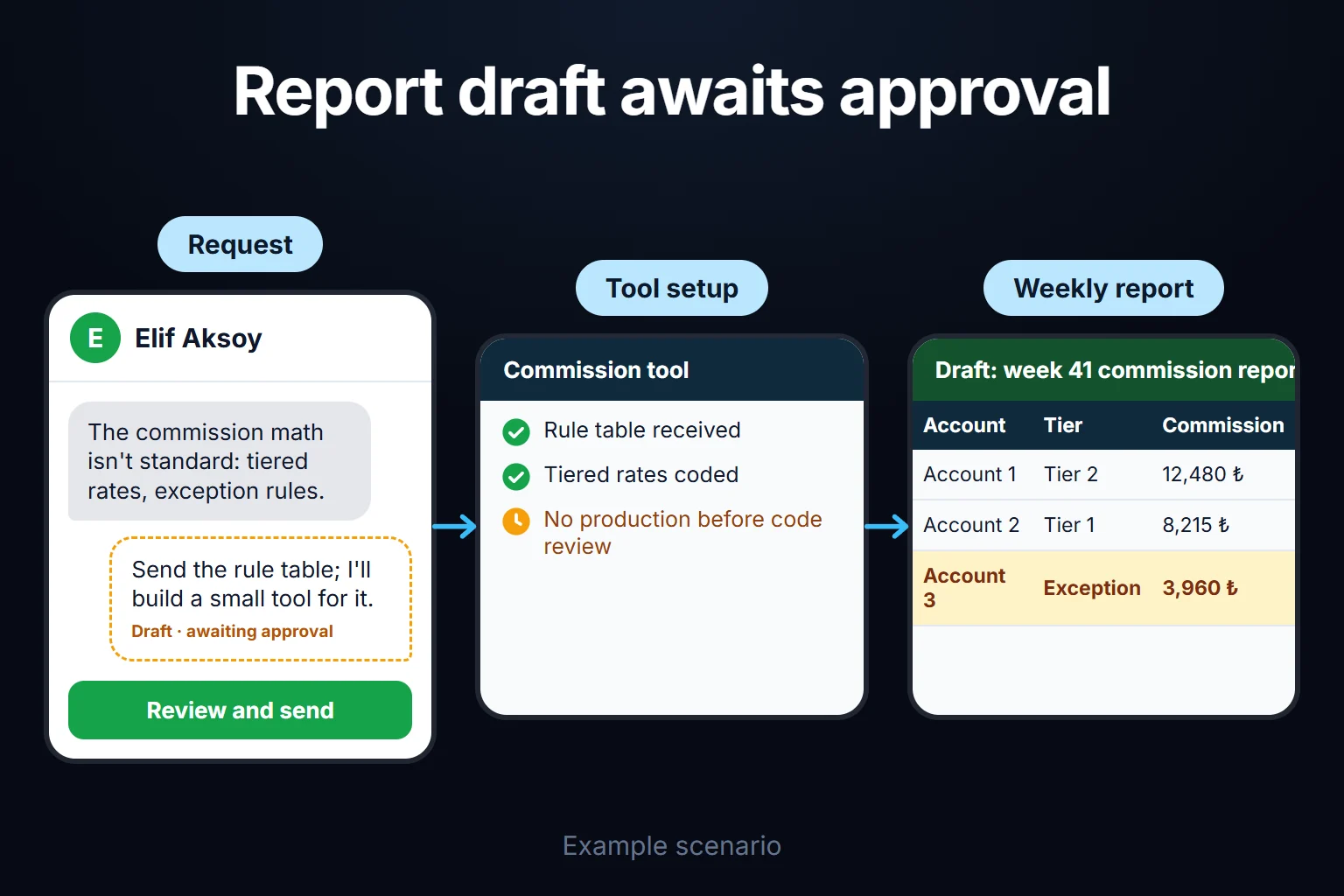
Another client was a different story: they wanted a tool that pulled data from multiple ad accounts and reported it weekly against their own custom commission formula. The formula didn’t fit any standard template — tiered rates, exception rules. Instead of forcing this into a no-code platform, I had a small tool written with vibe coding; setup took longer, but the result worked exactly as they wanted. Trying to do the same thing in no-code would have either been impossible or turned into a fragile system full of workarounds.
You Can Ask Me for This
If you can’t decide which approach fits your business, you can ask me to help — typically remote, hourly-billed work that takes 2 hours to 2 weeks. See AI Consulting for details.
Frequently Asked Questions
Are no-code and vibe coding the same thing?
No. No-code means combining the platform’s pre-built visual blocks; you don’t produce code, the platform’s own engine runs. Vibe coding means giving an AI natural-language instructions to produce real, executable source code. Both move “without writing code,” but the output and flexibility are completely different.
Which one is cheaper?
In the short term, no-code is usually cheaper to start (monthly subscription, fixed price). But as usage grows, no-code’s subscription cost can compound; with vibe coding, the starting cost can vary, but maintenance/updates may require a separate technical resource. You need to compare total cost over 1-2 years of operation, not just setup.
Can I use vibe coding without knowing how to code?
You can set it up, yes, but putting it into production without someone able to read the code and spot errors is risky. AI-generated code may look like it works while still containing a security or logic flaw — so I recommend at least having a technical review.
If I want to leave a no-code platform, can I migrate my data?
Your data, generally yes — but the system itself, the visual block composition and workflows, can’t be moved one-to-one. Switching platforms usually means rebuilding, so treat your platform choice as a long-term decision.