
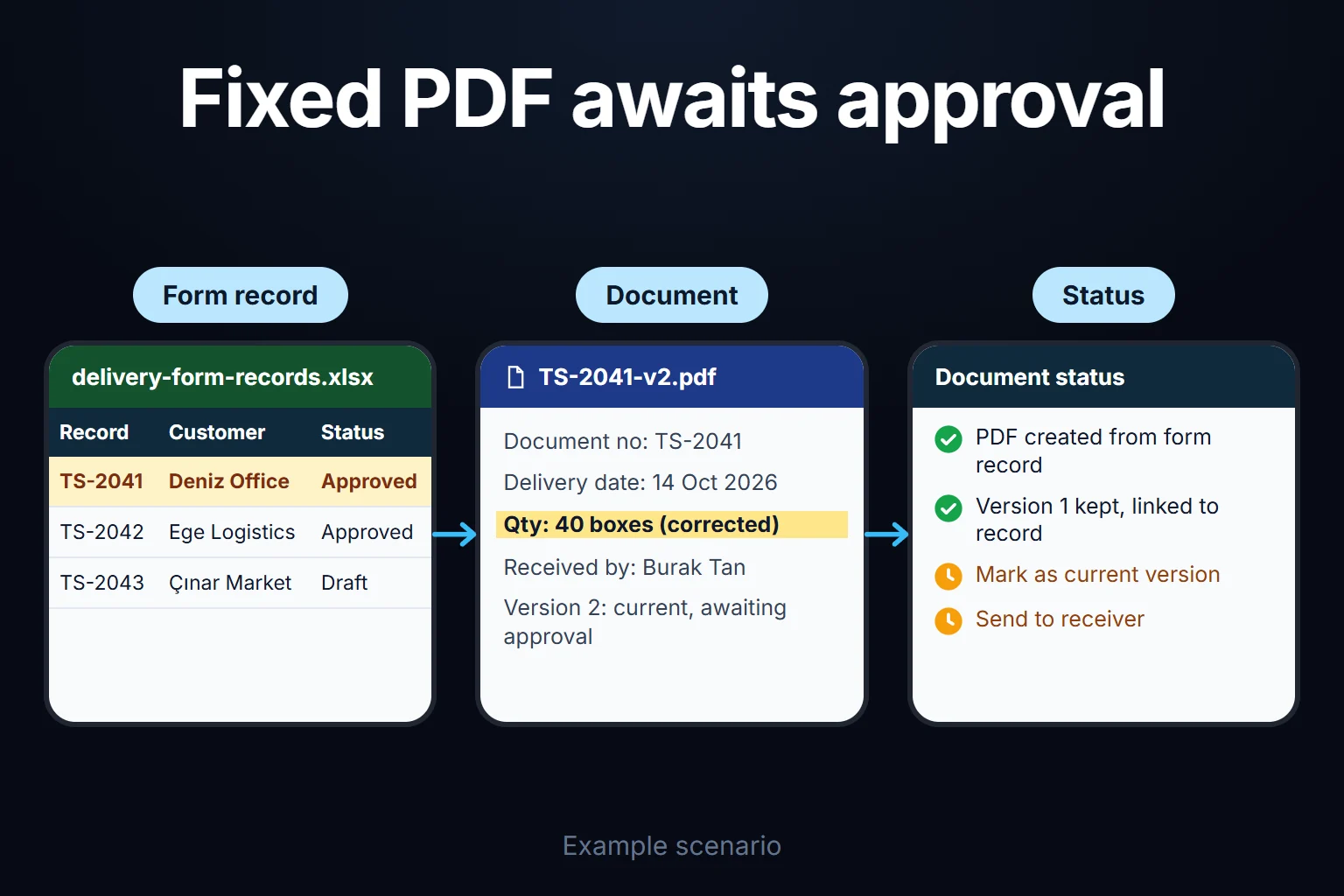
PDF Documents from Form Records: Template, Document Number, Line Items and Approval
Producing consistent PDFs from form records takes four parts: a template that takes every field from one source, a document number and version from the record, a line-item table that grows with the rows, and a PDF generated only after approval and kept linked to its record. Word mail merge, or an add-on that fills a Docs template from Sheets, usually covers the first part. They break in predictable places: empty fields, overflowing long text, layouts that fall apart when the item count changes, and PDFs corrected by hand that no longer match the record.
This page is for operations and admin staff who produce service reports, delivery notes, inspection reports or order summaries from a spreadsheet or form. Quote PDFs and revisions are covered on the quote revision tracking page. Statutory e-invoice and e-waybill formats are outside this page; it covers the service and delivery documents you share with customers.
How do you set up the template and field mapping?
Every template field has exactly one source, and what happens when it is empty is decided in advance; the field mapping lists those two decisions. “Customer name” comes from the customer record and is not retyped; “total labour time” is calculated in the record, not the template. Every figure in the PDF then has a counterpart in the record.
Suggested mapping for a service report:
| Template field | Source | If empty |
|---|---|---|
| Customer name, address | Customer record | No PDF |
| Equipment and serial no. | Equipment record | No PDF |
| Work performed | Service form (open text) | No PDF |
| Parts replaced | Line items | Prints “No parts replaced” |
| Technician note | Service form | Line is not printed |
| Site photos, attachments | Files added to the service form | Section not printed |
| Approved by, date | Approval record | No PDF |
The three options (block the PDF, print fixed text, hide the line) are chosen per field. Skip this in Word and the template prints a blank line, as on 11 delivery notes in the sample month.
The template has a version too. When the logo or layout changes, past PDFs are not regenerated; each PDF records which template version produced it. Otherwise a document sent two years ago could be regenerated and presented as “the same” when it is not.
How are document numbers and versions assigned?
The record assigns the document number, not a person: each document type has its own series (SR-2026-0418 for a service report, DN-2026-0187 for a delivery note), and the number is given at the first approved generation. Drafts get no number. The rules I suggest:
- Numbers are never deleted; a wrong document stays in the record as “cancelled”, so the series has no gaps to explain.
- When the record’s content changes and the document is regenerated, the version goes up by one: SR-2026-0418 Rev.0, Rev.1. The file name carries it too (SR-2026-0418-Rev1.pdf).
- No regeneration without a change to the record; a request to “print it again” returns the same PDF.
Line-item tables: what happens when the number of rows changes?
The table in a document (parts replaced, equipment delivered, order lines) should grow to as many rows as the record holds; a template with fixed rows breaks the day that number changes. In the application to be built, the table spreads over pages as needed, the header repeats, the total sits on the last page and the signature block is never split.
Word mail merge puts each record into its own document by default. To place several records in one document, Microsoft says to repeat the merge fields and the Next field as many times as it takes to fill the page (Microsoft Support, read 2026-11-01). It recommends the Directory document type, not Next, for lists; the page does not say whether that handles a variable item table, and I have not tested it. My reading: with Next, the template keeps fixed rows. The sample month’s delivery note template has 5 item rows; DN-2026-0187 with 11 items needs 2 extra delivery notes or rows added by hand.
If you stay in Word, create as many rows as your largest item count, use the If…Then…Else rule under Mailings > Rules and try leaving the “Otherwise” text empty in unused rows (Microsoft Support, read 2026-11-01); the page does not say what that prints, and I have not tested it. Keeping each item in its own column of the main data row is my suggestion, also untested. The month the item count exceeds the template rows, it turns back into manual correction.
Approval and signature: no PDF before approval
A numbered PDF is generated only from an approved record; if one field changes after approval, the approval drops. Before approval the document shows as “DRAFT”, gets no number and cannot be sent.
Suggested roles:
- Technician: fills in the service form and line items; cannot generate a PDF.
- Service supervisor: approves the report; cannot approve a report they filled in.
- Admin staff: send the approved PDF and can cancel a document with a written reason; cannot change its content.
- Customer representative: signs the delivery note; any correction they ask for is made in the record and a new version is generated.
A signature field can mean three things: an approval entry in the application (who approved, when), an image of a signature drawn on a tablet, or a qualified electronic signature. Which is legally sufficient for which document is a legal question that depends on where you operate; I do not give a ruling, so check with your lawyer. In the application to be built, the method is written into the scope; a qualified electronic signature is separate work tied to a signature provider.
How is the PDF linked to the record, and what happens to the old PDF after a correction?
In the application to be built, the generated PDF lives inside its source record, and corrections are always made in the record, never in the PDF; when a new version is generated, the old PDF stays in the record with a “superseded by Rev.1” note. “What did the first document sent to the customer say?” can always be answered.
In the application to be built, a hand-edited PDF cannot be uploaded as the valid document. A copy the customer signs and returns as a scan is attached to that version as the “signed copy”, next to it rather than replacing it.
Sample month: 264 documents, 37 corrected by hand, 23 that no longer match the record
The company and every figure are fictional; each figure is checked in a Python script. A company servicing industrial pumps and compressors produces three document types a month: 142 service reports (copy-pasted from Excel into a Word template), 64 delivery notes (Word mail merge from an Excel list, 5 item rows in the template) and 58 order summaries (an add-on filling a Docs template from Sheets). Numbers are assigned by hand.
At month end, the admin lead compares the PDFs with the records:
| Month-end finding | Count |
|---|---|
| Documents corrected by hand after generation | 37 (14%) |
| · layout only: long text overflowed, signature moved to page two | 13 service reports |
| · items beyond 5 rows added by hand in Word | 8 delivery notes |
| · content corrected in the document, not in the record | 16 |
| PDFs that do not match the record | 23 (8.7%) |
| Documents printed with an empty field | 11 delivery notes |
| Reports sent without supervisor approval | 6 |
The 23 mismatches come from 16 content corrections that never reached the record, 2 quantities mistyped in hand-added rows and 5 unnoticed copy-paste errors (another record’s serial number). Invoices are raised from the record, so the hours or parts on the signed document can differ from the invoice. In the 11 overwritten files, the first version sent no longer exists.
An application does not change everything. The 16 content corrections still arrive; what changes is where the correction is made. If, in the application to be built, they are made in the record and the 16 documents are regenerated as Rev.1, a PDF that differs from the record cannot be produced; the application does not fix data entered wrongly in the record; empty required fields, unapproved reports and hand-assigned numbers can be stopped before a PDF exists.
Where are Word and Sheets + Docs enough, and where do they break?
For documents with fixed fields, an item count that fits the template and no corrections after generation, Word mail merge and a Sheets + Docs template are enough. Approval rules and checking the numbering series the template does not provide; they rest on a person’s care.
| Route | Enough when | Limit |
|---|---|---|
| Copy-paste into a Word template | A few documents a month, one preparer | Typos, numbering and approval rely on one person’s care |
| Word mail merge | Batch documents with fixed fields | Fixed item rows; corrected PDFs never return to the record |
| Sheets + Docs template add-on | Team works in Sheets, simple document | Table and empty-field behaviour depend on the add-on |
| PDF from the record, in the application to be built | Many preparers, approval, variable items, versions required | Written scope, server, maintenance |
When to stay with Word and Sheets
If one person prepares and approves the documents, a few dozen go out each month, items always fit the template rows and documents are rarely corrected, do not spend money on an application.
Answer three questions without asking anyone: Did a PDF go to a customer unapproved or different from the record? Was a hand-corrected PDF left uncorrected in the record? Did an item count exceed the template rows? Three no’s: stay in Word. One yes: first write down the empty-field and numbering rules above and ask again in two months. Two or three yes’s, or approval is mandatory: then an application is worth discussing.
Make the first template the most frequent, most stable document, not the inspection report with the most variants; in the sample, the delivery note. If inspection reports rely on measurement records, those records come first; I cover that on the quality inspection records app page.
What the application to be built could include
The application can be scoped so the form record is the single source of the PDF: field mapping and empty-field rules in the template, numbers from the record per document type, a line-item table that grows, PDFs only after approval and every version kept. Written into the scope, this would have stopped the sample month’s mismatches, empty fields and unapproved reports before any PDF existed.
In the scope, AI can be defined to make suggestions only; it does not produce the document, but drafts the “work performed” text from a technician’s short note, which the technician edits and the supervisor approves. It can be built so no unapproved AI text reaches a PDF; which AI provider may receive customer data is set in writing in the scope.
It can be built to your needs, with the scope set out in writing in the first step. The server (VPS) can be opened in your company’s name. The records are yours; you can export them to Excel or CSV at any time. For small and mid-sized teams there are no per-user licences; the cost is the server and maintenance. The source code sits in a repository you can access, with run instructions, a dependency list and known limits. How I work in general is on the custom web apps for your team page.
The first meeting is paid. Bring the current template of your most frequent document and the column headers of its source table, and we start with the scope; write via the contact page.
What I have not verified
- I have not tested whether line-item rows emptied with the If…Then…Else rule in Word still take up space on the page.
- Check in your own version whether Word can save the merged document as a separate PDF per record; I have not tested it.
- The line-item table and empty-field behaviour of add-ons that fill a Docs template from Sheets varies by add-on; I have not tested any of them.
- I took the Mailings > Rules menu path from Microsoft’s support page; I have not checked it in every Word version.
Frequently Asked Questions
Will the look, logo and letterhead of our current Word template be kept?
Yes, they can be. In the application to be built, layout, logo, letterhead and fixed text are rebuilt from your current template; whether the Word file itself is filled or the template is redrawn is chosen in the first step. What changes is that fields fill from the record, not by hand.
Can an approved PDF be sent to the customer automatically?
If it is written into the scope, yes; we choose the channel together in the first step. Sending the current version to a customer who received an older one can also be scoped.
Can the same document be produced in two languages?
A two-language template can be built from the same record. Headings and fixed text sit in the template in both languages; the open text a technician writes is printed in whatever language it was entered in the record. If a foreign customer’s document also needs that text translated, that is written into the scope as a separate step before approval.
How do I work?
Work-hour packages
Tell me about your business and what you need on WhatsApp or by phone; we agree on a work block of somewhere between 5 and 40 hours and I start doing what is needed. What you get is not a calendar window — it is net working hours spent directly on your business. I can use 40 hours working three days straight, or deliberately spread it out and finish it over a year — whatever the work calls for. I do not spend my time estimating how long something will take, I spend it doing the work; every hour I spend leaves a lasting result in your business. We keep going for as long as you find it useful.
Why not monthly?
Is 40 hours a week?
On a fixed monthly fee both sides are watching the wrong thing: you watch a fixed cost, the other side watches how many more contracts like this they can line up. Working by the hour puts us both in front of the same thing — the real value of the work that got done. I know not having an upfront answer to "how much will this cost in total?" is the natural cost of this model. But instead of paying a fixed fee for months to a setup that is not producing results, you only pay for the qualified time spent on your work — and you see exactly where that time went, start to finish. That is why my clients keep coming back.