
Conversion Tracking Setup (GA4 + Tag Manager)
MY REFERENCES
The most expensive mistake in ad management is making decisions based on the wrong data. If your conversion tracking is broken, you’ll shut down a profitable campaign and scale up a losing one — without ever realizing you did it.
The pattern I see in most accounts I take over: GA4 is installed but events aren’t defined, conversions aren’t imported into Google Ads, or the same conversion is being counted from two different places, inflating the numbers. These are silent errors — everything looks normal when you glance at the dashboard.
What Happens During Setup
Installing and configuring the Google Tag Manager container; setting up the GA4 property correctly; defining the events that actually matter for your business (form submissions, phone clicks, WhatsApp redirects, purchases, file downloads); importing these events into Google Ads as conversions; enabling enhanced conversions and consent mode.
Every step gets tested after setup — in Tag Manager’s preview mode, in a real browser, by filling out a real form — because there’s often a gap between “I set it up” and “it actually works.”
Consent Mode and Data Loss
Because of browser cookie restrictions and consent requirements, a portion of conversions can no longer be measured directly. Google’s consent mode and enhanced conversions partially compensate for this loss through modeling — but only if set up correctly.
A wrong setup on this side causes damage in two directions: either you lose data, or you collect data in violation of regulations. I account for both when doing the setup.
Documented Delivery
When I finish the job, I leave behind documentation showing where each event fires, which tag is tied to which trigger, and where everything flows. That way, if someone else takes over later, or something breaks, you know exactly where to look.
Leaving this documentation behind might seem like it works against my own interest — but I believe the client shouldn’t end up dependent. A lasting relationship is built by doing the work right, not by locking you in.
How do we start? First we have a free 20–30 minute initial call. We talk about what you want and what’s realistic. If it makes sense, I send you the scope and price in writing, and then we start. You can reach me from the contact page.
Service Overview
Google Analytics

Google Analytics is a free tool that lets you analyze visitor behavior on your website in detail. You can see which pages users spend time on, how they arrived at your site, and how they interact with it.
The value of using Google Analytics alongside Google Ads campaigns is that it lets you track your campaign performance in detail. A correctly configured setup makes it possible to see which ads are driving the best conversions and how your ad budget can be spent most efficiently.
Google Tag Manager
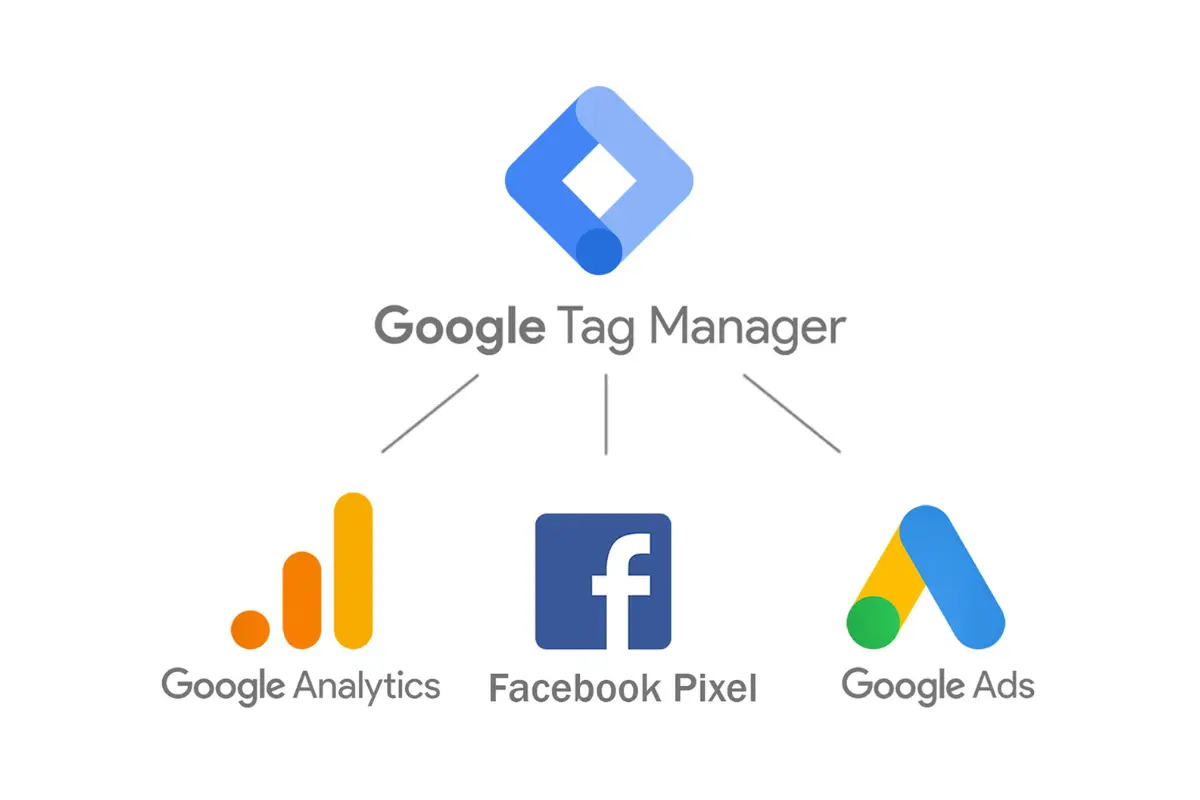
Google Tag Manager (GTM) is an easy-to-use tool that lets you manage all of your website’s tracking and analytics tags from a single platform. You can easily add, edit, and remove important tags like conversion tracking, remarketing, and analytics.
Using GTM alongside Google Ads campaigns matters a great deal: it ensures your ad campaigns are tracked and optimized correctly. As a Google Ads specialist, I set up GTM correctly on your behalf so your Google Ads campaigns run effectively.
Frequently Asked Questions
I see a conversion in GA4 but not in Google Ads — why?
Marking an event as a “key event” in GA4 doesn’t automatically carry it over to Google Ads. The accounts need to be linked and the conversion needs to be imported on the Ads side. This is the gap I run into most often.
Is Tag Manager required — can’t we just add code directly?
You can, but I don’t recommend it. Without Tag Manager, you have to wait on a developer for every new tag, and it becomes hard to track what’s where. You also lose the ability to test.
Can I count WhatsApp clicks as a conversion?
Yes, and for most service businesses in Turkey this is the most meaningful conversion available. We can capture a click on a WhatsApp link as an event and import it into Google Ads as a conversion. It doesn’t prove a sale was completed, but it’s the best proxy signal available.
Will you break my existing setup?
No. I first review the existing setup to identify what’s already working, and then either build on top of it or fix what’s wrong. Since the container version is saved before any change, it can always be rolled back.