Source: https://oguzerol.com/en/google-sheets-data-entry-form/ [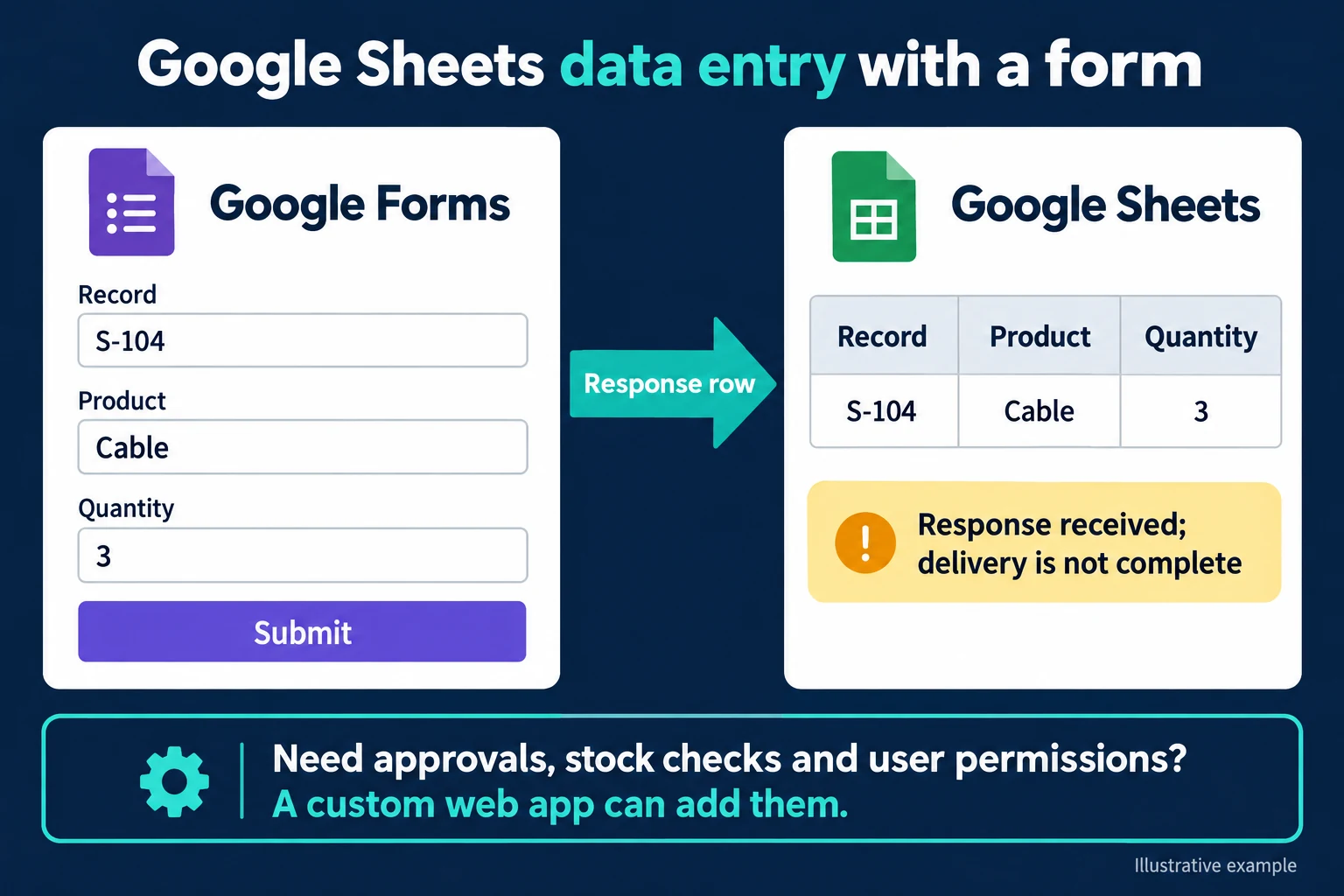 View full size](https://oguzerol.com/gorseller/hizmet-kapaklari/excel-sheets-20261009-sheetsform-en.webp) # Google Sheets Data Entry Form: Collect Responses in a Table [Oğuz Erol](https://oguzerol.com/en/about-me/) | 4 min read | Published: 9 October 2026 | Updated: 10 October 2026 ## Key takeaways - Saving Forms responses to Sheets collects information; it does not manage the full order lifecycle. - Different access to records and fields needs user accounts and record-level permissions. - A custom web app can combine entry, correction, approval and change history in a shared database. A Google Sheets data entry form can begin with Google Forms responses saved to a spreadsheet. People fill fields instead of moving between columns, and responses arrive in Sheets. That can be sufficient for collecting simple requests. Editing an existing order, tracking delivery and enforcing record-level access are separate requirements. ## Start with three fields In Google Sheets, use Tools → Create a new form. In the form, create Order number, Product and Quantity fields. Order number can be a short answer and Product a list of choices. Configure the quantity question’s number validation to fit the requirement, such as a positive value. If you add a separate Status question, make its choices clear; the three-field example does not create a delivery status automatically. Check where the responses are stored. [Google’s Forms getting-started documentation](https://support.google.com/docs/answer/6281888?hl=en) explains creating a form from Sheets and working with responses. Before sharing it, test the publishing and access settings with the intended users. Account requirements and response settings may affect whether they can complete it. Submit an illustrative response: **S-104, Cable, quantity 3**. Inspect the response sheet to check that each field reached the expected column. If a question heading changes later, consider any report or automation that depends on it. Collecting a response does not manage the entire order process. ## Distinguish a new response from an existing order If somebody submits S-104 again, decide what it represents. Is it a new order, a correction or an accidental duplicate? Do not assume a form establishes the unique-record policy your business needs. A valid order number can still be a repeated number. The submitted quantity might be three, while a customer changes it later. Forms already supports Settings → Responses → Allow response editing. [Google’s sharing documentation](https://support.google.com/docs/answer/2839588?hl=en) explains this option. Test the edit link as a respondent; a simple response correction does not require custom software. If history matters, define what happens to the earlier value. Editing a response row manually is different from giving the customer a controlled screen for updating their own order. Reporting staff need to know which version is authoritative. If the form collects personal information, request only the fields needed and review the response sheet’s sharing. Permission to fill in the form is different from permission to read everyone’s responses. Give colleagues the access their task requires rather than treating the form link as the whole access model. Test the ordinary exceptions as well as a successful submission. A missing quantity, unknown product or duplicate number may need different handling. A neat response table does not explain how staff should resolve those cases after collection. ## Turn response collection into a manageable team application Collecting form responses and managing daily team entry are different jobs. When several people handle the same orders, define which records they can see, what they can edit and when changes need approval. I can build that workflow as a web application with individual user accounts and a shared database. In an illustrative S-104 record, sales enters quantity, warehouse staff updates preparation, and a manager approves it. People use screens suited to their tasks; the server checks access and record rules. Duplicate order numbers, required fields and post-approval editing limits are enforced during the operation. A [concurrent data entry application](https://oguzerol.com/en/concurrent-data-entry-app/) covers this workflow. This does not have to be a project only large businesses can afford. We can scope the first version around the necessary screens, user roles and migration, then extend it in stages. We explain which options managers can change in a panel and which new rules require development. ## When a custom form adds value In the S-104 example, “Submitted” confirms that the record was received; the three-field response table does not prove delivery or approval. A custom web form can make that distinction visible on a status screen. A stock check, branch-specific fields or approval steps can justify a [rule-based entry form](https://oguzerol.com/en/rules-based-data-entry-form/). There is no requirement to abandon Forms for basic collection. The need changes when users must list their assigned orders, lose editing rights to particular fields after approval or follow several business rules together. The [Google Forms alternative](https://oguzerol.com/en/custom-google-forms-alternative/) explains that boundary, while [Excel and Sheets to a web app](https://oguzerol.com/en/turn-your-excel-into-a-web-app/) covers the wider workflow. ## Frequently Asked Questions ### Does every respondent see the response sheet? Review form access and spreadsheet sharing separately. Also review View results summary: when enabled, respondents can see the question results summary. Test the actual accounts and roles involved. ### Does submitting an order complete delivery? No. Receiving a response and completing delivery are different states. ## Discuss your workflow [Discuss what you collect and what happens next](https://oguzerol.com/en/contact/). [Back to top ↑](https://oguzerol.com/en/google-sheets-data-entry-form/#icerik) ## You may also find these useful [Google Sheets Dependent Drop-Down: Filter the Next ListCreate a Google Sheets dependent drop-down with a FILTER helper range. Test old selections and separate catalogue choices from stock and access rules.](https://oguzerol.com/en/google-sheets-dependent-drop-down/)[Rules-Based Data Entry FormA bespoke form that flags missing, required or incompatible information before a record is completed. Built for Excel and Google Sheets workflows.](https://oguzerol.com/en/rules-based-data-entry-form/)[Google Sheets Multiple Users and Concurrent Data EntrySet up Google Sheets for multiple users and assess record conflicts. Compare sharing, forms and a custom entry screen with explicit version checks.](https://oguzerol.com/en/concurrent-data-entry-app/) [Browse all articles →](https://oguzerol.com/en/articles/)