Source: https://oguzerol.com/en/excel-data-entry-form/ [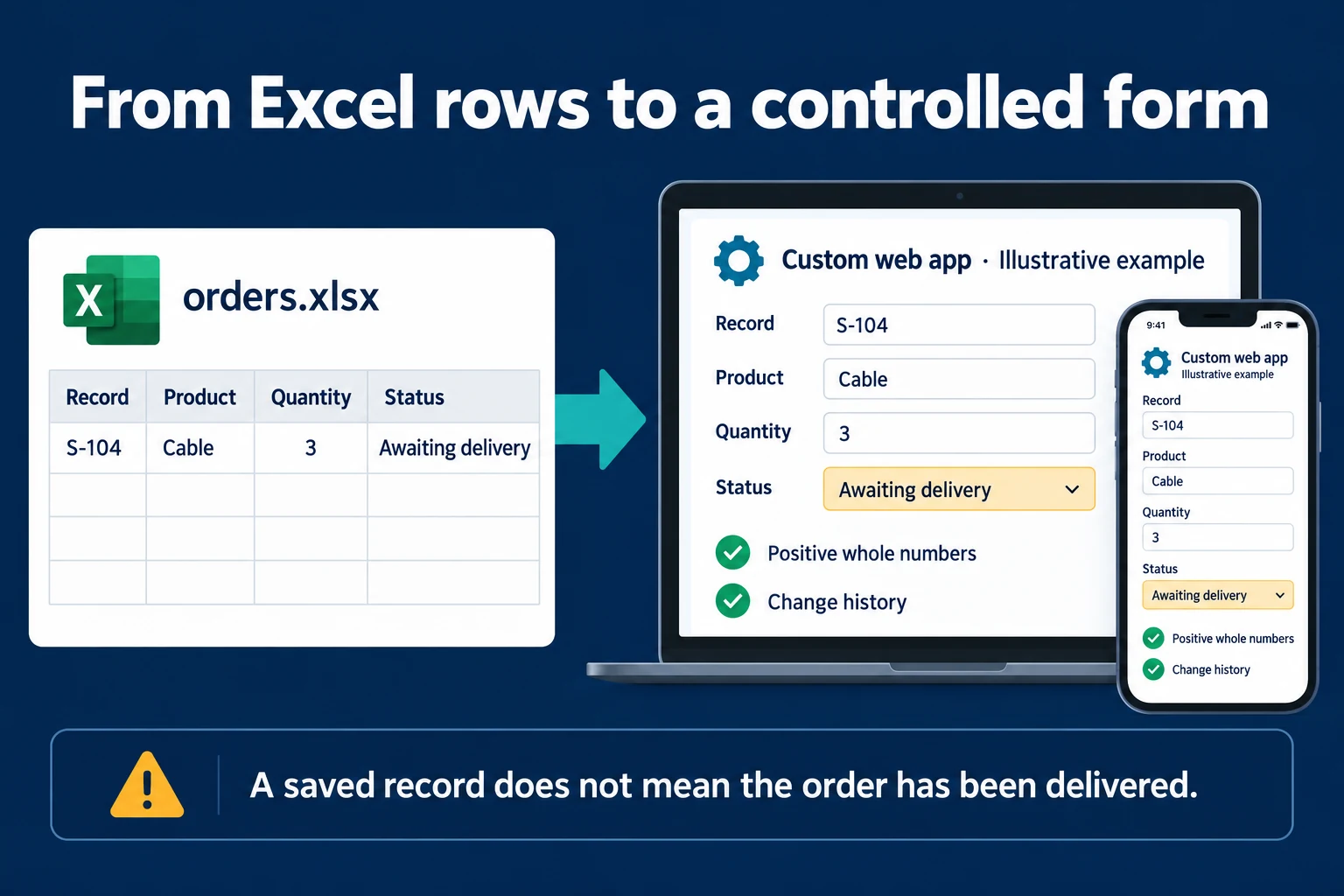 View full size](https://oguzerol.com/gorseller/hizmet-kapaklari/excel-sheets-20261009-excelform-en.webp) # Excel Data Entry Form: Add Records without Scrolling [Oğuz Erol](https://oguzerol.com/en/about-me/) | 4 min read | Published: 9 October 2026 | Updated: 10 October 2026 ## Key takeaways - The desktop Excel Form command is a simple starting point for entering one record. - Team entry needs permissions, duplicate checks, change history and approval rules together. - In a custom web app, staff use role-appropriate screens to enter records in a shared database. An Excel data entry form lets you fill a record’s fields in one window instead of scrolling across a wide table. If simple text boxes are sufficient, the Windows desktop Form command can be a useful starting point. It is different from a custom web form or an application with the same interface on every device. ## Prepare the table Put `Order`, `Product`, `Quantity` and `Status` in the first row. Give each field a clear heading and avoid blank headings. Keep the record range contiguous rather than inserting empty rows within it. Test a copy of an existing workbook so you can inspect the result without disturbing current work. Open the Quick Access Toolbar settings and choose More Commands. Select All Commands, find Form and add it. Click a cell inside your table, then click the Form button you added. Use New to enter a record. [Microsoft explains how to find the Form command](https://support.microsoft.com/en-us/excel/what-happened-to-the-data-form). The built-in form uses column headings as field labels. It supports up to 32 columns; do not expect an advanced interface with custom lists and controls. Do not assume that Excel for the web provides the same desktop command. [Microsoft’s data form documentation](https://support.microsoft.com/en-gb/excel/add-edit-find-and-delete-rows-by-using-a-data-form) lists the applicable desktop editions and describes the behaviour. ## Enter and inspect a record Our illustrative record is **S-104, Cable, quantity 3, awaiting delivery**. Fill the fields, press Enter to add the row and inspect the table. Check that quantity is stored as a number and status appears in the intended column. Saving a record does not complete delivery: the status remains awaiting delivery. Test finding and changing an existing record too. Adding a new order and correcting an old order are different actions. If somebody enters S-104 again and creates another row, a report may count the same order twice. The appearance of a form does not establish a unique-identifier policy. Calculated fields display their results in the form; the form cannot edit the underlying formulas. Separate entered fields from calculated fields. Staff should understand which information they supply and which result the workbook derives. Test validation through the actual form entry path: a rule visible elsewhere in the workbook does not prove that every route behaves identically. Write down what a successful entry means. It may mean the row exists, not that a manager approved it or that stock was reserved. A short status definition prevents different colleagues from interpreting the same record in incompatible ways. ## A dedicated application for team data entry Excel’s Form window makes adding a row easier; it does not define the whole team’s record management. Who can see an order, which fields can they change, and what happens if its number is entered again? I implement the answers as user accounts, record permissions and business rules. In an illustrative S-104 order, sales enters product and quantity, warehouse staff updates preparation, and a manager approves it. A [concurrent data entry application](https://oguzerol.com/en/concurrent-data-entry-app/) connects each role’s screen to a shared database. The server checks permissions, required fields and duplicate order numbers when saving; change history records who did what. A large software budget is not required for every first version. We focus on the necessary entry screen and roles, then extend it in stages. The scope distinguishes configurable fields and options from new rules that require development. ## Keep the basic tool when it is enough For one person entering a fixed set of fields, the built-in form may solve the job. Appropriate file sharing and protection may resolve other issues without a new application. Start by simplifying the existing process. If order S-104 needs a live stock check, a branch-specific delivery address or approval, the requirement goes beyond adding a row. I can build a [rule-based data entry form](https://oguzerol.com/en/rules-based-data-entry-form/) that explains those conditions during entry. A “Submitted” result means the record was received; it does not automatically mean approved or delivered. Mobile entry, user-specific records and change history can justify the broader [Excel to web app approach](https://oguzerol.com/en/turn-your-excel-into-a-web-app/). Merely arranging the same fields in more attractive boxes is not enough reason to rebuild the process. ## Frequently Asked Questions ### Why can I not see the Form button? On desktop, add it to the Quick Access Toolbar and compare your edition with Microsoft’s documented scope. ### Does submitting an order complete delivery? No. Data entry and the operational delivery process are separate states. ## Discuss your workflow [Discuss your record table and entry steps](https://oguzerol.com/en/contact/). [Back to top ↑](https://oguzerol.com/en/excel-data-entry-form/#icerik) ## You may also find these useful [Excel Dependent Drop-Down List: Build Linked ChoicesBuild an Excel dependent drop-down list with named ranges and data validation. Check stale selections and see when a custom form becomes useful.](https://oguzerol.com/en/excel-dependent-drop-down-list/)[Rules-Based Data Entry FormA bespoke form that flags missing, required or incompatible information before a record is completed. Built for Excel and Google Sheets workflows.](https://oguzerol.com/en/rules-based-data-entry-form/)[Turn Excel or Google Sheets Into a Multi-User Web AppI convert the Excel or Google Sheets file your team shares into a web app on a server: one database, permissions per person, a full change log. See how.](https://oguzerol.com/en/turn-your-excel-into-a-web-app/) [Browse all articles →](https://oguzerol.com/en/articles/)