Source: https://oguzerol.com/en/mobile-employee-expense-entry/ [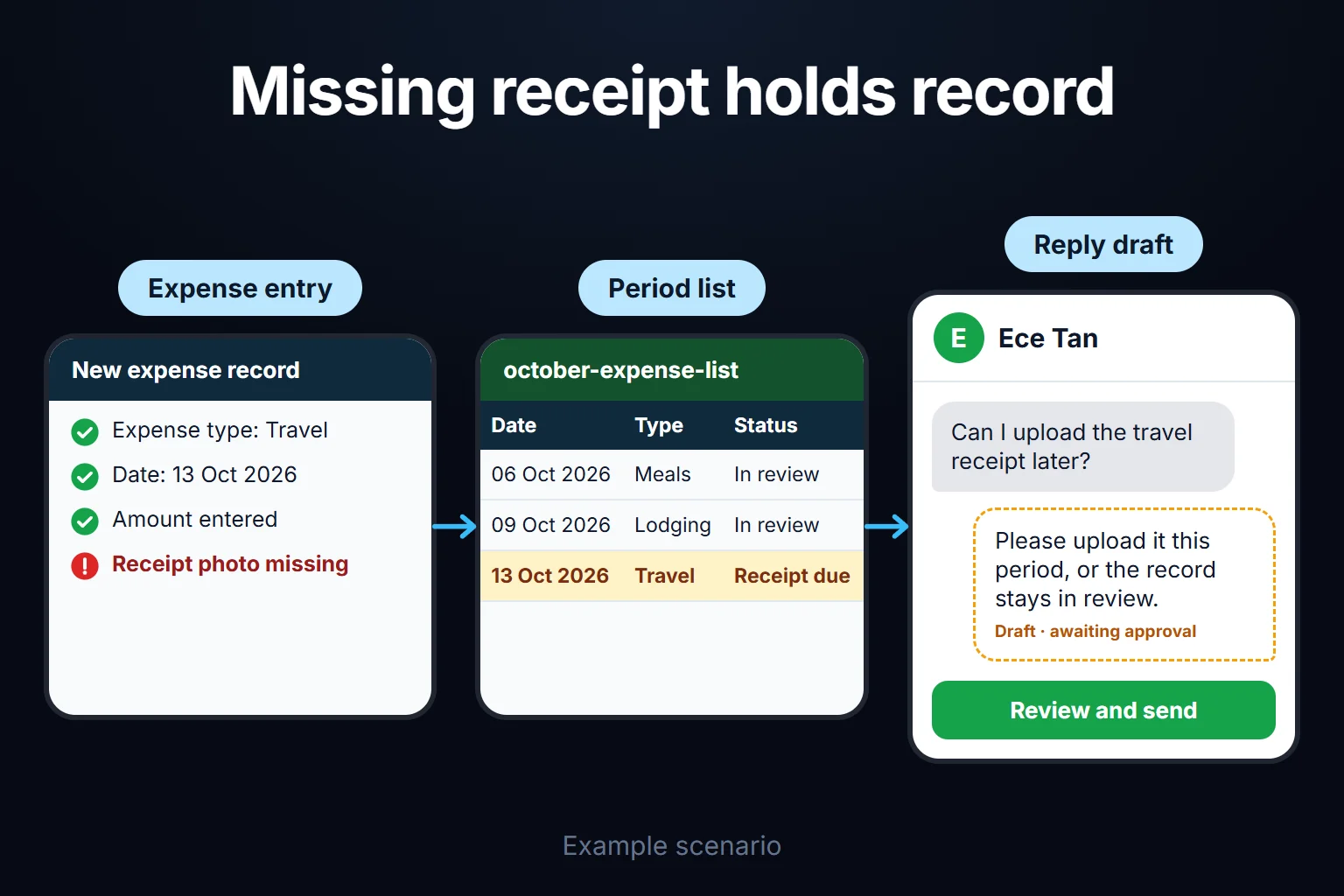 View full size](https://oguzerol.com/gorseller/senaryo/mobile-employee-expense-entry-senaryo-en.webp) # Mobile Employee Expense Entry: Receipt Photos and AI Receipt Reading [Oğuz Erol](https://oguzerol.com/en/about-me/) | 18 min read The person best placed to record a field expense is the one who spent the money, right after paying. The web app on this page lets a service engineer, sales rep or site supervisor log it from their phone there and then: photograph the receipt, pick the project or customer, enter the miles or nights. AI reads the date, total, tax and supplier’s tax number, marks any field that fails the reading checks in yellow and asks the employee. A second upload of the same receipt is stopped, and a person always approves. In the fictional month below, 261 of 318 receipts were read on the first attempt and all 6 duplicate uploads were stopped. The biggest trap is leaving receipts until month-end. This page covers capture in the field and reading the receipt; card statement matching, approvals, advances and budgets are separate topics. ## Where does the envelope-and-chat-photo routine break? It breaks because the receipt and its context live apart: the photo in a chat thread, the project in someone’s memory, the amount in a spreadsheet row typed at month-end. Finance retypes figures from photos and makes typos; nobody remembers which customer “Monday’s service visit” was for, so costs aren’t recharged; two people send the same lunch receipt; a hotel invoice in the employee’s name is noticed weeks later. A spreadsheet can do every calculation; what breaks is that rules are applied at month-end by someone’s attention. In a web app, a defined business rule is applied as the data is entered: a record without a project doesn’t go for approval, and an unreadable photo is retaken at the till. IRS Publication 463 makes the same point about timing: record the elements of an expense at or near the time it is incurred, because a timely kept record carries more weight than a later statement ([IRS Pub. 463, 2025](https://www.irs.gov/publications/p463)). ## A sample month: 31 field staff, 318 receipts The company and figures are fictional, made up to show the method (sample data). A 140-person industrial equipment sales and service company has 31 field staff: 18 service engineers, 9 sales reps and 4 installation supervisors. 22 drive company vehicles and upload fuel receipts; 9 use their own cars and log mileage. This month shows the app in its extended form, with route distances and e-invoice matching added. In the first version, the “mileage longer than route” row and the e-invoice caught by email and photo don’t appear, and mileage is typed by hand (see “How do we start”). In one month the team entered 318 receipt photos and 96 mileage records, 414 records in all: | expense type (sample data) | receipts | passed all checks first time | at least one yellow field | | --- | --- | --- | --- | | Fuel | 104 | 92 | 12 | | Meals | 121 | 98 | 23 | | Parking | 38 | 33 | 5 | | Lodging | 17 | 11 | 6 | | Materials and hardware | 26 | 18 | 8 | | Taxi and other | 12 | 9 | 3 | | **Total** | **318** | **261** | **57** | Of the 57, 19 had glare or creases (9 retaken at the till, 3 offline ones retaken that evening, 7 typed in), 14 had several tax rates, 9 a torn tax number, 9 were handwritten and 6 hotel bills had a new lodging tax line. Employees confirmed, then finance checked. Real rates vary with documents, light and phones; the first month measures them. | exception (sample data) | count | what happened | at month-end | | --- | --- | --- | --- | | Duplicate upload stopped | 6 | 4 same photo file resent after a dropped connection, 1 lunch receipt photographed by two people, 1 e-invoice received by email and photographed (extension) | All stopped before becoming records | | Card slip or Turkish “information slip” instead of a receipt | 5 | Counted in the table above, flagged by the document-type check | 2 originals arrived, 3 open | | Invoice not in the company’s name | 5 | Hotel invoice issued to the employee | 3 fixed at the front desk, 2 open | | No project chosen | 11 | “I’ll pick later” | 7 closed via the weekly open-records list, 4 open | | Mileage longer than route (extension) | 3 | More than 15% above the mapped route | Approved with a note | | Offline entry | 23 | Basement plant room, rural site | 21 sent the same day, 2 next morning | At close, 405 of 414 records were approved and 9 were open (3 original documents, 2 hotel invoices, 4 without a project). The finance manager’s first decision: lodging invoices are uploaded at the front desk, before checking out. The app compares the buyer details on the invoice with the company’s, so it flags a wrong invoice while the employee is still at the hotel; 3 of 5 were fixed that way. (The front-desk rule comes from Turkish tax law; where it applies and where it doesn’t is explained under “Receipt, invoice, card slip” below.) The project breakdown came from the same records (sample data; share of the month’s total spend): | project (sample) | records | share of spend | largest item | | --- | --- | --- | --- | | Service contract, north region | 97 | 22% | Fuel | | Site installation project | 58 | 19% | Lodging | | Sales visits, west region | 131 | 31% | Meals | | 7 other projects | 124 | 27% | Mixed | | No project (open) | 4 | 1% | — | The second decision came from this table: the site installation was 14% of records but 19% of spend, driven by lodging, so finance recalculated the lodging line in the next site quotation. The 4 records without a project move to their project once one is chosen. ## How is the phone entry flow set up, step by step? I keep the phone screen short: what finance needs later is read from the receipt or derived from rules, not asked of the employee. 1. **Sign-in.** The app opens in the phone’s browser, nothing is installed; each employee uses their own account. I recommend adding it to the home screen (reason below). 2. **Expense type.** Large buttons: fuel, mileage, meals, lodging, parking and transport, materials. 3. **Project or customer.** Limited to the employee’s projects, most recent on top. “I’ll pick later” exists, but such a record doesn’t go for approval and stays red. 4. **Photo.** The camera opens inside the app as far as the browser allows; some phones first ask “take photo or choose from library”. If the total or date can’t be read, the employee retakes it at the till. 5. **Confirm.** The total read appears in large type next to the photo; the employee fixes or confirms yellow fields. 6. **Type-specific fields.** - **Fuel:** pick the company vehicle. - **Mileage (own car):** typed by hand in the first version. In the extension, the app fetches the mapped route and asks for a note if the figure is over 15% longer (a starting threshold I’d suggest, not a measured value). Rates live in a dated table so older trips keep the old rate: HMRC’s approved rate for cars and vans, first 10,000 business miles, went from 45p to 55p on 6 April 2026 ([GOV.UK](https://www.gov.uk/expenses-and-benefits-business-travel-mileage/rules-for-tax), read 14 October 2026). Your accountant sets your rate. - **Meals:** number of people and, for a customer meal, the customer company; no attendee names. - **Lodging:** nights and dates. The record closes with a “checked out” mark, which can’t be set until the invoice is uploaded. 7. **Send.** The record enters approval; a company-card spend also waits for its statement line. **Working offline.** With no signal, records and photos wait in a queue on the phone and a counter such as “not sent: 2” stays on screen. When the connection returns, records are sent while the app is open; background sending depends on the phone and is tested on your team’s phones in the first version. Receipts aren’t read offline, so reading and yellow-field confirmation happen later, often after the employee has left the till. With offline teams I’d keep paper originals until month-end. On iPhone, Safari can evict the stored data of a site that hasn’t been used for some time; whether a site is opened as a Home Screen web app is one factor WebKit weighs when granting a persistent-storage request ([WebKit, 10 August 2023](https://webkit.org/blog/14403/updates-to-storage-policy/)); the rule announced in 2020 set this at seven days of Safari use ([WebKit, 24 March 2020](https://webkit.org/blog/10218/full-third-party-cookie-blocking-and-more/)), while the 2023 policy gives no period. Hence the home screen, but an unsent record is never safe indefinitely; if the phone is lost, so is that record. **What if people don’t log?** The app doesn’t force anyone; a company rule does. My suggestion: “a record not submitted, or without a project, by month-end close is reimbursed the following month”; set the wording with HR and your legal adviser. The app shows a red counter on the employee’s screen and gives finance a weekly open-records list by person. Approvers, limits and returned records are covered by the [employee expense approval workflow](https://oguzerol.com/en/employee-expense-approval-workflow/). ## What does AI read on a receipt, and where does it stop? AI reads and suggests; it doesn’t approve expenses or make tax decisions. | field | if it fails the reading checks | | --- | --- | | Document type (till receipt, information slip, card slip, invoice) | Asks the employee | | Date and time | Yellow; employee confirms | | Total | Yellow; photo retaken | | Tax rate and amount | Yellow if tax lines don’t add up to the tax total | | Supplier name and tax ID | Yellow; suggestion if the supplier was confirmed before | | Buyer name and tax ID (invoices) | Warning if not the company’s | | Lodging or tourist tax | Kept out of the VAT field | | Document number (receipt no., till ID, invoice no., e-invoice ID if present) | Duplicate checks fall back to a weaker key | | Expense type suggestion | The employee’s choice wins | A yellow field fails the reading checks: items don’t add up to the total, tax lines don’t add up to the tax total, the date is in the future, or a Turkish supplier’s tax ID doesn’t have 10 or 11 digits (this check is skipped on foreign documents). If the reading service returns per-field confidence, it is added with a threshold tuned on the first month. **Green doesn’t mean right.** A reading can pass every check and still be wrong, such as a 1 read as a 7 with the tax matching the same mistake. So the total sits next to the photo on screen, and each month finance compares a random sample of green receipts with their photos (a starting suggestion: 30). In the sample month 1 of 30 was wrong and was corrected (sample data). Thirty receipts don’t measure the error rate precisely: 1 in 30 is about 3%, and if that rate held across all 261 green receipts, 8 or 9 wrong totals could remain among them. The sampling’s job is to keep that risk small, not remove it. I write the rule up front (my starting suggestion): if a sample finds 2 or more errors, the next month’s sample rises to 100 receipts and the reading checks are tightened. The company pays for a misread total, so this sampling is part of the setup. AI doesn’t decide business versus personal, tax adequacy, posting, approval or rejection. Every reading is logged with the model and photo; a corrected field keeps its old and new value. Roles and audit trail work the same way as in the [bank transaction reconciliation app](https://oguzerol.com/en/bank-transaction-reconciliation-app/). ## Receipt, invoice, card slip: what counts as evidence? Not every piece of paper carries the same weight; your accountant decides which ones support the expense, and the app applies that rule to every record. - **Till receipt:** business name, date, total, usually the tax breakdown. Some tills restart numbering daily, so the number alone doesn’t identify a receipt. - **Card slip:** shows that money moved, not what was bought. The record waits for a valid document and the employee is asked for the itemised receipt. - **Invoice:** carries the buyer’s details, which the app compares with your company’s. - **E-invoice:** where it already reaches your finance inbox or portal, in the extension the employee links the record to it instead of photographing it. **In Turkey,** these rules are in tax law: for card sales through a new-generation fiscal till, the merchant copy of a card slip and a second printout of the customer copy say “no fiscal value”; where the sale is invoiced, the till issues an “information slip” instead of a fiscal receipt and the invoice is the real document; receipt numbers may restart after each daily Z report (General Communiqués No. 435 and 451; texts read 14 October 2026, later amendments such as 2024 not checked in a consolidated version). Lodging tax is shown separately on hotel invoices, outside the VAT base ([Law 7194, 2019](https://www.resmigazete.gov.tr/eskiler/2019/12/20191207-1.htm)). The front-desk rule also comes from Turkey, where invoices carry the buyer company’s details (Tax Procedure Law, Art. 230); elsewhere a folio in the employee’s name may be accepted, so the invoice-name check can be switched off. ## What happens when the same receipt is uploaded twice? A second upload doesn’t create a record; the employee sees when and by whom it was first uploaded. The check runs from the strongest key to the weakest: | document | duplicate key | note | | --- | --- | --- | | E-invoice (extension) | Its unique ID | If readable on a printed copy, photo and email are recognised as the same | | Paper invoice | Supplier tax ID + invoice number | Suppliers shouldn’t reuse numbers | | Till receipt | Till ID + date + receipt number | Numbers can restart daily | | Unreadable or handwritten | Supplier + date + total | Asked as a “possible duplicate” | | Photo file | File fingerprint | Catches a resent file, not a new photo of the same receipt | A rule using only the number would treat receipt 47 from one filling station on two different days as one receipt. Weak-key matches are never merged silently. ## Who sees what, and who approves? Employees see their own records and edit them until submitted; supervisors see their team’s, finance sees all. The rule I suggest, your decision: nobody approves their own record. | role | sees | enters / edits | approves | | --- | --- | --- | --- | | Field employee | Own records | Expense, photo, project, mileage | — | | Supervisor | Team’s records | Has missing projects completed | Team’s records; their own go to finance | | Finance | All records | Expense types, mileage rates, projects, users | Final approval, people without a manager, period close | Only finance can reverse an approved record, with a written reason; the earlier state is kept. ## Personal data on receipts: what I watch for Expense records say where an employee was, what they ate and where they stayed. Four rules, following the principle that personal data be adequate, relevant and limited to what is necessary ([GDPR Article 5](https://eur-lex.europa.eu/eli/reg/2016/679/oj); the UK GDPR carries the same principle): - **No continuous location tracking:** mileage needs a start and destination, not the employee’s position all day. - **Health-related receipts aren’t read line by line:** for pharmacy receipts the app reads only date, total and supplier. - **Employees are told up front** what is collected and why; the wording is your legal adviser’s. - **Ask the reading service provider in writing** whether images are used for training, how long they are kept and where they are processed; processing abroad can be an international transfer. Only the employee, approving manager and finance open an image, and access is logged. In the UK, company records are kept for 6 years from the end of the last company financial year they relate to, or longer in some cases ([GOV.UK](https://www.gov.uk/running-a-limited-company/company-and-accounting-records)); your accountant confirms your period and whether to keep paper originals. ## When an off-the-shelf expense app is enough I wouldn’t recommend a custom app if your field team is a handful of people (a tidy form and a shared photo folder will do), if your accounting software’s mobile module already links receipts to project codes, or if your expense types are standard and a ready-made platform that reads receipts and routes approvals suits you. Three questions to measure yourself: how many receipts are recharged to a project or customer, how many people work without signal, how many different mileage and lodging rules do you have? If all three answers are “hardly any”, buy a product. If any is “a lot”, or you want the records on your own infrastructure, a custom app makes sense. ## How do we start, who owns the data and code, and how do users sign in? The first version starts with one team, a few expense types and one month. In automation work, the mistake I see most often is picking the most complex process for the first automation; here that means building route distances, e-invoice matching, the card statement link and the accounting export all at once. 1. **Scope.** One team’s receipts for one month (names masked), expense types, projects, mileage rule and finance’s month-end file format. 2. **Manual bridge.** We classify that month by hand with your finance lead; knowing the expected result is the only reliable test. 3. **First version.** Phone entry, offline queue (tested on your phones), receipt reading, yellow-field confirmation, green-receipt sampling, projects, duplicate checks (file fingerprint, till receipt and paper invoice keys), roles and audit trail. Mileage is typed by hand. At month-end finance downloads an Excel or CSV file split by project and expense type and enters it into the accounting software its own way. 4. **Check.** The same month goes in again; every hand-found exception must reappear for the same reason. 5. **Extension.** Route distances, e-invoice and finance-inbox matching, the card statement link and accounting export, once the core has run cleanly for a month. How the card statement meets receipts is covered in [expense receipt and document tracking](https://oguzerol.com/en/expense-receipt-document-tracking/). After delivery: - **Sign-in.** Each user signs in through the browser with their own account; I give the sign-in method and user management in writing as part of the first step’s output. - **Data.** Records and photos stay on a hosted server (VPS); server, keys and accounts can be opened in your name. The data is yours and exports in full as Excel or CSV at any time. - **Code.** The complete source code sits in a repository you can access, with run instructions, a dependency list and known limits in writing. - **Cost and scope.** No per-user licence; the running cost is the server’s monthly fee plus upkeep, and for a small or mid-sized team adding users doesn’t change it. Because the app handles personal data, I review access, security, hosting and maintenance at the start. Scope and schedule come in writing after I’ve seen your setup. To start with one team’s receipts for one month, [get in touch](https://oguzerol.com/en/contact/); in the first conversation we look at which exception comes up most often for you and agree the first version’s scope. ## Frequently Asked Questions ### Can employees use their personal phones? Yes; the app runs in the browser, nothing is installed. The app deletes a sent record from its own storage; whether the camera also keeps a copy in the photo library depends on the phone’s settings. Set the personal-device policy and the employee notice wording with your legal adviser. ### If an employee leaves, who keeps the records and receipts? Sent records and photos are on the server and stay with the company. Finance closes the account and hands open records to the manager; the audit trail keeps who uploaded what and when. Before someone leaves, check that their “not sent” counter is at zero. ### Does it read foreign-currency or foreign-language receipts? Yes. Date, total and currency are read, and the supplier’s tax ID is taken in whatever form the document shows. The exchange rate is a setting finance defines, not an AI decision. Fields that fail the checks come up yellow. ### How is an expense with no receipt entered? The employee enters it as “no receipt” with a short declaration of date, amount, place and business purpose, which goes to the manager for approval. Such records reach finance on a separate list; whether the declaration is acceptable for tax is your accountant’s call. ### Does it catch an edited or fake receipt photo? Not on its own: AI reads the receipt, it doesn’t prove the document is genuine. Catching is layered: the same receipt can’t be entered twice, a repeat of the same amount, supplier and date is asked about as a “possible duplicate”, finance samples green receipts every month, and for invoices that reach your e-invoice provider, the source document rather than the photo is used (extension). Extra rules for patterns you find suspicious can be added to finance’s list. A person decides. [Back to top ↑](https://oguzerol.com/en/mobile-employee-expense-entry/#icerik) ## You may also find these useful [Expense Permissions and Reporting Screen: Who Sees What, Which Report Goes to WhomLet project managers see only their project and auditors get read-only exports: a web app that scopes each expense line by role. Walk through a sample company.](https://oguzerol.com/en/expense-permissions-reporting-screen/)[Employee Expense Approval Workflow: Manager-to-Finance Chain, Limits and ReturnsExpense approval from manager to finance: amount limits, delegation, line-level approval, returns and an audit trail, worked through a sample month.](https://oguzerol.com/en/employee-expense-approval-workflow/)[Expense Receipt Tracking: Matching Card Statements to ReceiptsA web app that matches each month's corporate card statement to expense records and receipts, with a missing-receipt queue, FX and refund rules. See how.](https://oguzerol.com/en/expense-receipt-document-tracking/) [Browse all articles →](https://oguzerol.com/en/articles/) WHAT YOU CAN ASK FOR ## How do I work? Work-hour packages Tell me about your business and what you need on WhatsApp or by phone; we agree on **a work block of somewhere between 5 and 40 hours** and I start doing what is needed. What you get is not a calendar window — it is net working hours spent directly on your business. I can use 40 hours working three days straight, or deliberately spread it out and finish it over a year — whatever the work calls for. I do not spend my time estimating how long something will take, I spend it doing the work; every hour I spend leaves a lasting result in your business. We keep going for as long as you find it useful. WORK BLOCKS ## Why not monthly? Is 40 hours a week? On a fixed monthly fee both sides are watching the wrong thing: you watch a fixed cost, the other side watches how many more contracts like this they can line up. Working by the hour puts us both in front of the same thing — the real value of the work that got done. I know not having an upfront answer to "how much will this cost in total?" is the natural cost of this model. But instead of paying a fixed fee for months to a setup that is not producing results, you only pay for the qualified time spent on your work — and you see exactly where that time went, start to finish. That is why my clients keep coming back. 5hours300€ + VAT60€ per hour[Choose this block](https://wa.me/905496546489?text=Hi%2C%20I%27d%20like%20info%20about%20the%205-hour%20work%20block.) 10hours500€ + VAT50€ per hour[Choose this block](https://wa.me/905496546489?text=Hi%2C%20I%27d%20like%20info%20about%20the%2010-hour%20work%20block.) 20hours800€ + VAT40€ per hour[Choose this block](https://wa.me/905496546489?text=Hi%2C%20I%27d%20like%20info%20about%20the%2020-hour%20work%20block.) 40hours1,400€ + VAT35€ per hour[Choose this block](https://wa.me/905496546489?text=Hi%2C%20I%27d%20like%20info%20about%20the%2040-hour%20work%20block.)