Source: https://oguzerol.com/en/budget-vs-actual-expense-dashboard/ [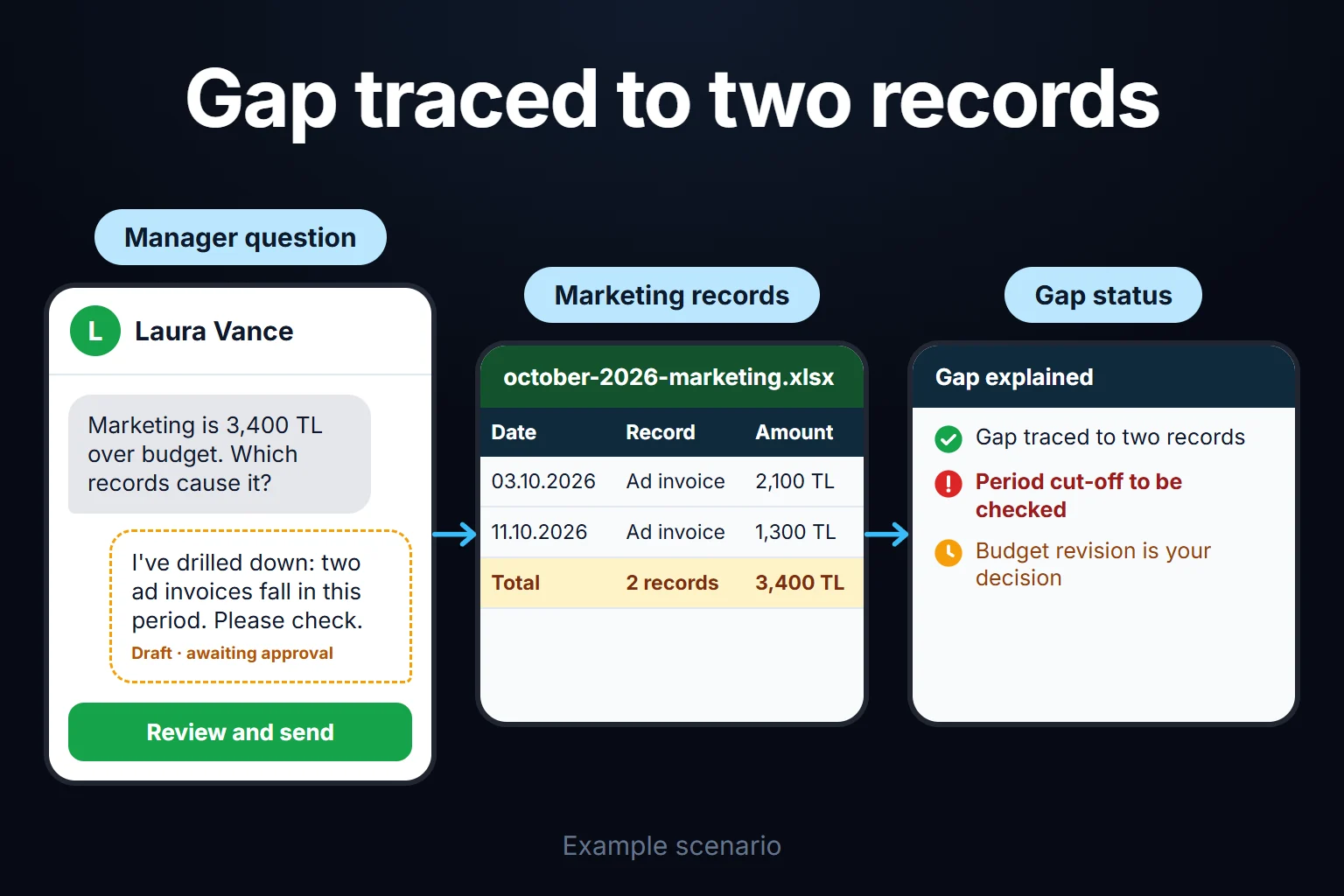 View full size](https://oguzerol.com/gorseller/senaryo/budget-vs-actual-expense-dashboard-senaryo-en.webp) # Budget vs Actual Expense Dashboard: Department Budgets, Commitments and Variance Alerts [Oğuz Erol](https://oguzerol.com/en/about-me/) | 15 min read A budget vs actual expense dashboard is a web app that puts each department’s budget next to its actual spend and next to what has been ordered but not yet invoiced, then alerts the right person when a variance crosses a threshold. A department head sees only their own budget; finance sees all of them, management sees the summary. I build these dashboards to fit your company. The biggest trap is definitional: a dashboard that divides the annual budget by twelve and one that ignores open purchase orders can show the same department as over budget and under budget in the same quarter, as the fictional quarter below shows. ## What exactly does the dashboard compare? For every department and expense line, the dashboard shows four numbers on one row, each defined up front so the totals can support decisions. | column | meaning | source | | --- | --- | --- | | Budget | The period’s share; original and revised kept separately | annual budget phased by month | | Actual | Invoices and expenses posted in the books | accounting system or ERP export | | Committed | Approved purchase orders not yet invoiced | purchase orders | | Remaining | Budget − actual − committed | calculated | **Committed spend** (an *encumbrance*) is the column most often left out. Once an order is placed the money is tied up, even if the invoice arrives weeks later. Every number opens its records. ## A worked quarter: marketing, January to March *Illustrative figures in the company’s reporting currency, net of VAT or sales tax.* A machinery manufacturer with 140 employees has an annual marketing expense budget of 600,000 and exhibits at trade fairs in March and October. | line | annual budget | Q1 (annual ÷ 12 × 3) | Q1 (seasonally phased) | | --- | --- | --- | --- | | Trade fairs and events | 240,000 | 60,000 | 120,000 (March fair) | | Digital advertising | 180,000 | 45,000 | 45,000 | | Catalogues and print | 60,000 | 15,000 | 15,000 | | Agency and consulting | 90,000 | 22,500 | 22,500 | | Travel | 30,000 | 7,500 | 7,500 | | **Total** | **600,000** | **150,000** | **210,000** | At the end of March the books show 165,000 actual: fair space and freight 82,000, digital 47,000, catalogues 12,000, agency 19,000, travel 5,000. A 38,000 order for the stand build was approved in February; its invoice arrives in April. | view | Q1 budget | compared with | variance | dashboard says | | --- | --- | --- | --- | --- | | Divided by 12, actual only | 150,000 | 165,000 | +15,000 (10% over) | red alert | | Phased, actual only | 210,000 | 165,000 | −45,000 (21% under) | “savings” | | Phased, actual + committed | 210,000 | 203,000 | −7,000 (3.3% under) | on plan | The third row is right. The first sends the managing director chasing a problem that doesn’t exist; the second suggests 45,000 is free to spend in April, when 38,000 of it is already on order. At line level, trade fairs sit at exactly 120,000 and digital is 2,000 (4.4%) over, under the threshold below. ### What happens in April? Two things happen, and the dashboard speaks up about one. 1. **The stand invoice arrives at 39,500.** The 38,000 commitment closes and 39,500 moves to actual, counted once. Trade fairs are 121,500 year to date against 120,000: 1,500 (1.25%), below the threshold. 2. **Digital spends 17,000.** Year to date it’s 64,000 against 60,000 (45,000 + 15,000): +4,000, or 6.7%. That’s Amber (thresholds are defined below), and the marketing head’s weekly digest shows: *“Digital advertising: budget 60,000, actual 64,000 (+4,000, 6.7%). Click for records.”* If the other lines spend exactly their April budget, the department total is 236,500 against 240,000, so it stays quiet. The department head can explain the variance in a note or request a revision; here they request one (see revisions below). ## Why does dividing the annual budget by twelve give the wrong answer? Even phasing only fits genuinely flat lines such as rent. Fairs, shutdowns, bonuses and licence renewals land in specific months; split evenly, the first half of the year runs on false alarms and the second on false comfort. Each line gets its own monthly phasing, based on last year’s actuals, a known calendar or an even split. The department head proposes it; finance approves. I also recommend comparing year to date: one invoice slipping from the 31st to the 1st can trigger a monthly alert, and the cumulative view absorbs that noise. ## Where do actuals come from, and what stops double counting? Actuals arrive from four sources, each with an entry rule applied as data comes in. 1. **Accounting or ERP export.** The main source. Account code and cost centre map to a department and line through a table finance owns; an unmapped code goes to an exceptions queue, not into “other”. 2. **Corporate card statement.** It shows spend days or weeks before the books, so it sits as a provisional entry and closes when the same purchase is posted as an invoice. Without that rule, one expense is counted twice. Matching card lines to receipts belongs to the [expense receipt and document tracking](https://oguzerol.com/en/expense-receipt-document-tracking/) app. 3. **Approved expense claims.** Shown as “approved” until posted. 4. **Purchase orders.** These create the commitment. An order invoiced in parts (say 15,000 of 38,000) leaves 23,000 committed; a cancellation drops it to zero and stays in the audit trail. Order approval is covered in the [purchase requisition approval app](https://oguzerol.com/en/purchase-requisition-approval-app/). Uploading the same export twice is blocked by file fingerprint and row key (document number + date + amount). Who uploaded which file and who changed the mapping table go into the audit trail. When purchasing enters an order that exceeds the line’s remaining budget, the app warns and asks for a reason; warning or hard stop is your call. ## How are VAT, invoice differences and closed periods handled? Budget, commitments and actuals sit on the same basis, net of recoverable VAT or sales tax; comparing a net order with a gross invoice creates a false variance when the commitment closes. Non-recoverable tax follows your accounting policy. **When an invoice differs from its order,** the commitment closes at the order amount and actual is posted at the invoice amount. The order line gets a “+1,500 on invoice” note. **When an invoice arrives after the period closes,** finance picks one of two policies. Either the closed period is locked and a March invoice arriving on 8 April is posted to April with a “prior period” tag, or finance reopens March, posts a correcting entry, and the reopening goes into the audit trail. The dashboard follows the same rule as the books. ## How should variance thresholds work, and who gets the alert? Require both a percentage and an absolute amount to be crossed before alerting; with a percentage alone, a 100 overrun on an 800 stationery line (12.5%) would alert. *Example thresholds; your decision.* Year to date, on actual + committed: | level | condition | who is alerted | | --- | --- | --- | | Amber | more than 5% and less than 10% over phased budget, variance ≥ 2,500 | department head (weekly digest) | | Red | 10% or more over, variance ≥ 2,500 | department head + finance (immediately) | | Year-end risk | forecast exceeds annual budget | finance + managing director (monthly) | April’s digital line crossed both (6.7% and 4,000), so it went Amber; the same percentage on a 400 variance would stay silent. The simplest year-end forecast is actual + committed + phased budget for the remaining months, and the department head can attach a note to it. ## How are budget revisions and the audit trail kept? The original budget is never overwritten; every change is a separate revision: a supplementary budget, a transfer between lines or departments, or a rephasing between months. Back to April. The marketing head notes that October’s catalogue run has been cut and requests a 5,000 transfer from catalogues to digital, placed in April; the annual total doesn’t change. *Example rule:* transfers up to 5% of the department’s annual budget (here 30,000) need finance approval, larger ones the managing director’s. Once finance approves, digital’s year-to-date budget is 65,000 against 64,000 actual and the alert clears. The record holds who asked, why, who approved, when, and old and new values. Reports show original, revised and actual side by side (60,000 / 65,000 / 64,000), so the transfer stays visible. ## How does the dashboard separate currency effects? For foreign-currency spend, the variance caused by exchange rates is shown separately, so a department head isn’t alerted for something they can’t control. *Illustrative figures and rates.* IT budgets a quarterly licence at 20,000 USD, at a budget rate of 0.90 per dollar in the company’s reporting currency: 18,000. Two users are added; the invoice is 21,000 USD, posted at 0.95: 19,950. The 1,950 variance splits into: - **Volume effect:** 1,000 USD × 0.90 budget rate = 900. The department’s decision; it counts toward its threshold. - **Rate effect:** 21,000 USD × 0.05 = 1,050. It goes to finance’s report. Each foreign-currency line stores the foreign amount, budget rate and transaction rate. Which rate source to use is an accounting policy question; I lock in whichever source finance chooses. ## Who sees what? Department-level permissions are one of the main reasons to build this. The marketing head sees April’s alert and digital records, not IT’s licence line. | role | sees | does | can’t | | --- | --- | --- | --- | | Department head | own department’s lines and records | approves own department’s spending, revision requests, notes, can contest a line suggestion | change the budget, see other departments | | Purchasing | remaining amount on the line an order hits | enters orders | see the full budget table | | Finance specialist | all departments | first check of AI line suggestions, mapping rules, revision approval, period close | delete the audit trail | | Managing director | summary, forecast, detail if needed | approves revisions above the approval limit | — | | Internal audit | everything, read-only | exports the audit trail | change records | In a three-person department, even the “staff costs” total lets people guess individual salaries. My suggestion: show it to the head without a per-person breakdown, and if the group has fewer than five people, merge the total into the level above. Role design, audit trail and reversals are covered in depth on the [bank transaction reconciliation app](https://oguzerol.com/en/bank-transaction-reconciliation-app/) page. ## What does AI do here, and what doesn’t it do? AI does three jobs, and in all three it only suggests. - **Suggesting a budget line.** Rules run first; AI only sees lines the mapping can’t place, such as a card line reading “MESSE STAND DEPOSIT”. It suggests “Marketing / Trade fairs and events” with reasons, and a finance specialist checks and approves it first. Only then does the line reach the department’s screen, where the head can contest it. An unapproved suggestion stays in the exceptions queue; turning a repeated one into a rule is finance’s call. - **Drafting a variance explanation.** The threshold rule finds the variance; AI reads the records behind it and drafts a note. For April: *“Digital is 4,000 over year to date; 3,500 of April’s 17,000 is a new campaign described as ‘DE search campaign’.”* The department head confirms or corrects it. - **A monthly management summary.** The numbers come from the app’s table, not the model; every number in the draft is checked against the table, and a mismatch blocks sending. Finance edits and sends. AI can’t change the budget, approve revisions, make rules permanent or decide who gets alerted. Lines naming an employee go to the AI service with role and department instead of a name. If the service runs abroad, international transfer rules apply: the GDPR in the EU, the UK GDPR in the UK, and, if you’re in Turkey, [KVKK Article 9](https://www.resmigazete.gov.tr/eskiler/2024/03/20240312-1.htm). I don’t give legal advice; I document which data goes where so your lawyer can assess it. ## How do you build budget vs actual in Excel, and where does it break? For a budget one person maintains, Excel or Google Sheets is a good start: - One row per department × line × month, with budget, actual and committed in separate columns. - Variance = Actual + Committed − Budget; Variance % = `IF(Budget=0, "no budget", Variance / Budget)`, so spend on a zero-budget line is flagged instead of showing as 0%. - A pivot table for department and quarter totals; conditional formatting on both measures: `=AND(VariancePct>=0.1, Variance>=2500)`. A template is enough to build the budget; the file breaks once several people track it through the year: - **Versions multiply.** Departments email copies back, finance merges, and the approved revision gets lost between files. - **Everyone sees everything.** Microsoft says worksheet-level protection isn’t intended as a security feature ([Microsoft Support](https://support.microsoft.com/en-US/excel/protect-a-worksheet)). Google says protected ranges shouldn’t be used as a security measure and that viewers can still access content in hidden sheets ([Google Docs Help](https://support.google.com/docs/answer/1218656?hl=en)). A file per department works but adds a monthly merge. - **Commitments belong to nobody’s file.** On a partial invoice, nobody owns the remaining amount. - **A revision’s reason and approval aren’t attached to the cell.** Version history shows which cell changed, not why or who approved. **Isn’t Power BI with row-level security enough?** For visibility, it can be: row-level security limits each report reader to their department’s rows ([Microsoft Learn, read 14 October 2026](https://learn.microsoft.com/fabric/security/service-admin-row-level-security)). Microsoft notes it only applies to users in the Viewer role, and a user who can see a row sees its detail, so “show the total, hide the per-person breakdown” isn’t possible with it. Order entry, commitments closing against invoices, revision approvals and the “why and who” trail still need a writable app. If you use Power BI, it can report on the dashboard’s data. ## If your ERP’s budgeting module is enough, you don’t need this If budget control is set up in your ERP and department heads already work in it, skip the separate dashboard. Microsoft Dynamics 365 Finance, for example, can include requisitions and orders in available funds, apply rules and thresholds by department, and handle override permission, revisions and transfers ([Microsoft Learn, read 14 October 2026](https://learn.microsoft.com/dynamics365/finance/budgeting/budget-control-overview-configuration)). For other ERPs we check their documentation together; I haven’t verified every product. It’s also unnecessary if one finance person keeps the budget for two or three owners. It makes sense when department heads lack ERP access, spend comes from several sources and revision approvals run over email. ## How do we start, and who owns the data and code? The first step is mapping how you work today. We go through your budget files and process: who enters which number from where, how revisions are approved, where orders are kept. The written output is a draft line list and cost-centre mapping, a role list, proposed thresholds and alert recipients, and the first version’s scope. After that review I share the scope and delivery schedule in writing. **Where does the data live?** The app runs on a server (a VPS) and the records live in its database; the server can be opened in your company’s name. The data is yours and can be exported to Excel or CSV at any time. There’s no per-user licence; the running cost is the server’s monthly fee plus upkeep, and in a small or mid-sized team adding a department head doesn’t change it. **How do people sign in, and what if you change ERP?** Everyone has their own account; I document the sign-in method and user management in the written output of the first step. Finance assigns who sees which department, and every assignment goes into the audit trail. If you change ERP, the budget and spend history stays in your database; only the mapping table is rebuilt for the new ERP’s export. **Who owns the code?** At handover, the complete source code sits in a repository you can access, with run instructions, a list of the services and keys it needs, and a written list of what it doesn’t do; keys and accounts are opened in your name. **Who maintains it?** Finance changes thresholds, line lists and users from the dashboard; a new data source or behaviour is development work, and I share its scope and delivery schedule in writing. Start with one or two departments and two sources: the ERP export and purchase orders. Don’t begin with the most complex process; in budgeting that means switching on every department, card statements and the AI summary on day one. Add thresholds and permissions next, and cards and AI suggestions only after the numbers have matched finance’s own figures across a few month-end closes. Management needs one row per department: year-to-date variance, year-end forecast, red alerts. Tell me your departments, where the budget lives today and which system your expenses come from, on WhatsApp or through the [contact page](https://oguzerol.com/en/contact/); in the first meeting we agree the scope of that mapping step. ## Frequently Asked Questions ### How often are actuals updated? With an API in your accounting system, daily; otherwise finance uploads a weekly or monthly export, and every screen shows the last upload date. ### Can the dashboard help prepare the budget too? Departments can enter proposals, finance approves them, and phasing happens in the same app. A planning model that turns a sales forecast into expense scenarios is a separate job; if that’s what you need, I’ll say so up front. ### Can a revenue budget be added? Yes, but the sign flips: below budget is bad for revenue, so revenue lines get their own colour rule. ### Can project budgets be tracked here too? An expense can carry a department and a project, but a project budget runs over the project’s life, not the calendar year, so I recommend a separate project tab. [Back to top ↑](https://oguzerol.com/en/budget-vs-actual-expense-dashboard/#icerik) ## You may also find these useful [Expense Permissions and Reporting Screen: Who Sees What, Which Report Goes to WhomLet project managers see only their project and auditors get read-only exports: a web app that scopes each expense line by role. Walk through a sample company.](https://oguzerol.com/en/expense-permissions-reporting-screen/)[Expense Receipt Tracking: Matching Card Statements to ReceiptsA web app that matches each month's corporate card statement to expense records and receipts, with a missing-receipt queue, FX and refund rules. See how.](https://oguzerol.com/en/expense-receipt-document-tracking/)[Mobile Employee Expense Entry: Receipt Photos and AI Receipt ReadingA web app where field staff log expenses by phone, AI reads the receipt photo and flags fields that fail checks, and duplicates are stopped. See a sample month.](https://oguzerol.com/en/mobile-employee-expense-entry/) [Browse all articles →](https://oguzerol.com/en/articles/) WHAT YOU CAN ASK FOR ## How do I work? Work-hour packages Tell me about your business and what you need on WhatsApp or by phone; we agree on **a work block of somewhere between 5 and 40 hours** and I start doing what is needed. What you get is not a calendar window — it is net working hours spent directly on your business. I can use 40 hours working three days straight, or deliberately spread it out and finish it over a year — whatever the work calls for. I do not spend my time estimating how long something will take, I spend it doing the work; every hour I spend leaves a lasting result in your business. We keep going for as long as you find it useful. WORK BLOCKS ## Why not monthly? Is 40 hours a week? On a fixed monthly fee both sides are watching the wrong thing: you watch a fixed cost, the other side watches how many more contracts like this they can line up. Working by the hour puts us both in front of the same thing — the real value of the work that got done. I know not having an upfront answer to "how much will this cost in total?" is the natural cost of this model. But instead of paying a fixed fee for months to a setup that is not producing results, you only pay for the qualified time spent on your work — and you see exactly where that time went, start to finish. That is why my clients keep coming back. 5hours300€ + VAT60€ per hour[Choose this block](https://wa.me/905496546489?text=Hi%2C%20I%27d%20like%20info%20about%20the%205-hour%20work%20block.) 10hours500€ + VAT50€ per hour[Choose this block](https://wa.me/905496546489?text=Hi%2C%20I%27d%20like%20info%20about%20the%2010-hour%20work%20block.) 20hours800€ + VAT40€ per hour[Choose this block](https://wa.me/905496546489?text=Hi%2C%20I%27d%20like%20info%20about%20the%2020-hour%20work%20block.) 40hours1,400€ + VAT35€ per hour[Choose this block](https://wa.me/905496546489?text=Hi%2C%20I%27d%20like%20info%20about%20the%2040-hour%20work%20block.)